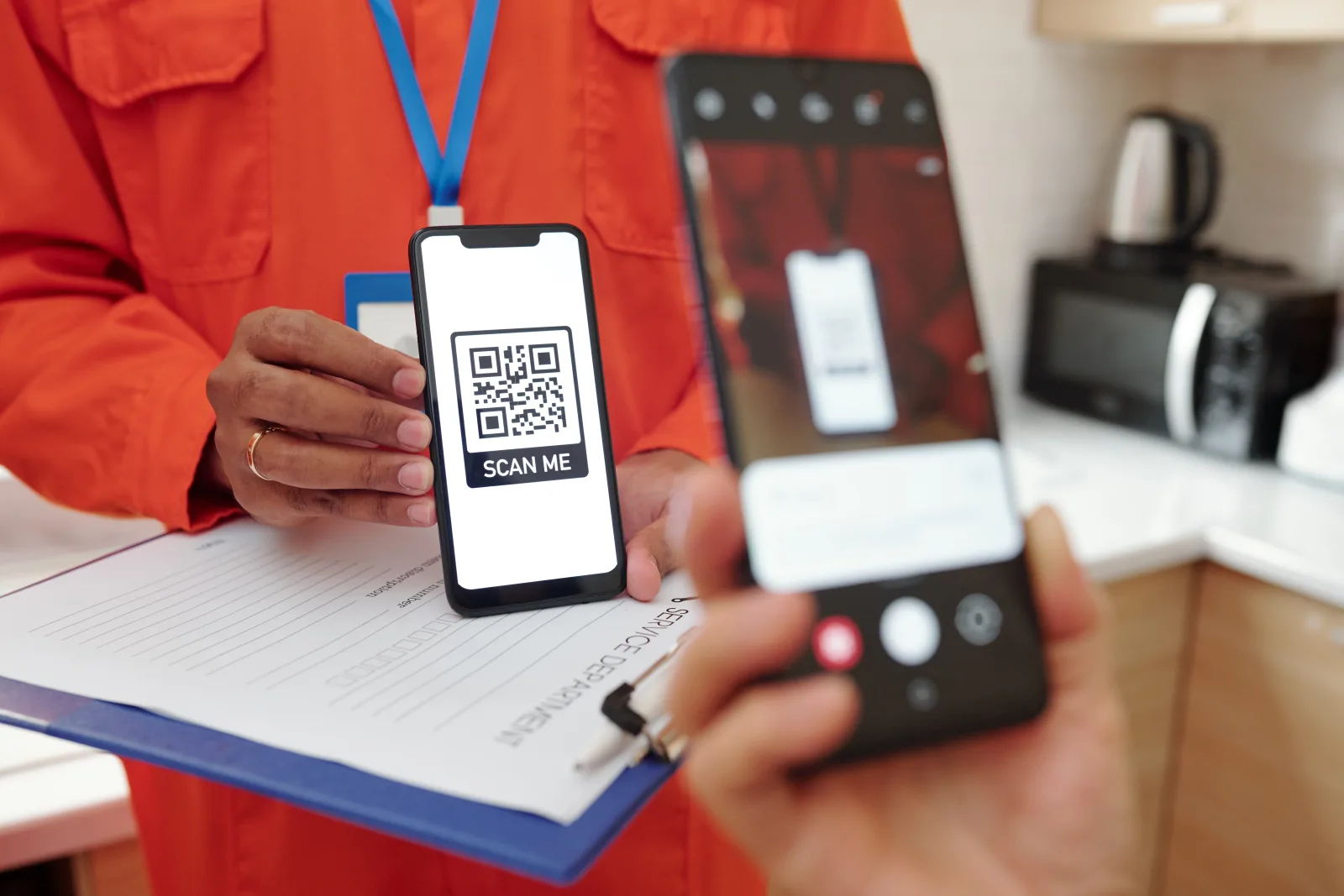
QR codes are usually convenient, fast, and completely normal to use. You see them on restaurant tables, product packaging, posters, tickets, parking signs, brochures, and business cards every day. But a QR code is only as trustworthy as the destination behind it.
That is the real risk. A fake or malicious QR code can send someone to a phishing page, a fake payment portal, a scam login screen, or another destination that tries to steal money, passwords, or personal information. The QR code itself may look harmless. The danger starts after the scan.
Quick answer: QR codes are usually safe when they come from a trusted source and lead where you expect. They become risky when the code has been replaced, tampered with, sent in a suspicious message, or used to push you toward a fake login, payment, or account page.
Are QR codes safe in general?
Yes, in most everyday situations they are. A QR code on a restaurant menu, event ticket, product box, or business card is not automatically dangerous just because it is a QR code.
The safer question is not “Is this square image safe?” but “Do I trust where this code is sending me?” That is the real decision point. A legitimate QR code and a malicious QR code can look almost identical before the scan.
| Usually lower risk | Usually higher risk |
|---|---|
| Menu QR on a table inside a known restaurant | Random QR code in an unexpected email or text |
| Business card QR from someone you just met | Sticker placed over another QR code in public |
| Product QR on original packaging from a known brand | QR code pushing urgent payment, login, or account recovery |
Simple rule: The more unexpected the QR code feels, the more careful you should be before opening it.
How fake and malicious QR codes usually work
A malicious QR code usually does not “hack” you by being scanned. Instead, it relies on social engineering. It tries to get you to trust the code, open the link, and do something unsafe afterward.
| Tactic | What it looks like | What the scammer wants |
|---|---|---|
| Fake login page | The QR opens a page that looks like your bank, workplace, delivery company, or service provider | Your username, password, or account recovery details |
| Fake payment page | The QR opens a payment portal for parking, crypto, gifts, or “urgent account resolution” | Your money or card details |
| Malware or risky download | The page pushes an app install, file download, or fake “security update” flow | Access to your device or your data |
| Tampered public QR | A bogus sticker is placed over a real QR in a public location | To hijack a trusted scan moment |
| Message-based QR scam | The QR arrives in a text, email, package insert, or chat with pressure to act fast | To bypass your normal caution |
In short, a malicious QR code often works by making the destination feel urgent, familiar, or convenient enough that you stop checking carefully.
10 red flags that a QR code might be malicious
One warning sign alone does not always prove a scam. But several signs together should make you stop and verify before scanning.
1. It is in an unexpected message
Be careful with QR codes in surprise texts, emails, or package notes that push you to act quickly.
2. It looks tampered with
A sticker placed over another code, uneven edges, or a mismatched print style is a serious warning sign.
3. The message creates urgency
“Act now,” “your account is at risk,” or “confirm immediately” are classic scam triggers.
4. The destination preview looks strange
Misspellings, odd domains, extra characters, or a brand name that is almost right are all red flags.
5. It asks for login details fast
A page asking for a password immediately after the scan should make you slow down and verify first.
6. It asks for payment in a strange context
Parking, crypto, gift cards, or “secure this account now” payment requests deserve extra caution.
7. It asks for too much information
If a simple scan suddenly leads to requests for full card details, passwords, one-time codes, or identity data, stop.
8. The branding feels off
Awkward wording, bad design, missing company details, or inconsistent logos can be clues that the destination is fake.
9. It pushes you to install something
Unexpected app installs or file downloads should be treated carefully, especially when they were not the reason you scanned.
10. The context does not make sense
If the QR code appears where it feels random, out of place, or unrelated to what you were doing, trust that instinct and verify first.
How to scan a QR code more safely
Most QR safety comes down to slowing down for a few seconds before opening the destination.
- Prefer QR codes from sources and places you already trust
- Inspect public QR codes for sticker overlays or signs of tampering
- Check the destination preview before tapping through
- Be extra cautious with QR codes in unexpected texts and emails
- Use the scanner built into your phone instead of a random third-party QR app when possible
- If the QR is supposed to be from a company, verify through the company’s known website or phone number
- Do not enter passwords, one-time codes, or payment details unless you are sure the page is genuine
- Keep your phone and apps updated so security protections stay current
Best habit: Treat an unexpected QR code the same way you would treat an unexpected link. Convenience should not cancel caution.
What to do if you already scanned a suspicious QR code
Do not panic. What matters is what happened after the scan.
| If this happened | Do this next |
|---|---|
| You opened the page but entered nothing | Close the page, do not continue, and verify the situation through an official source before trying again |
| You entered a password or login info | Change the password right away, change it anywhere else you reused it, and enable multi-factor authentication if you have not already |
| You entered banking or card details | Contact your bank or card provider immediately and tell them you may have exposed payment information to fraud |
| You scanned it on a work phone or laptop | Report it to your IT or security team as soon as possible |
| You downloaded something or followed install steps | Run a security check on the device, remove anything suspicious, and get technical help if you are unsure |
If the scan led to account exposure, money loss, or a compromised work device, acting quickly matters much more than trying to solve it quietly on your own.
How businesses can make legitimate QR codes easier to trust
If you use QR codes in your business, you can reduce customer hesitation by making the code feel clearly legitimate.
- Place QR codes where they logically belong in the customer journey
- Add clear CTA text such as “Scan to view menu” or “Scan to leave a review”
- Use consistent branding so customers recognize the source
- Inspect printed public QR codes regularly for tampering or sticker overlays
- Avoid confusing customers with too many different codes in one area
- Keep the destination page fast, mobile-friendly, and aligned with the printed promise
A trustworthy QR code is not just scannable. It also feels expected, clear, and easy to verify.
Common mistakes to avoid
- Scanning a QR code in a message you were not expecting
- Ignoring signs that a public QR sticker was placed over something else
- Opening a suspicious destination without checking the preview first
- Typing passwords or payment details into a page just because it looks familiar
- Assuming all QR codes in public are automatically safe
- Using random third-party QR scanner apps when your phone already has one built in
- Waiting too long to act after entering sensitive information on a suspicious page
The most common scam pattern is not technical sophistication. It is urgency plus trust plus habit. That is why a two-second pause before you tap matters so much.
FAQ
Are QR codes safe to scan?
Usually, yes, when they come from a trusted source and the destination matches what you expect. The risk is the page, file, or action behind the code.
Can a QR code itself hack my phone?
The bigger risk is usually what opens after the scan, such as a phishing page, fake payment portal, or malicious download prompt.
What is the biggest warning sign of a fake QR code?
An unexpected context is one of the biggest warning signs, especially when the QR code creates urgency, asks for login or payment details, or appears tampered with.
Are QR codes in restaurants and stores usually safe?
Often, yes, but you should still look for signs of tampering and check whether the destination makes sense for the place you are in.
Should I scan QR codes from emails or texts?
Be much more cautious. Unexpected QR codes in emails and texts are a common scam pattern because they can hide the real destination until after the scan.
What should I do if I entered my password after scanning a suspicious QR code?
Change the password immediately, change it anywhere else you reused it, and turn on multi-factor authentication if available.
Create a QR code that scans reliably
Create a clear QR code, test it on real devices, and share it with confidence.