Plain
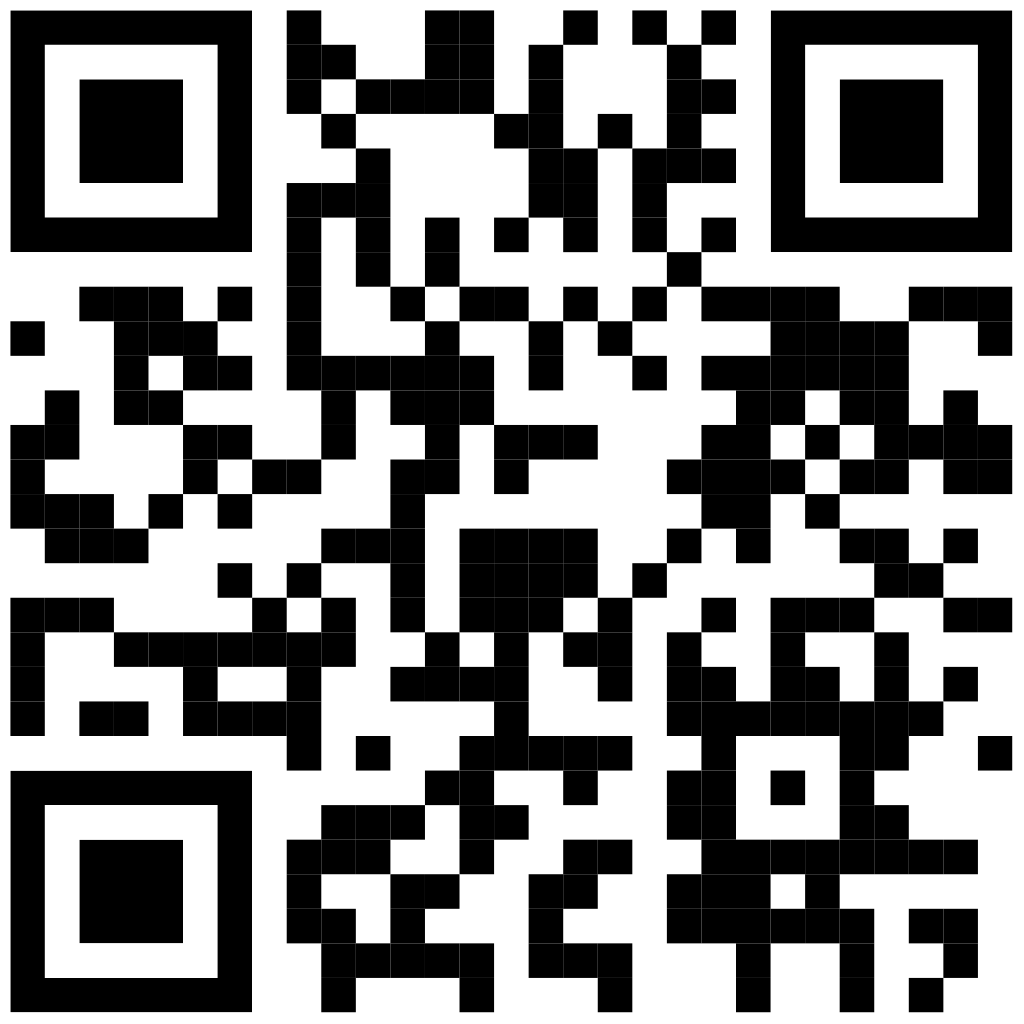
No-frills, fast scan
CreateQR Developer Manual
Use three endpoints to create, list, and delete QR codes with full styling control. Same-day integration, clean JSON, and your QRs stay in your dashboard.
/api/v1
Auth: Authorization: Bearer <key> (recommended)
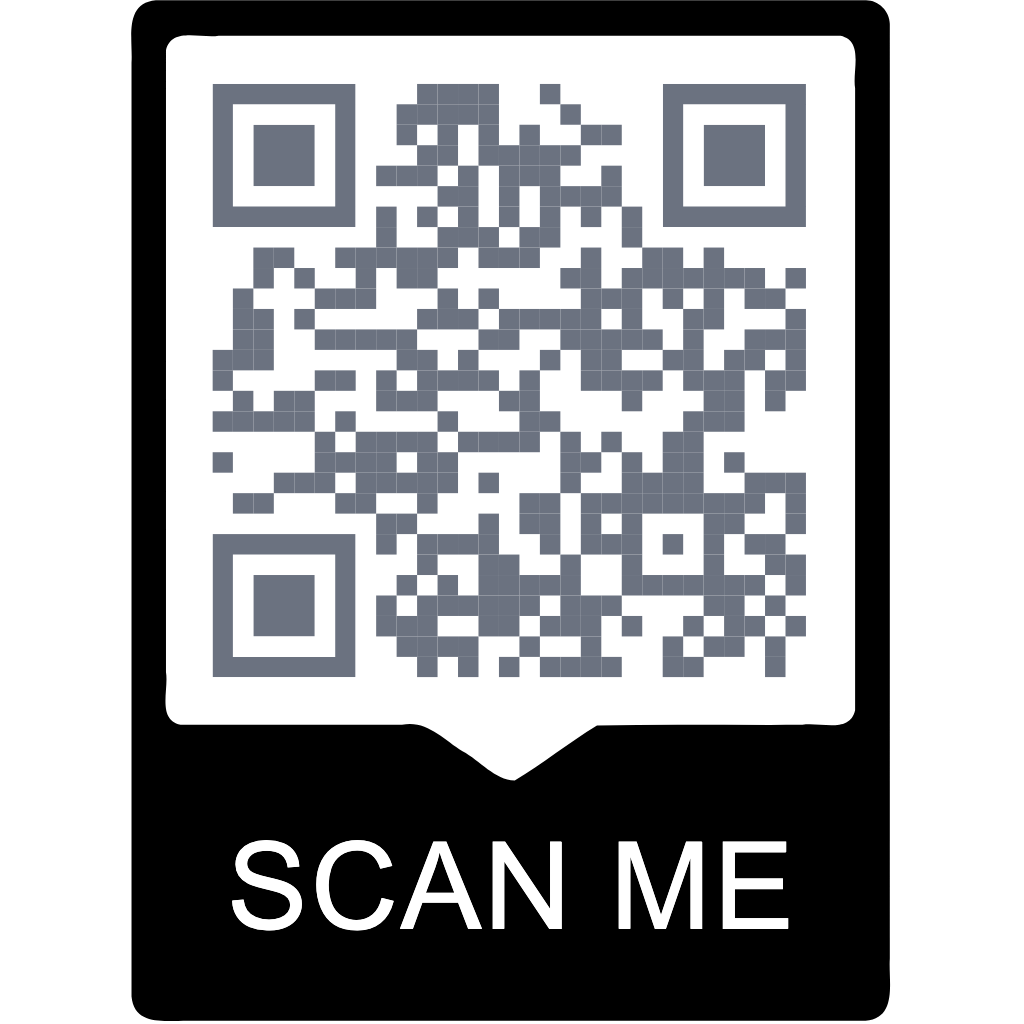
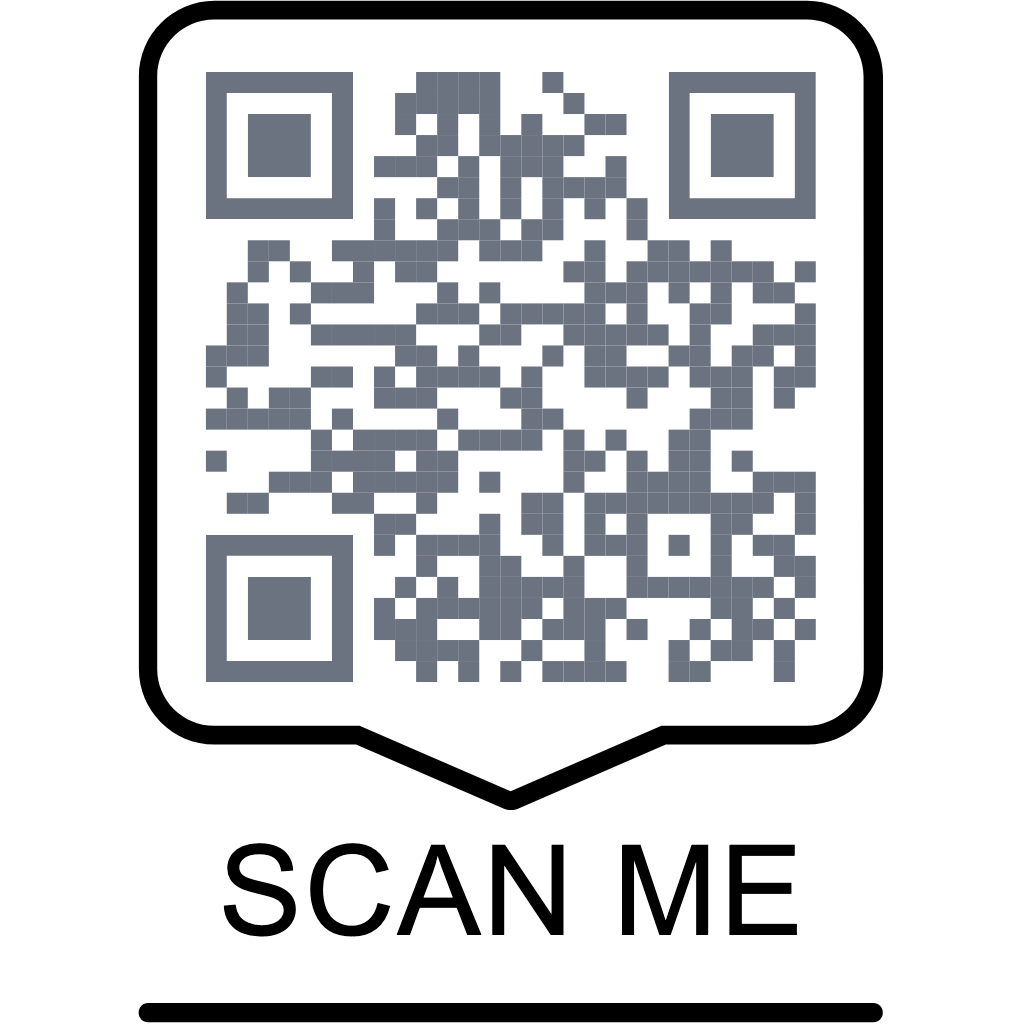
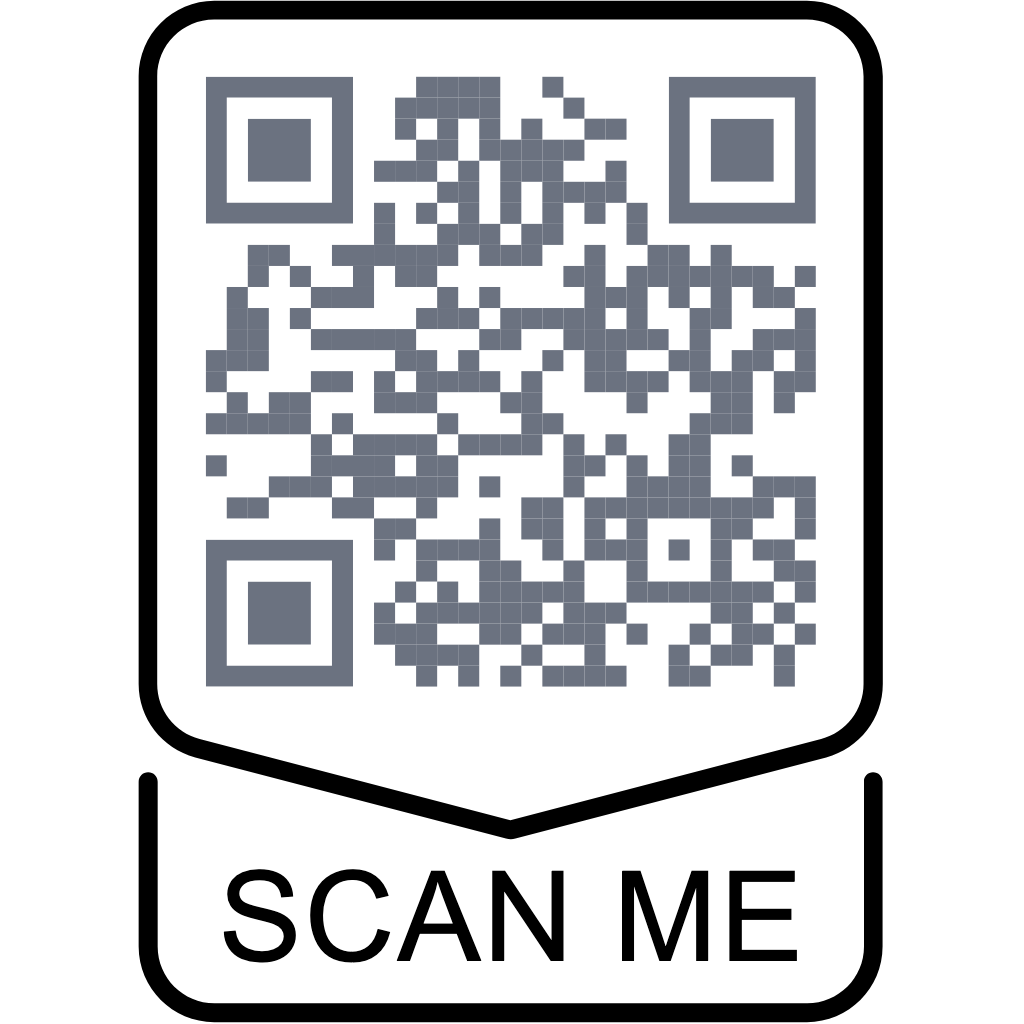
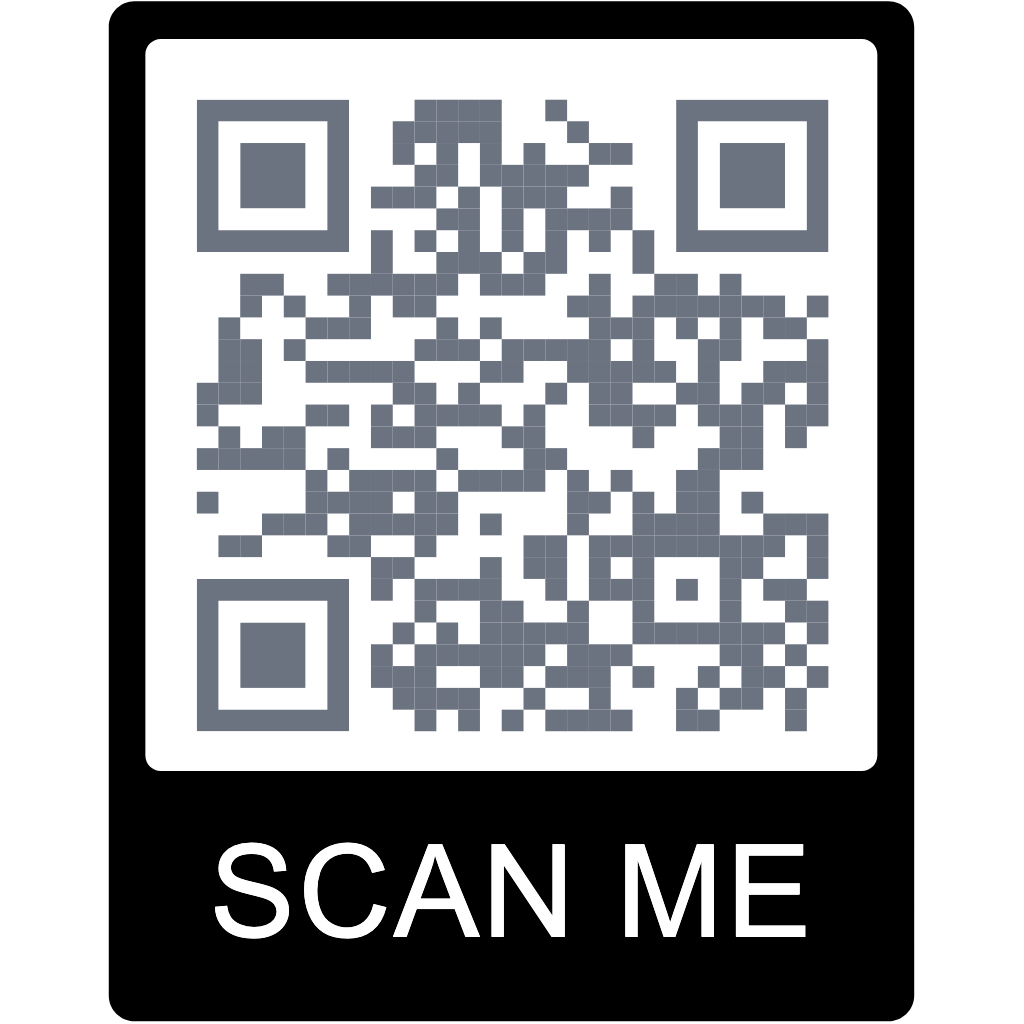
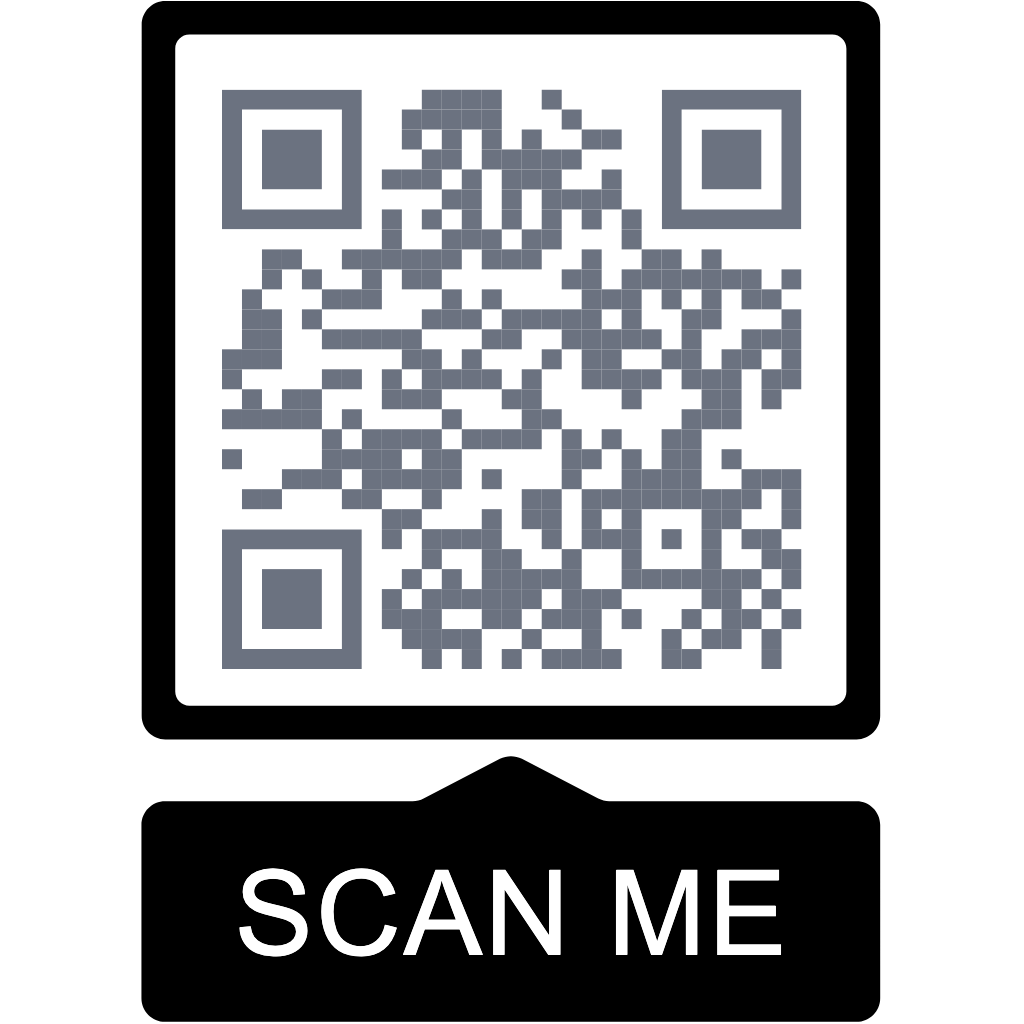
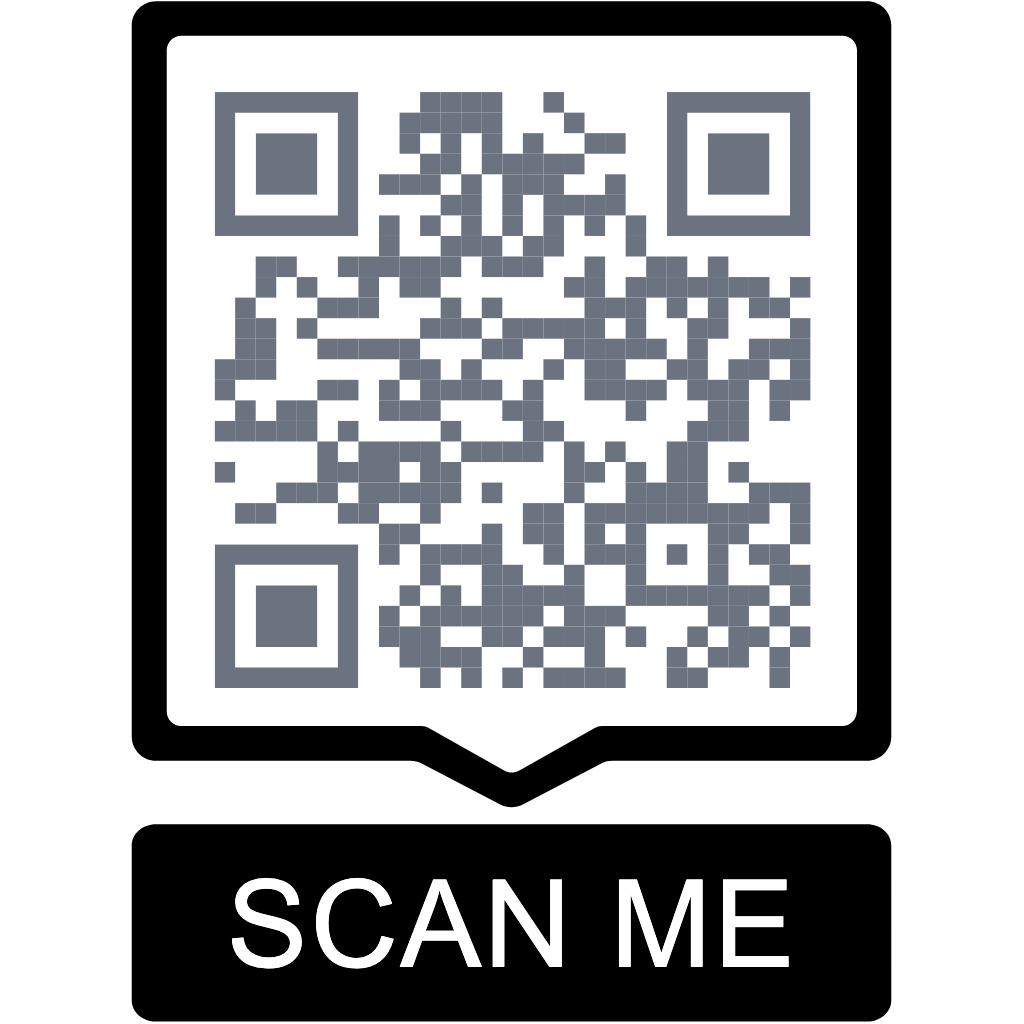
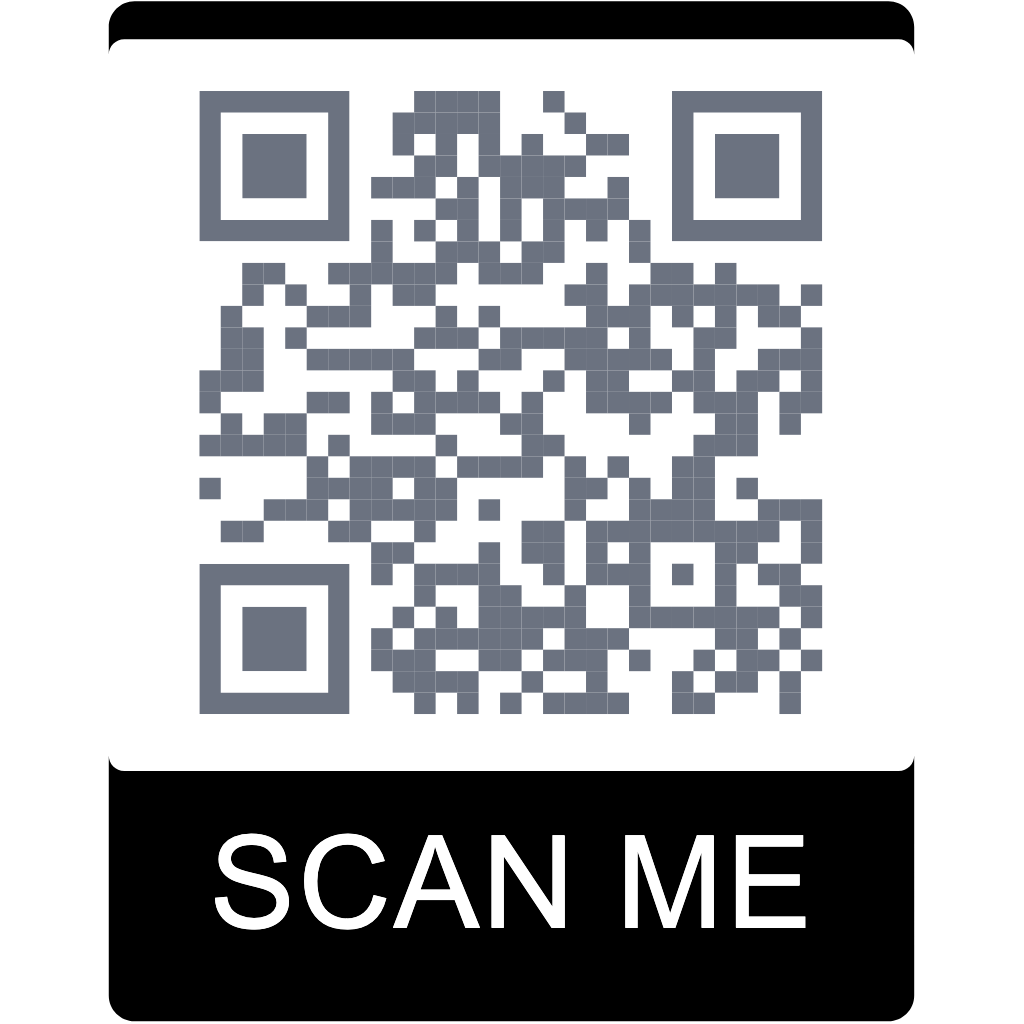
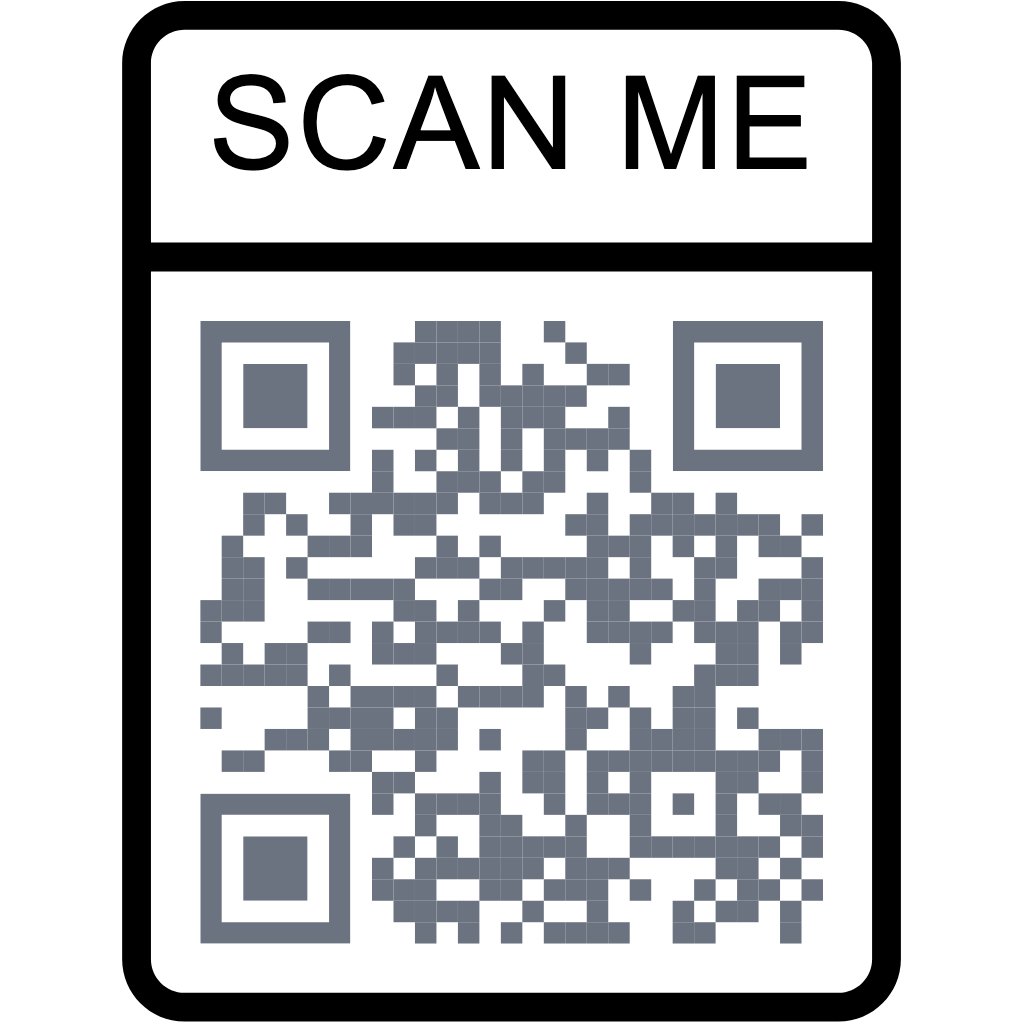
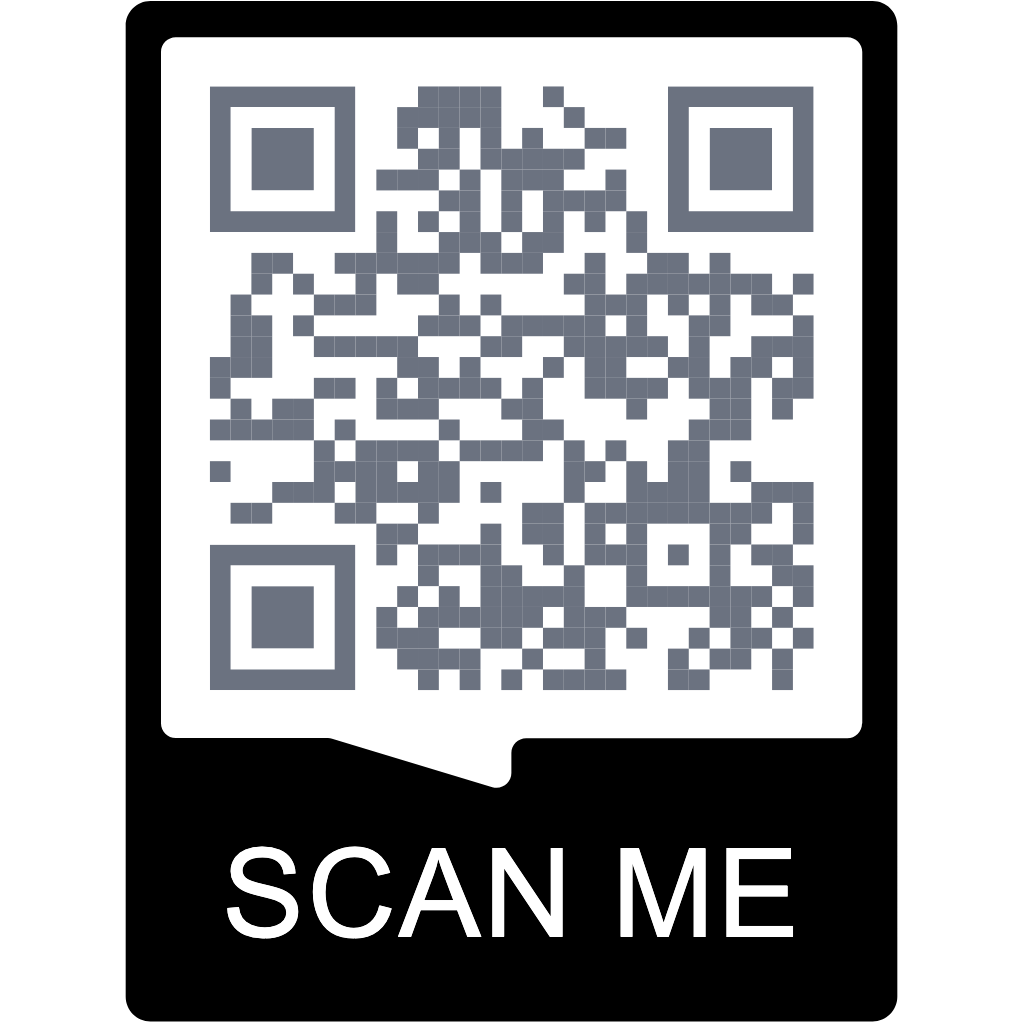
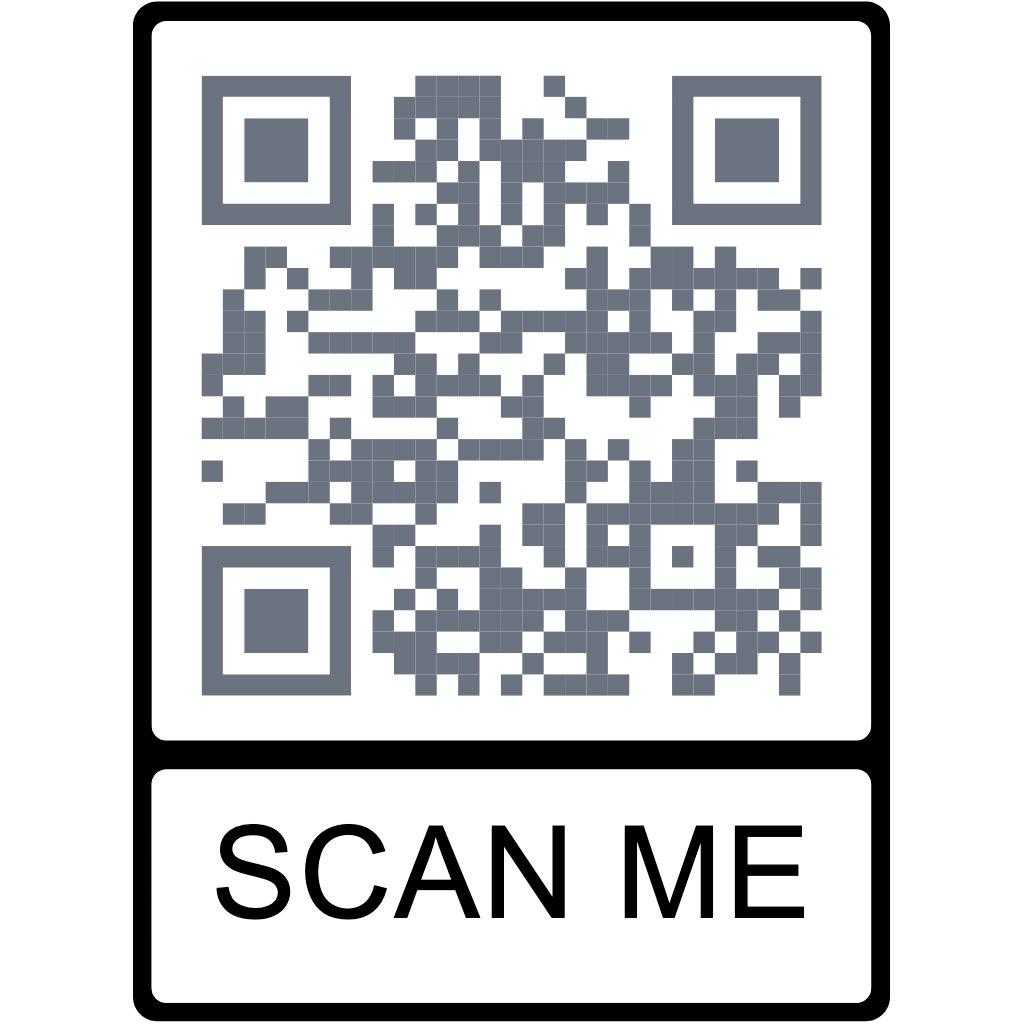
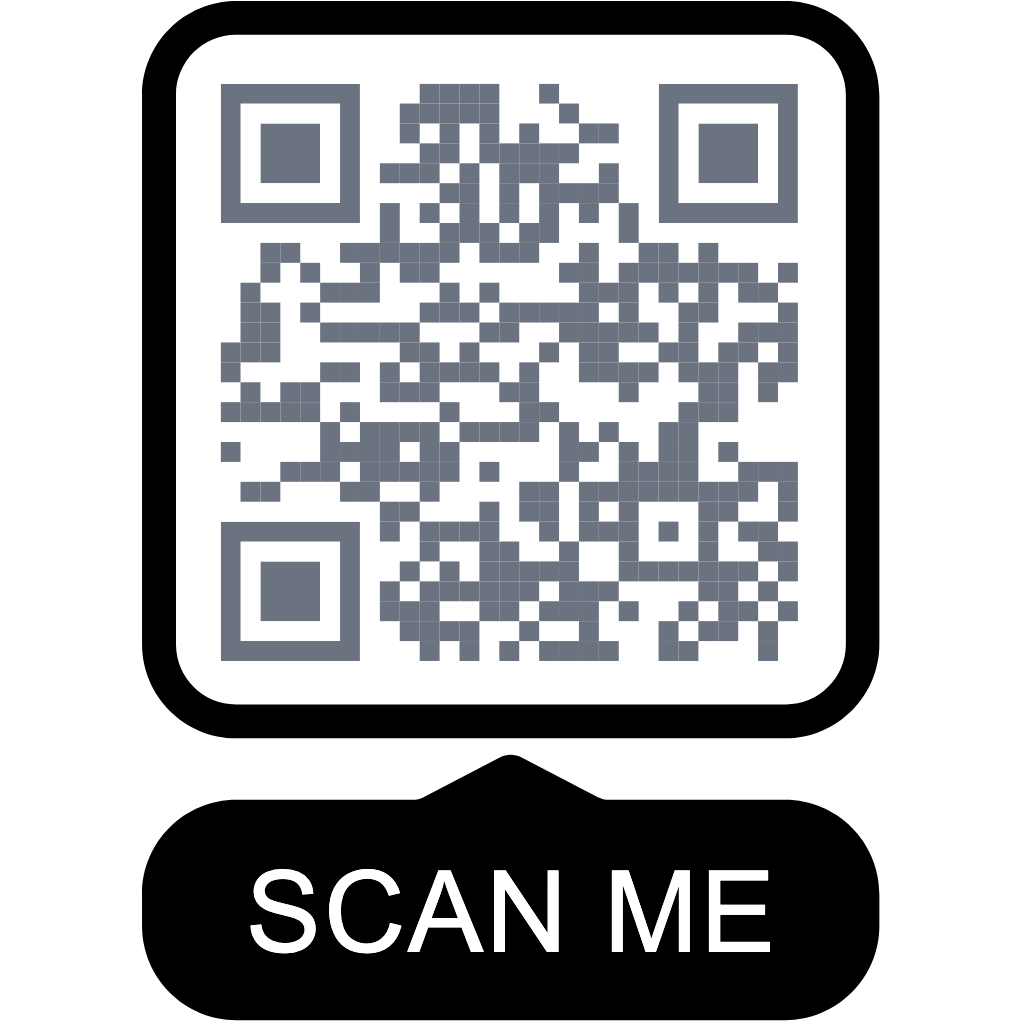
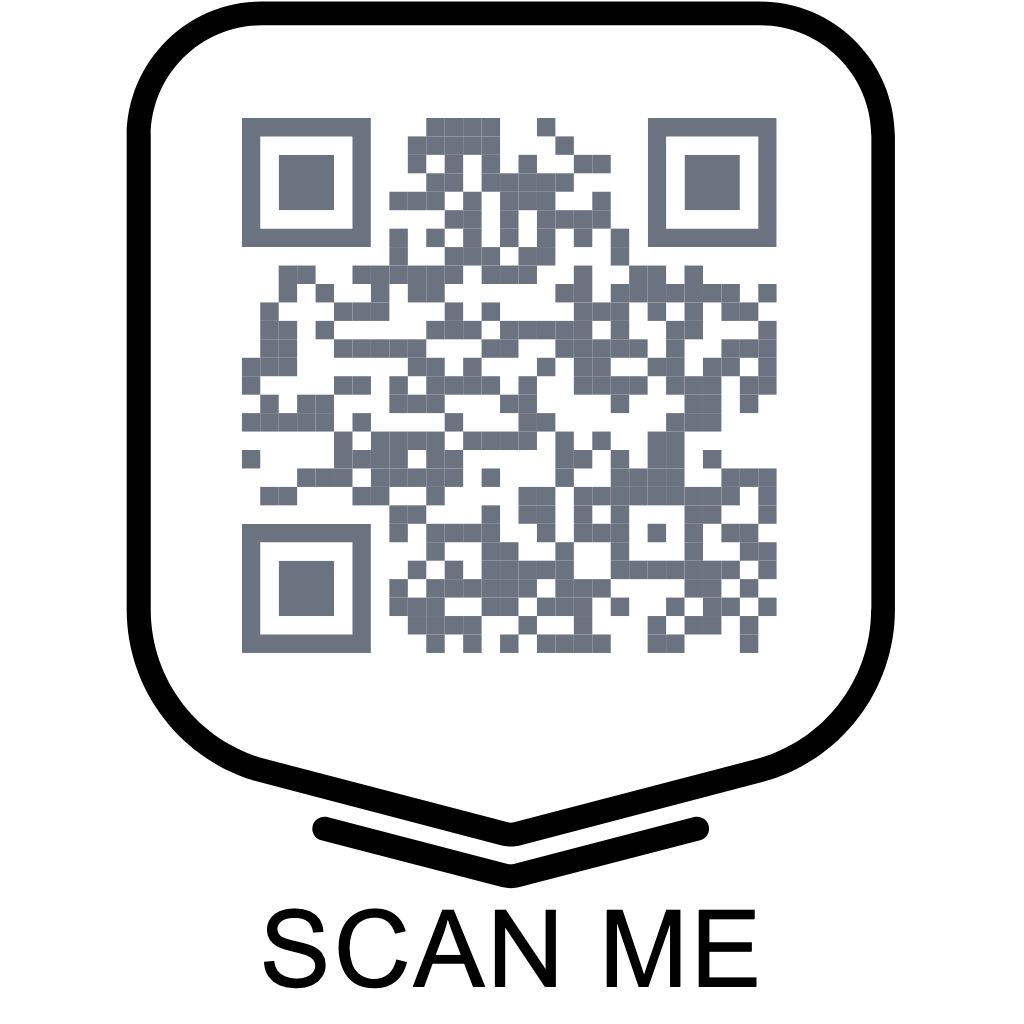
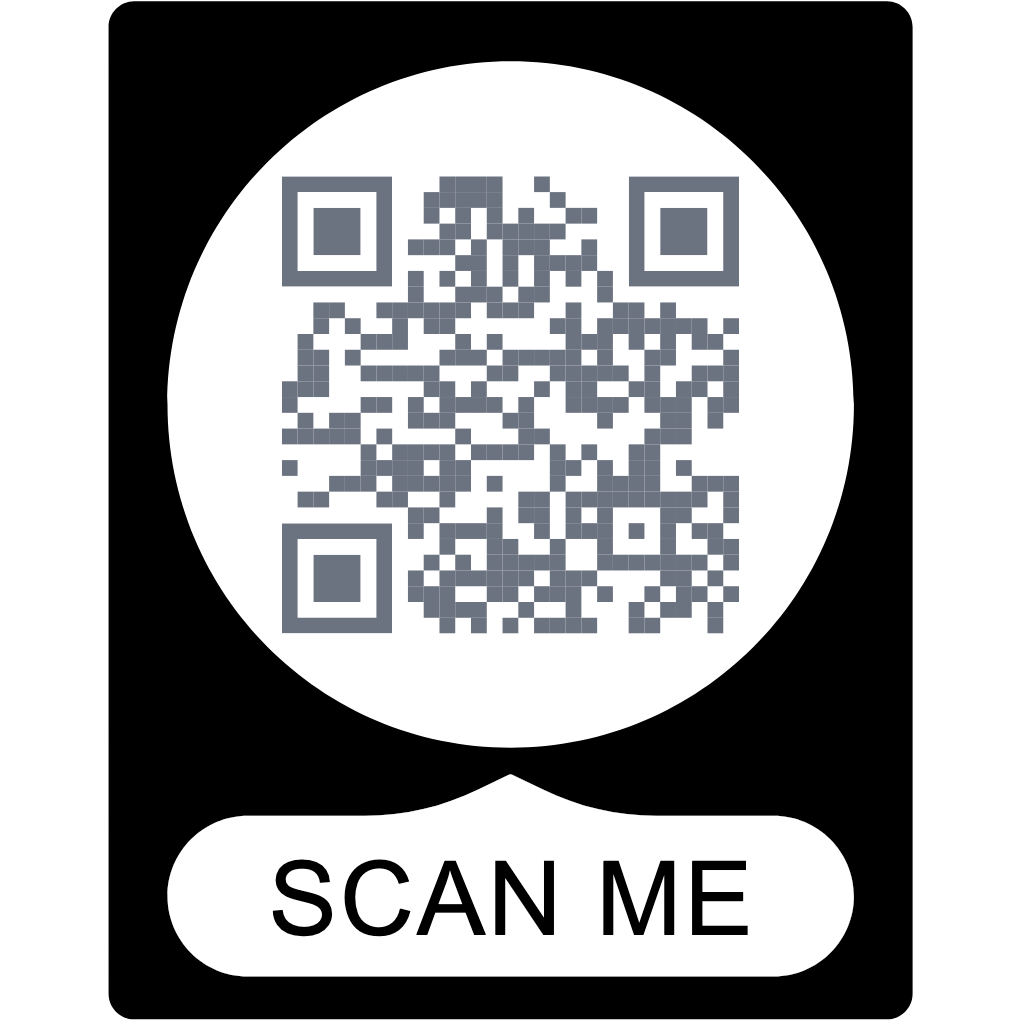
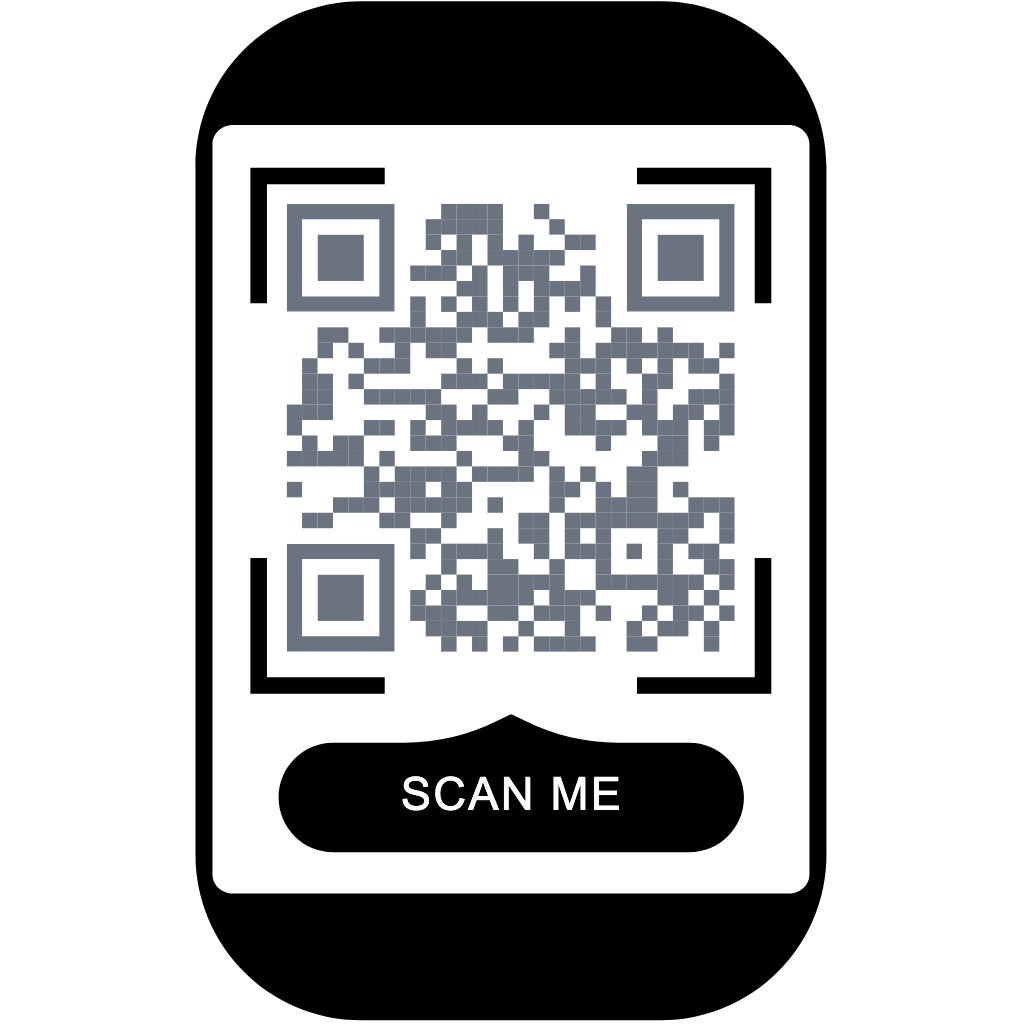
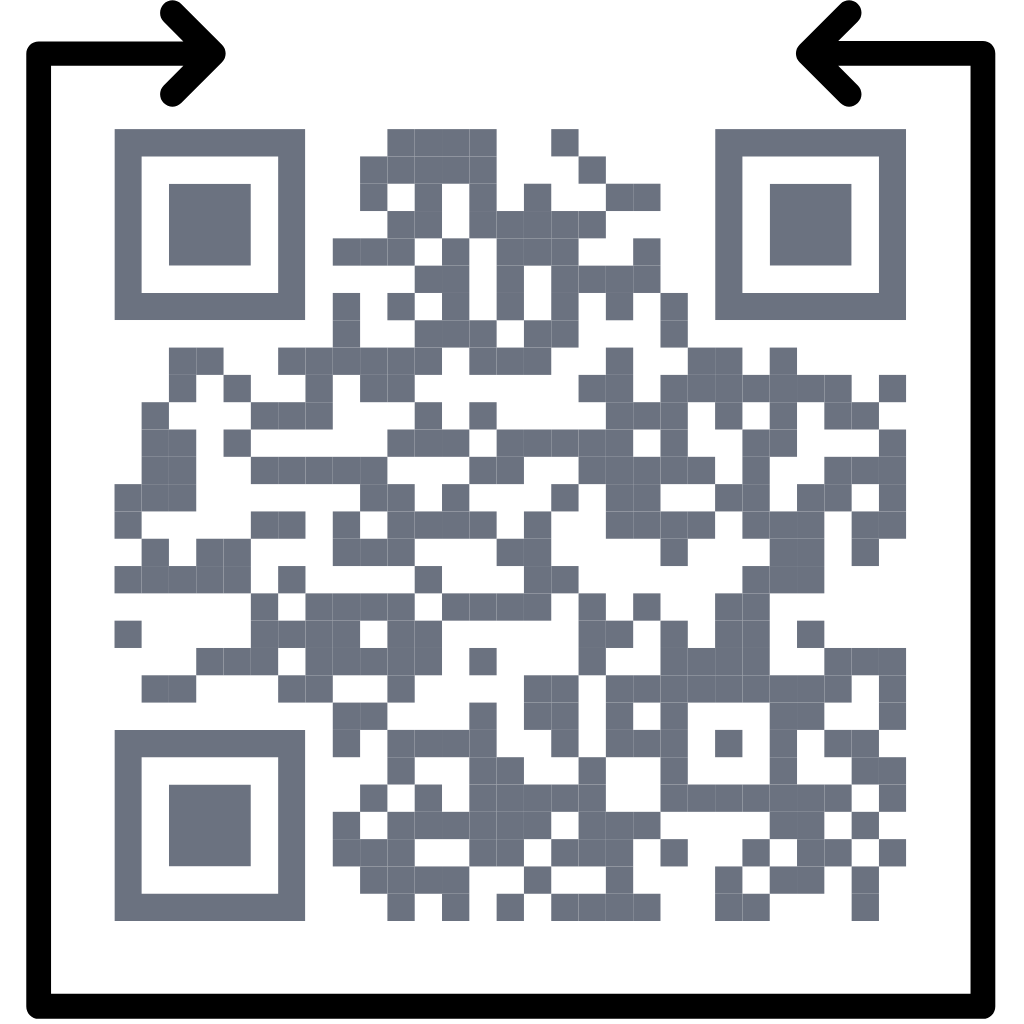
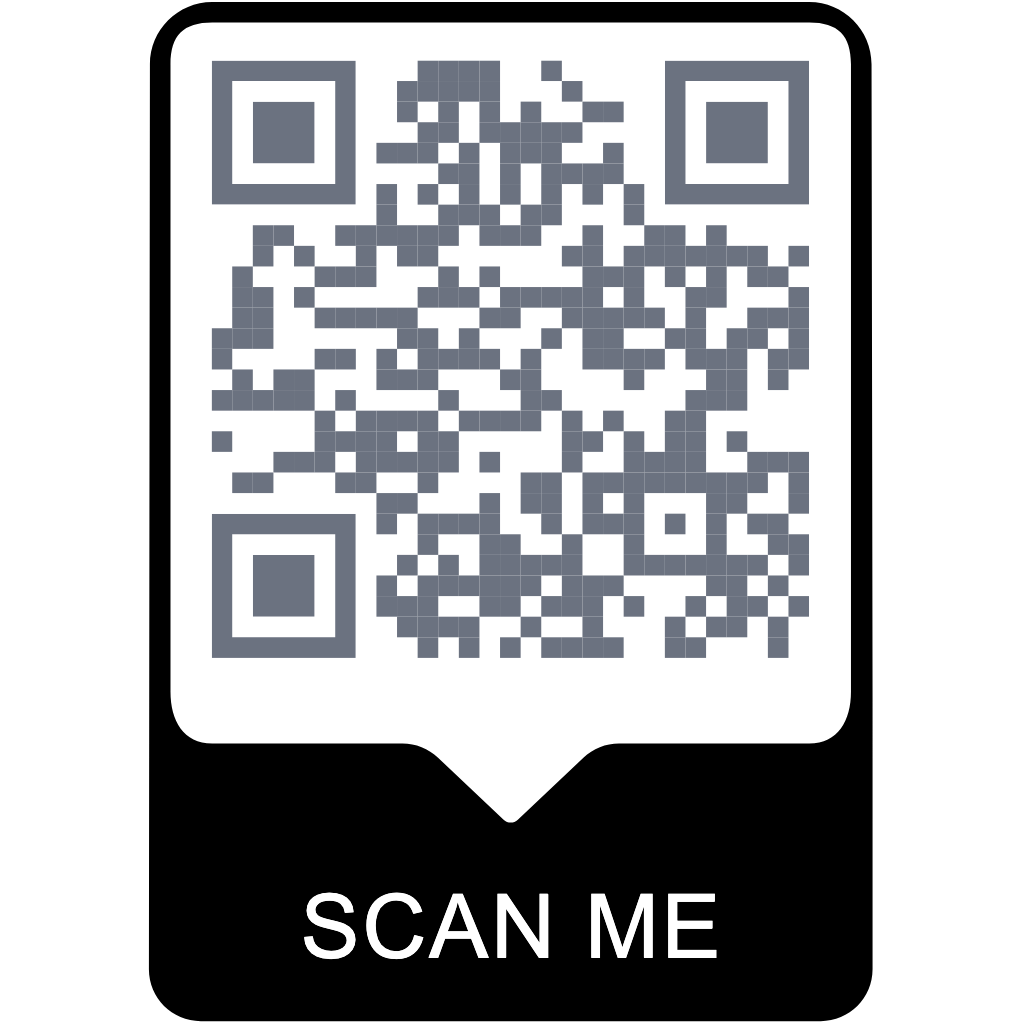
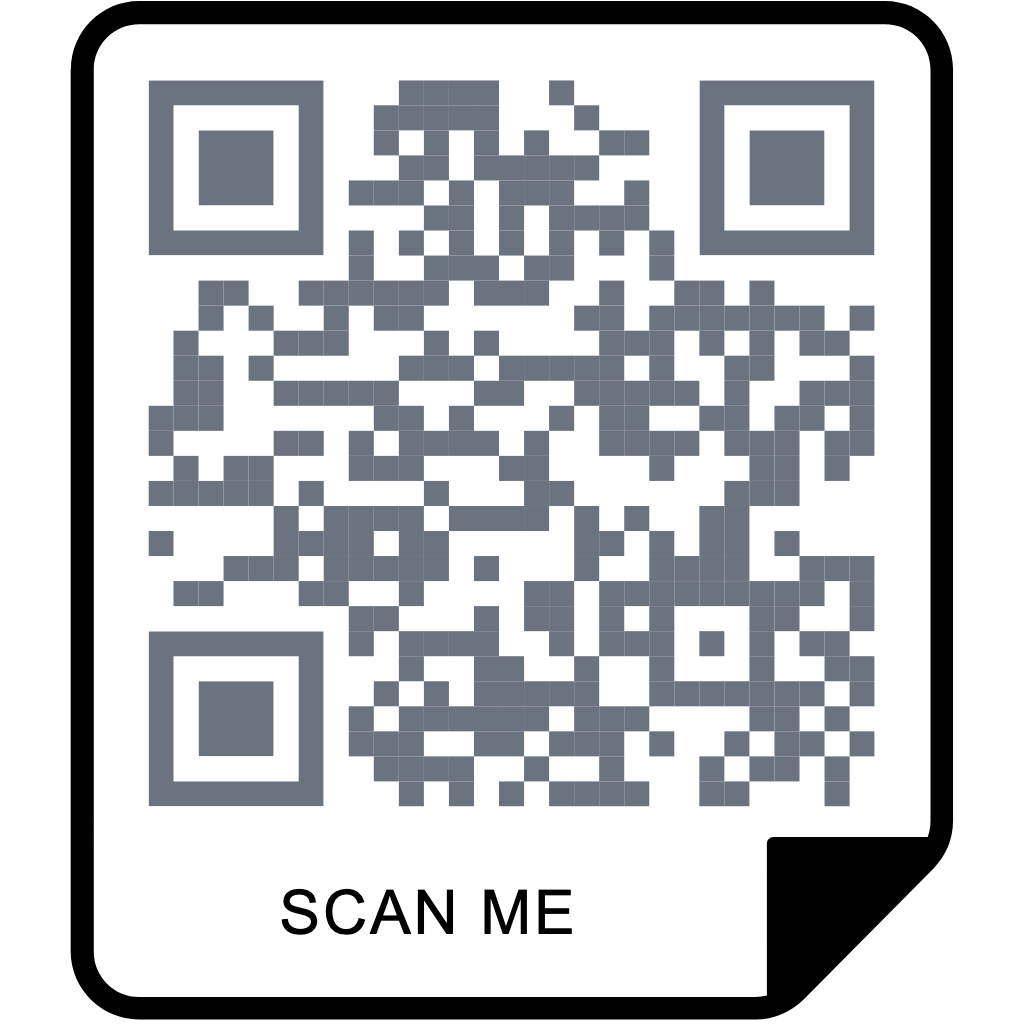
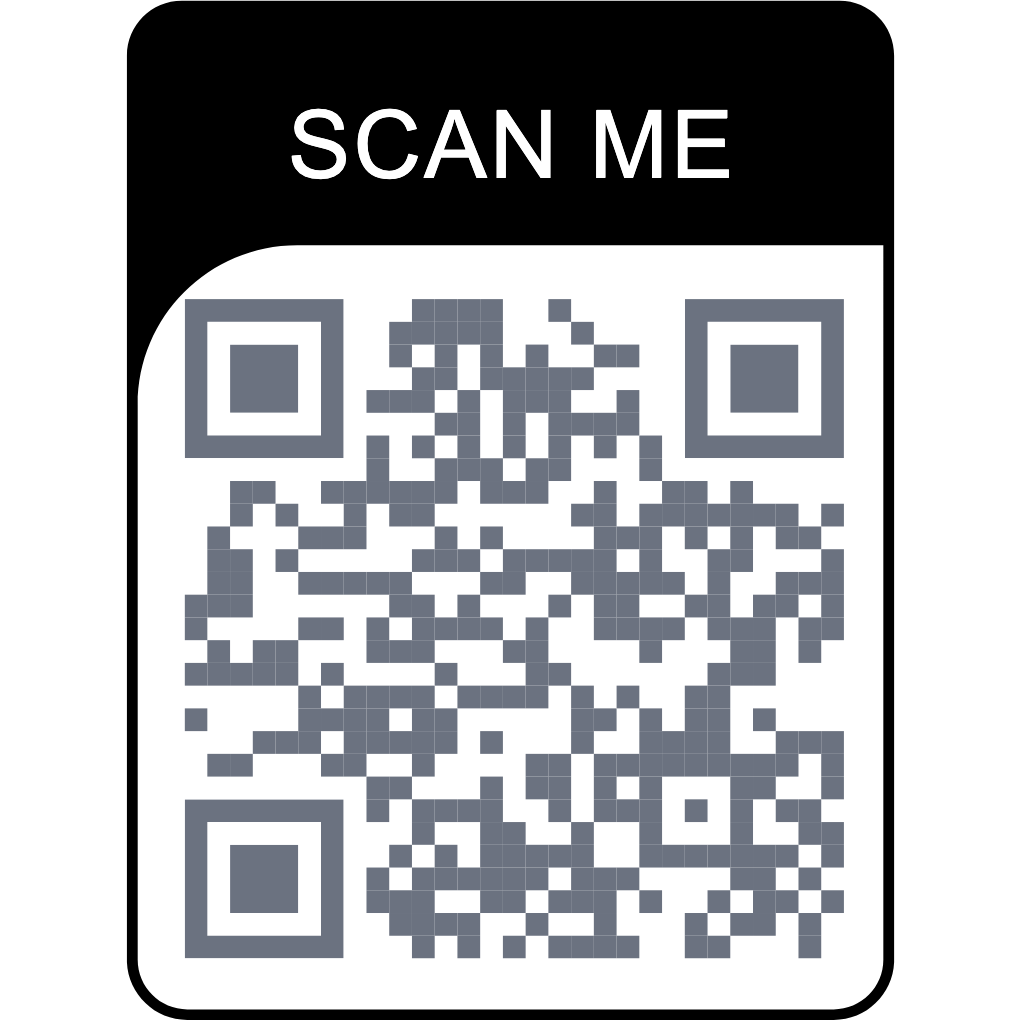
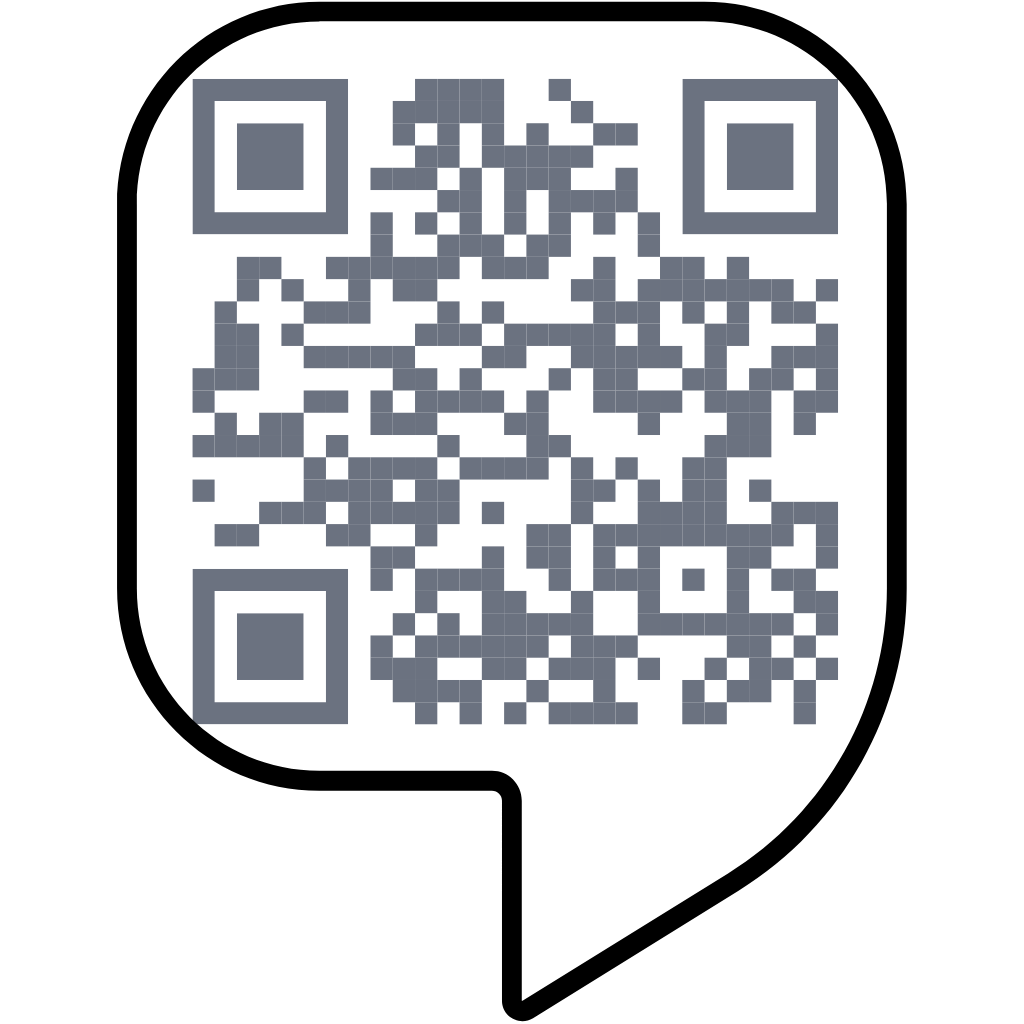
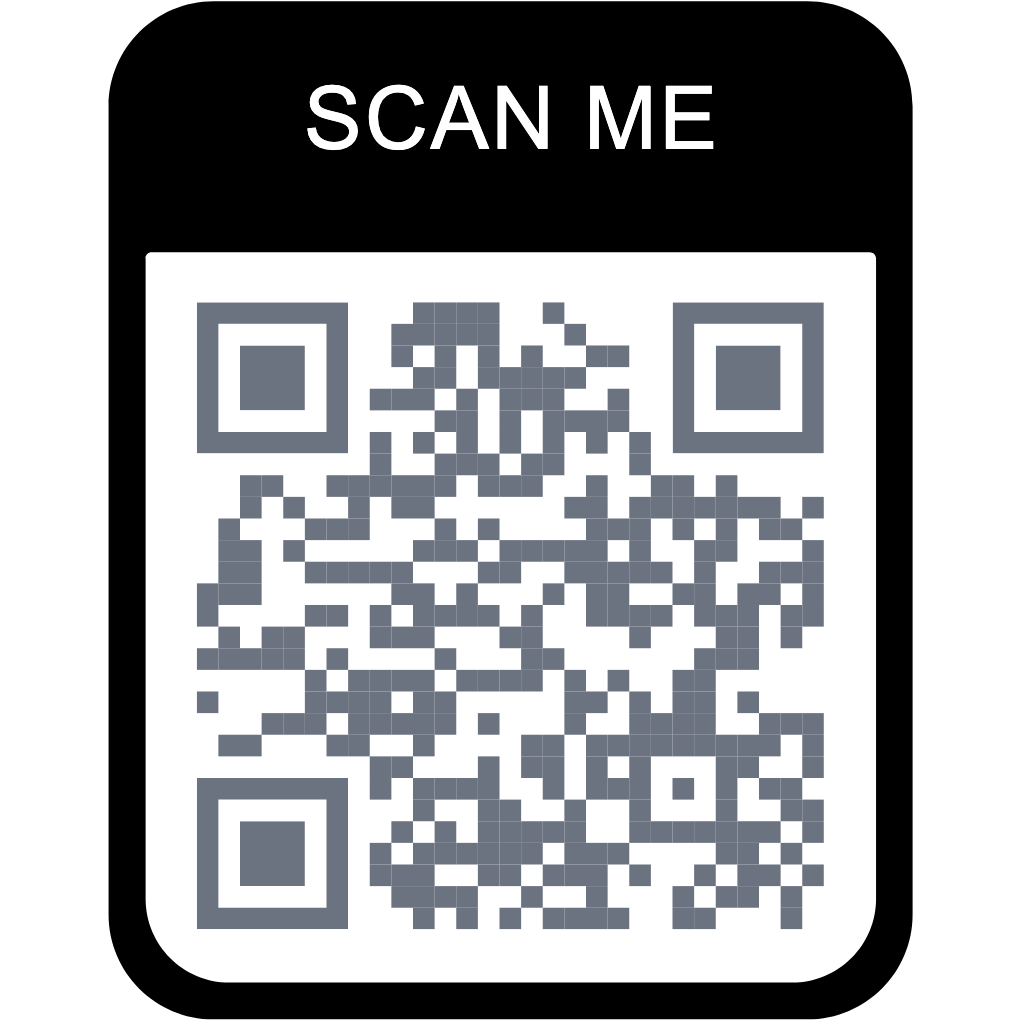
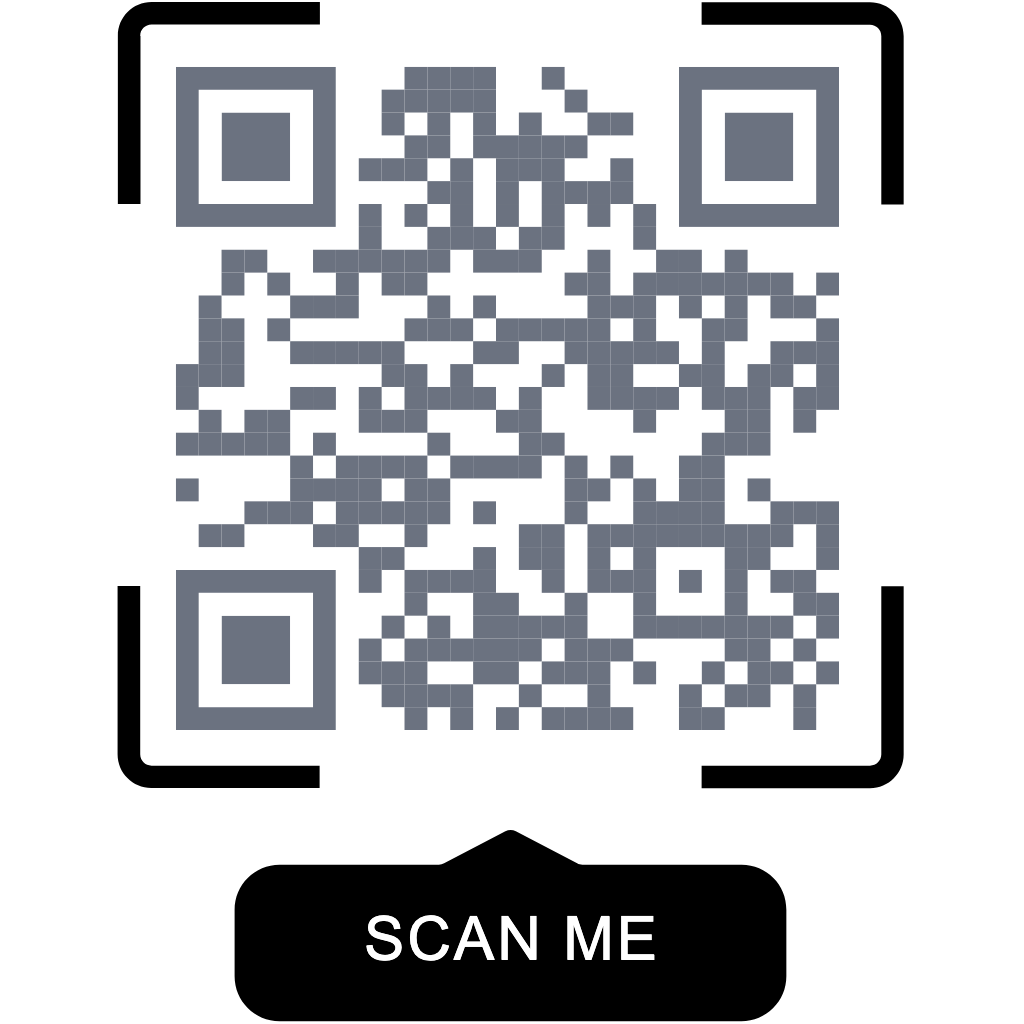
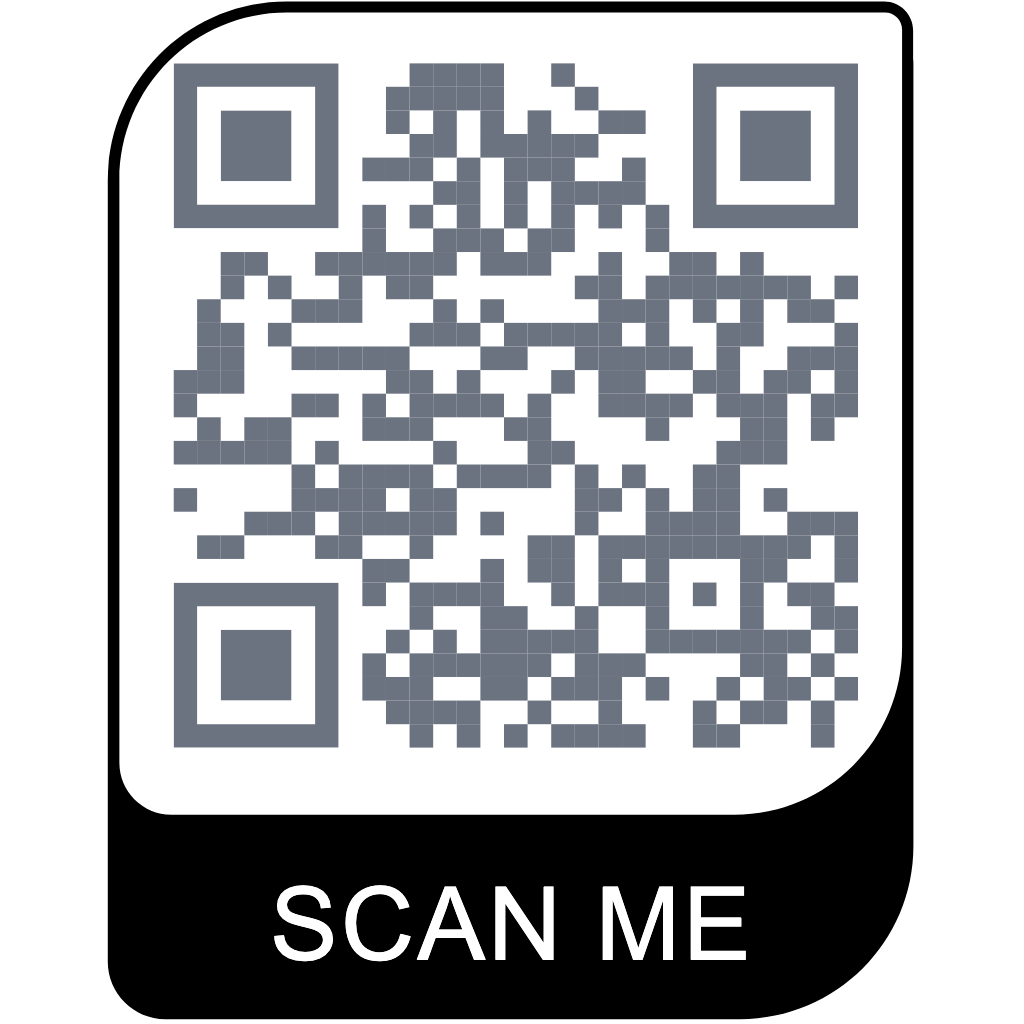
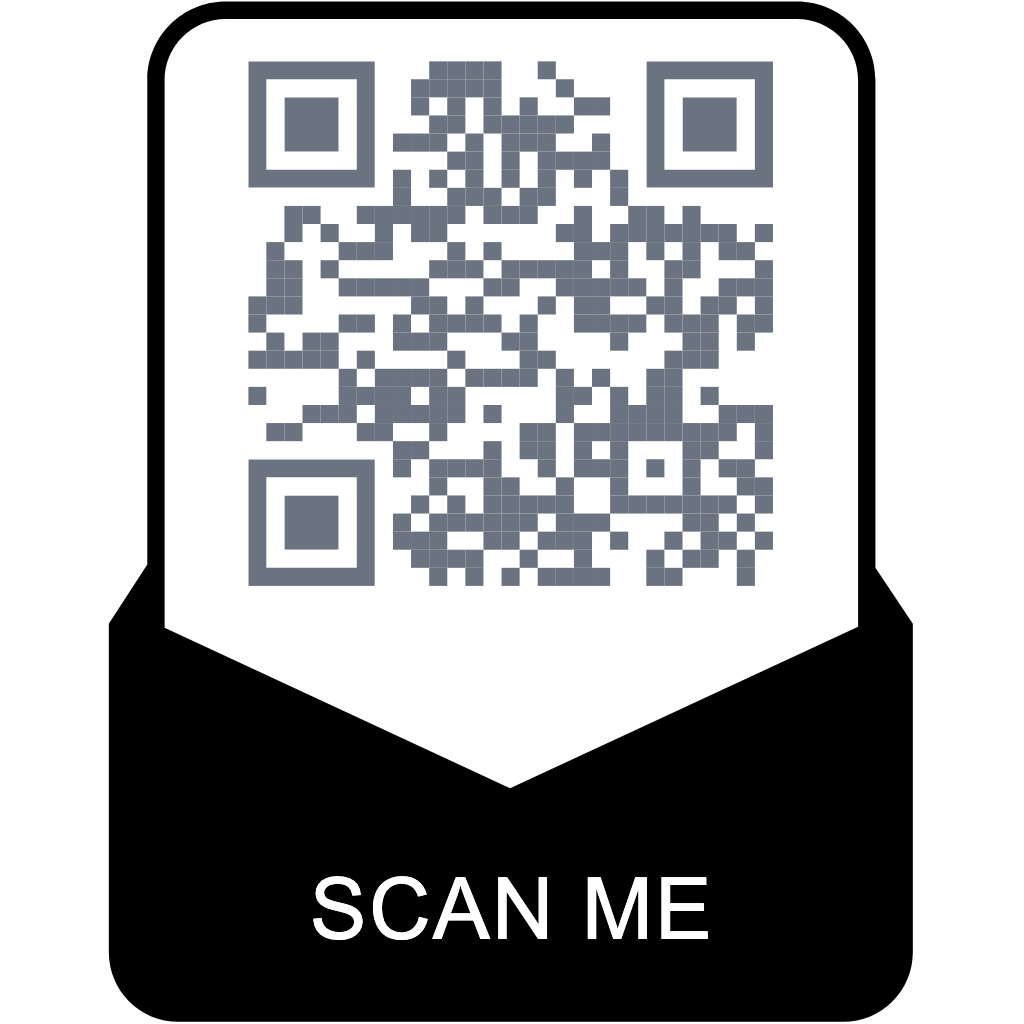
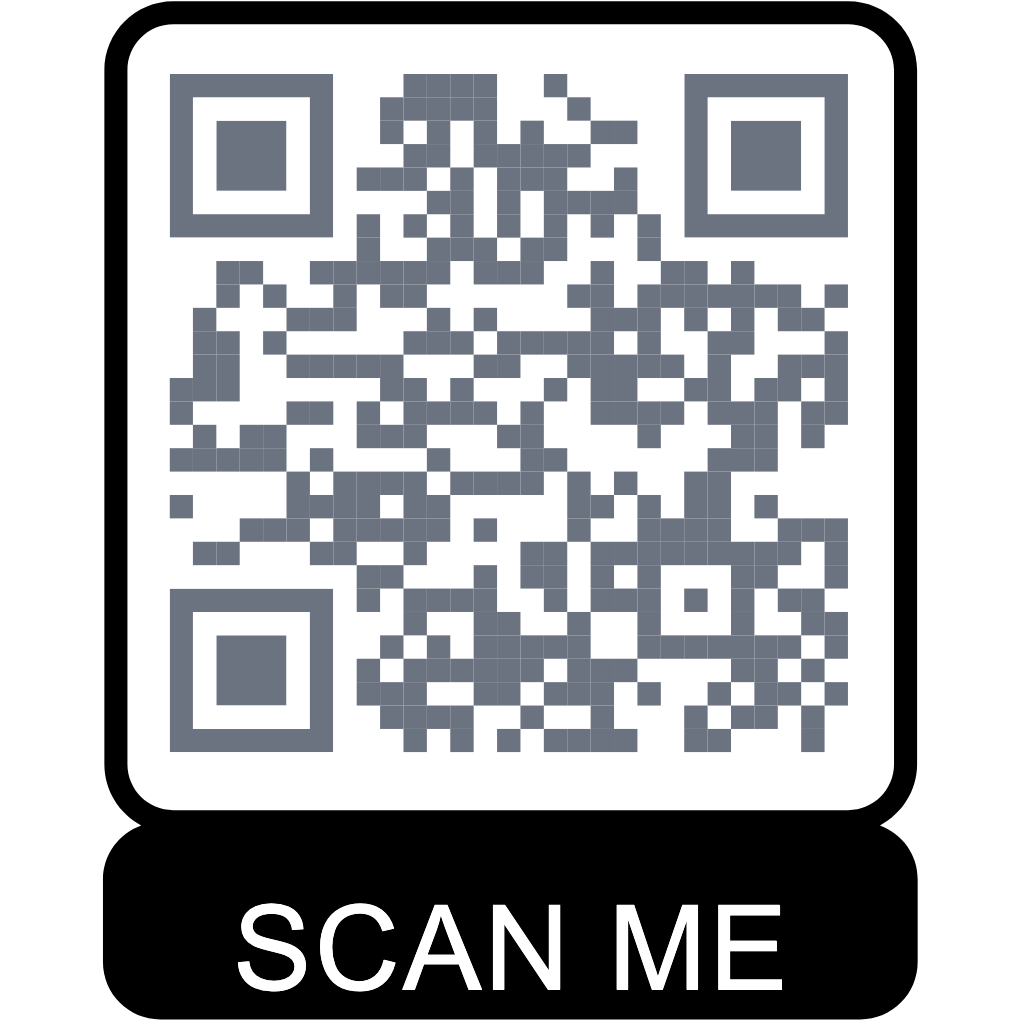
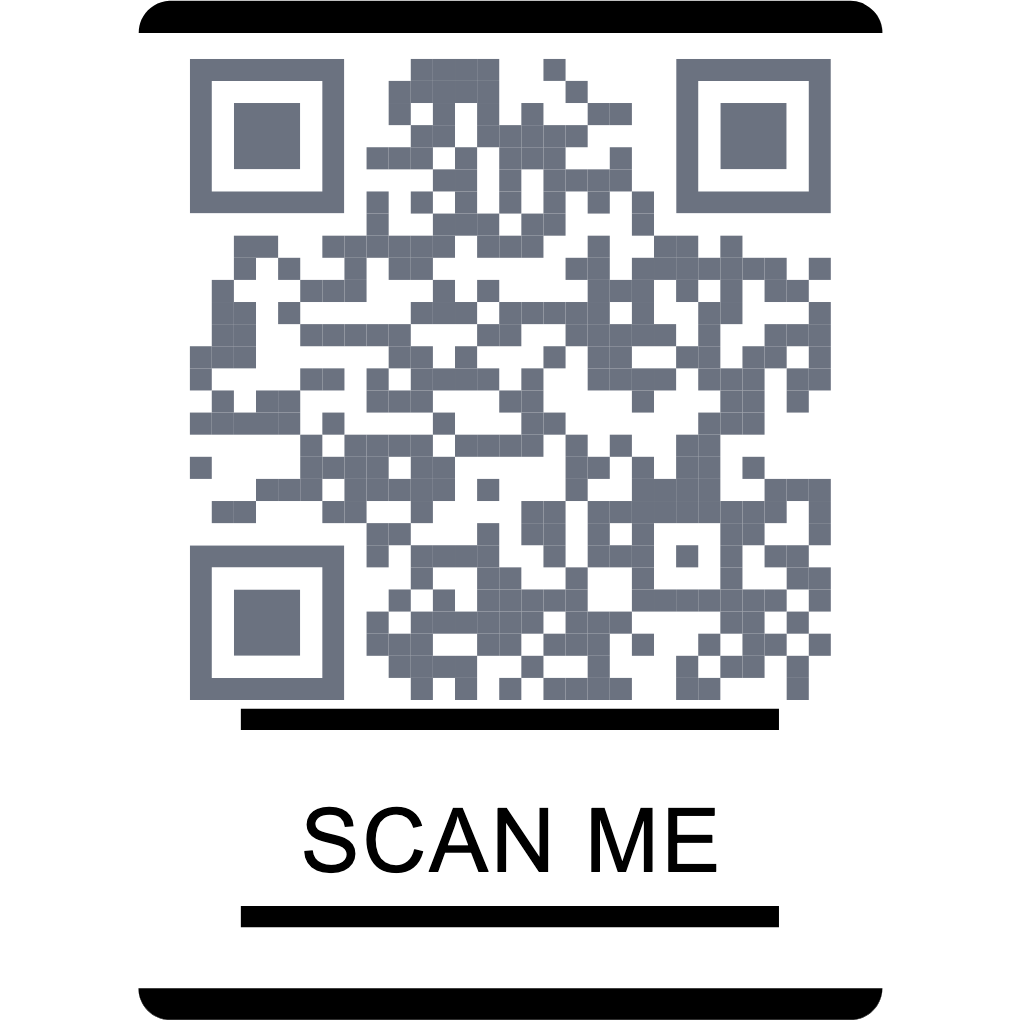
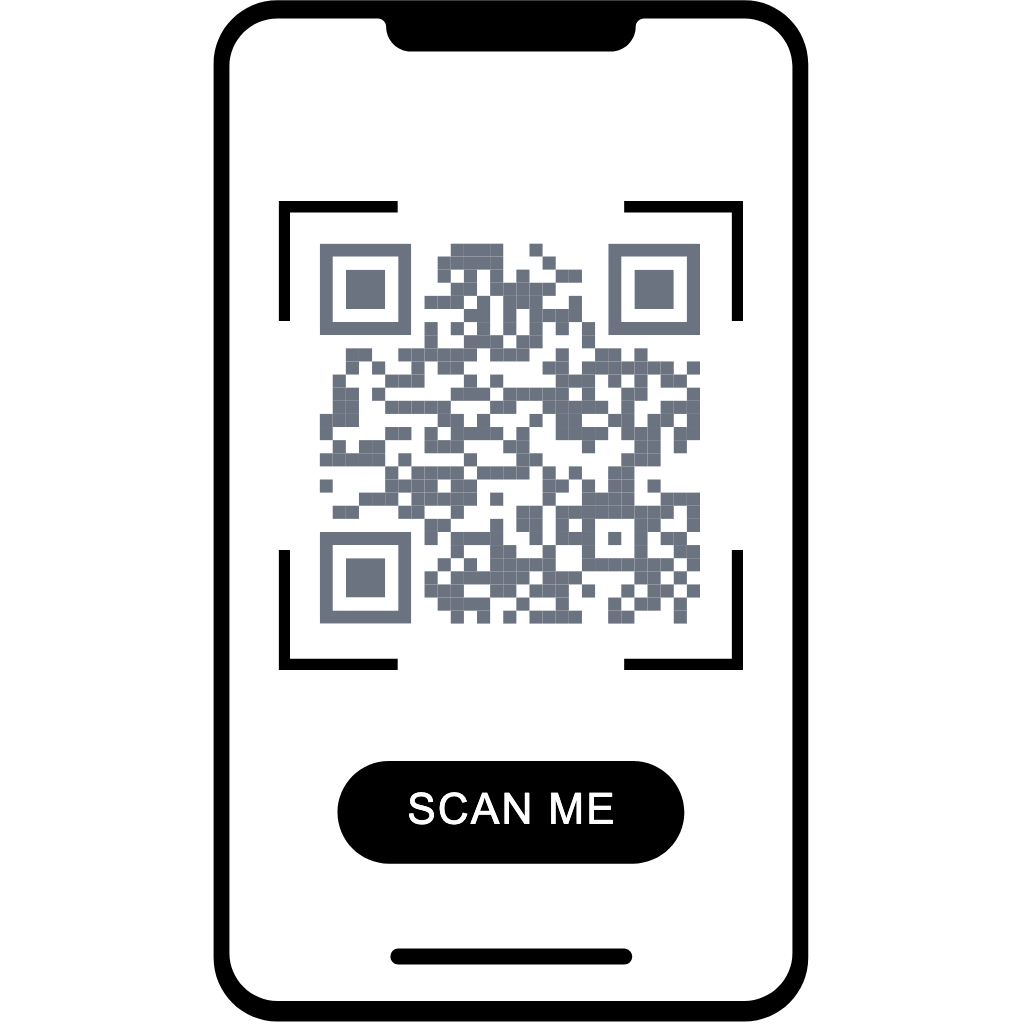
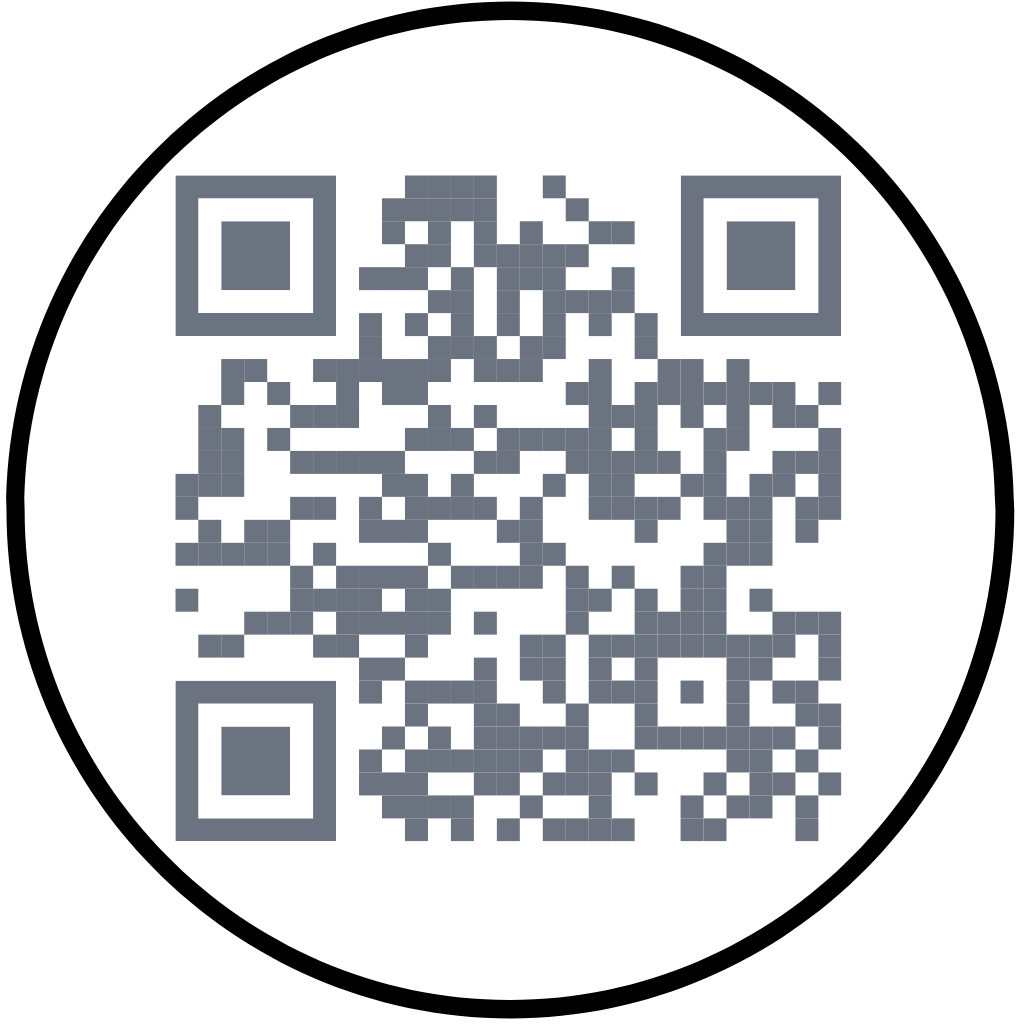
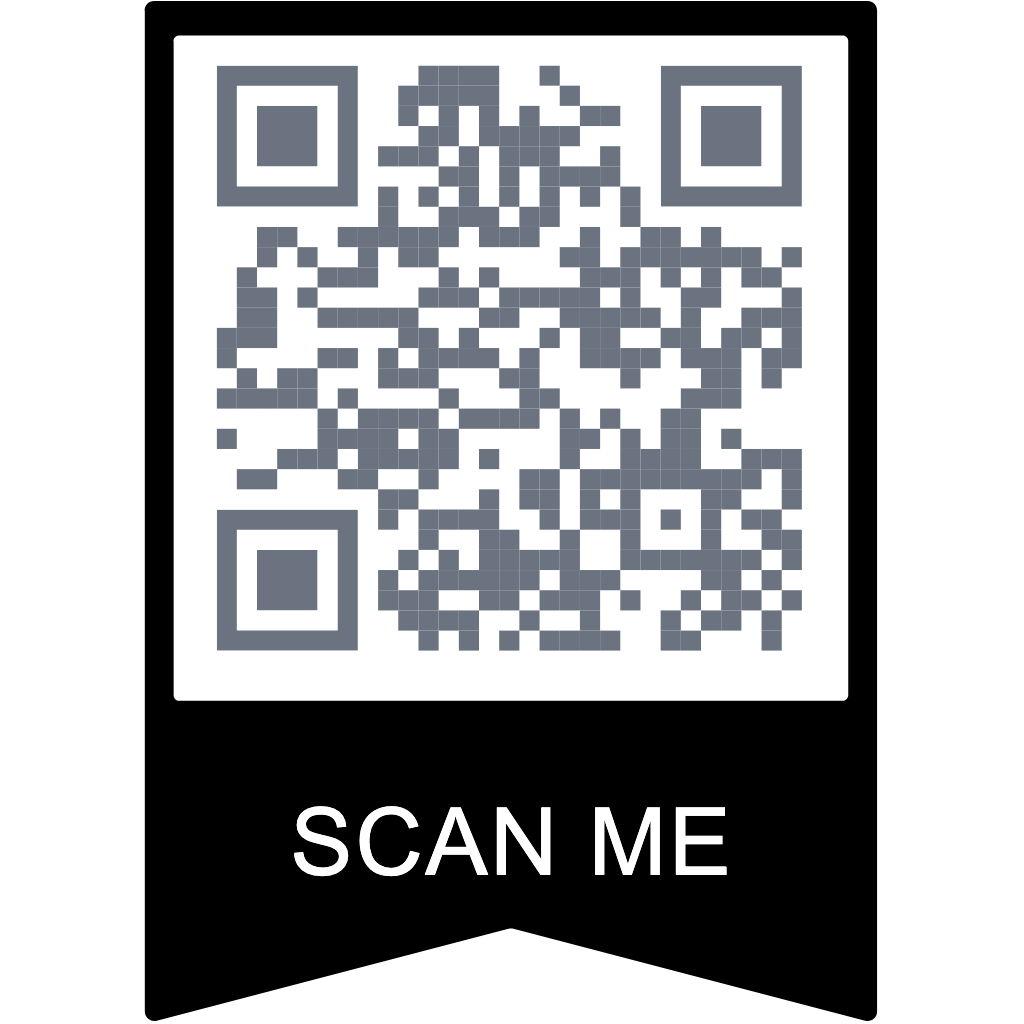
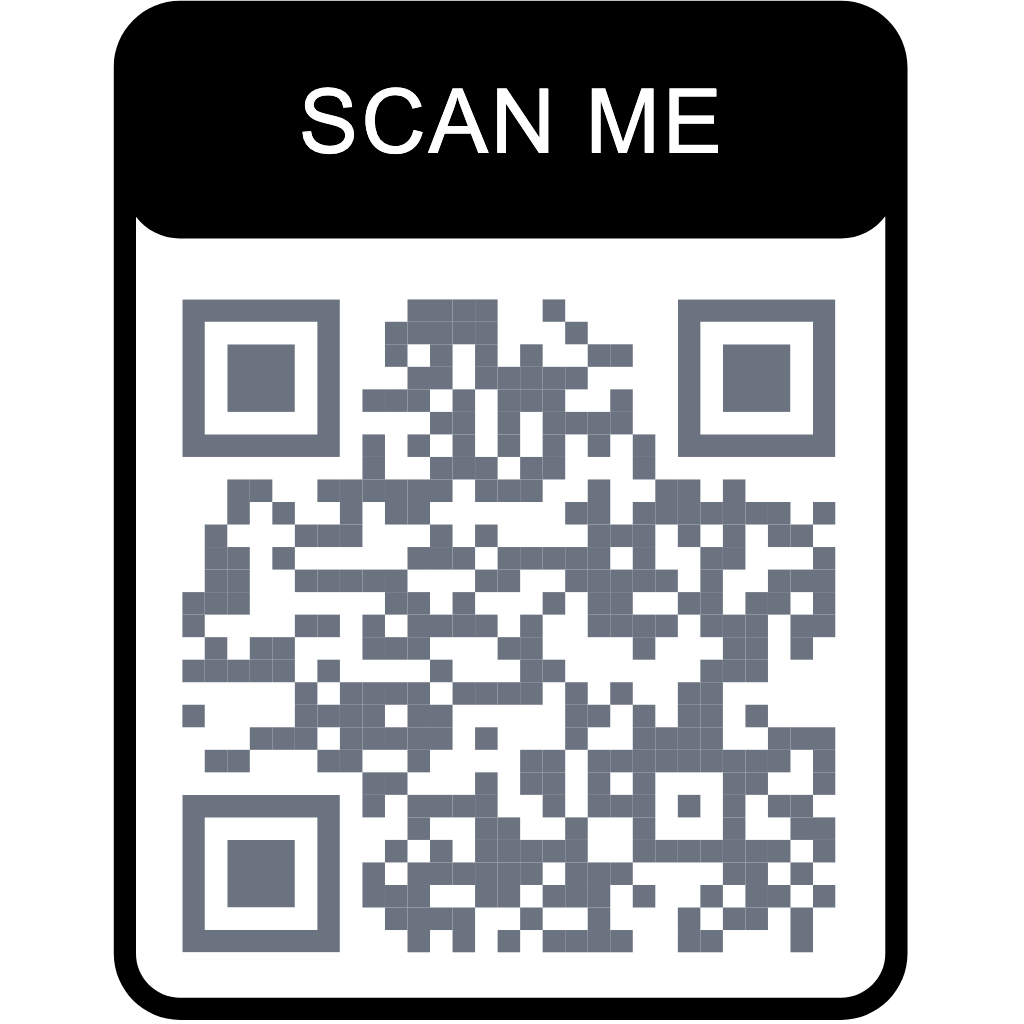
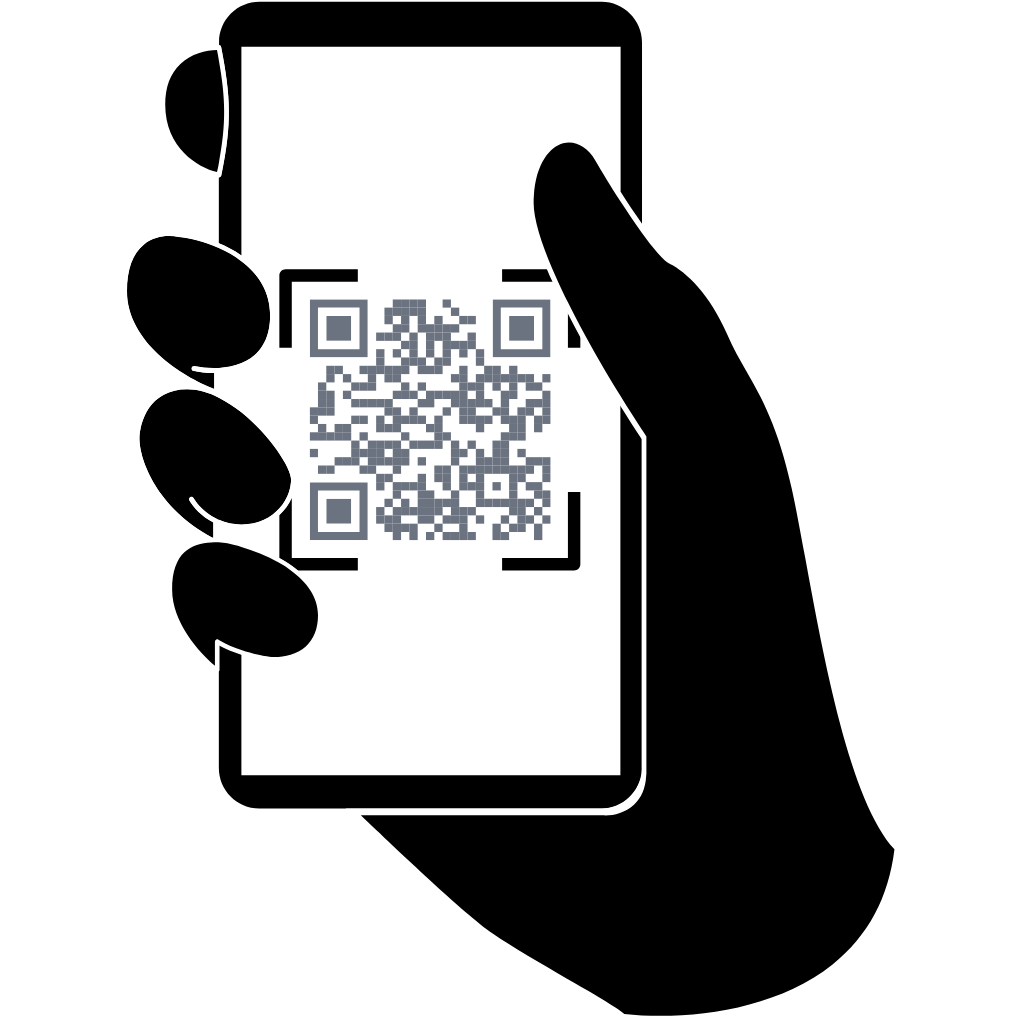
Same endpoint, different vibes. Keep it plain, go full brand, or frame it for offline campaigns.
No-frills, fast scan
Built for distance
Theme-aligned campaign
Preset watermark icon
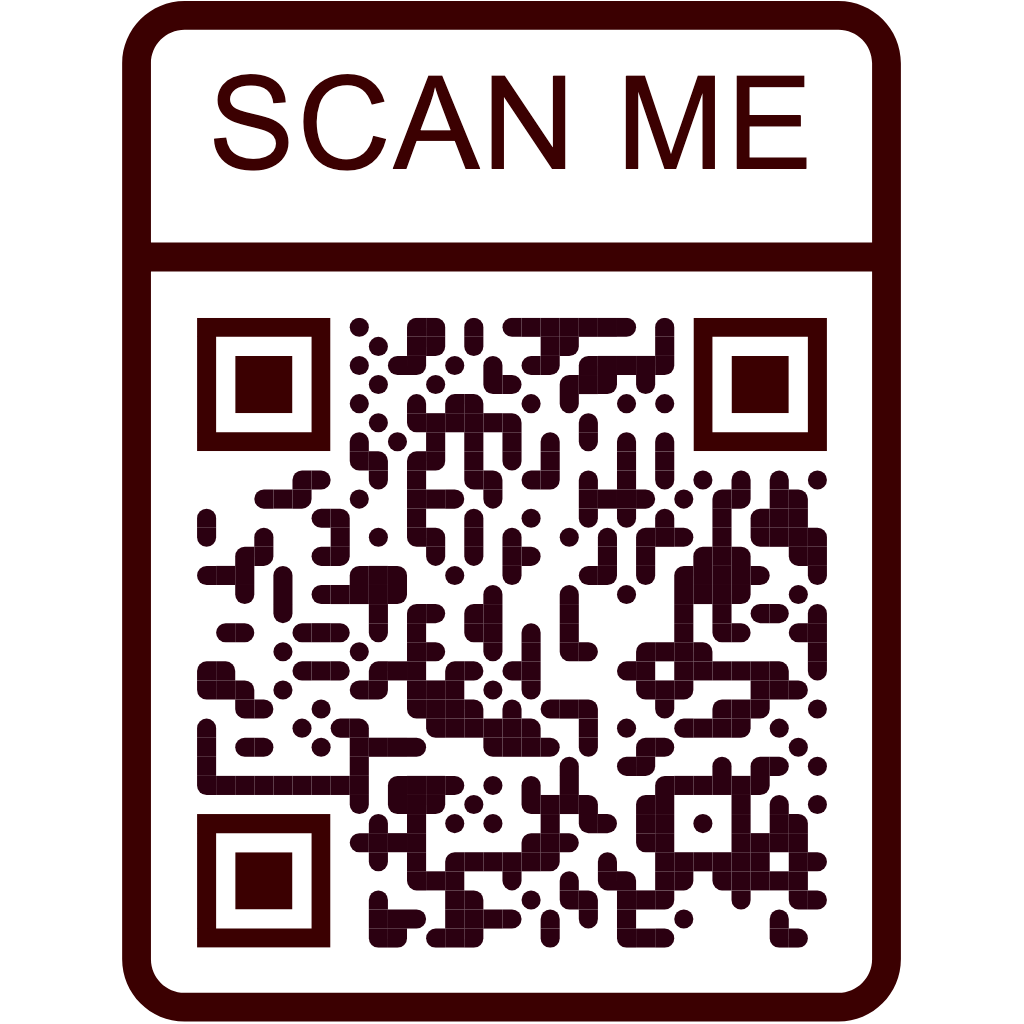
Poster-ready "SCAN ME"
Extra style for socials
Create a static or dynamic QR code and store it in your account.
Send JSON only. For key auth, header is best practice. Body key fields are there for compatibility with existing integrations.
This is the fastest hello-world path.
curl -sS -X POST 'https://createqr.app/api/v1/create' \
-H 'Content-Type: application/json' \
-H 'Authorization: Bearer ck_live_XXXXXXXXXXXXXXXXXXXXXXXX' \
-d '{"data":"https://createqr.app","qrtype":"static"}'

| Parameter | Type | Default | Description |
|---|---|---|---|
apikey |
String | Required |
Secret API key. Recommended in Authorization header (Bearer). JSON body apikey/api_key is also accepted. |
data |
String | Required |
Content to encode. For dynamic QR, this must be a valid URL. |
qrtype |
String | static |
QR mode: static or dynamic. |
title |
String | Optional |
QR title shown in dashboard (trimmed to 120 chars). |
folderid |
Number | Optional |
Positive integer folder ID owned by your account. |
| Parameter | Type | Default | Description |
|---|---|---|---|
transparent |
String/Bool | off |
on/off, true/false, 1/0, yes/no accepted. |
backcolor |
String | #FFFFFF |
Background hex color in #RRGGBB format. |
frontcolor |
String | #000000 |
Main dots hex color in #RRGGBB format. |
gradient |
String/Bool | off |
Enable two-color dot gradient. |
radial |
String/Bool | off |
Enable radial gradient (works when gradient is on). |
gradient_color |
String | #15A97C |
Second gradient color in #RRGGBB. |
marker_out_color |
String | #000000 |
Outside finder marker color. |
marker_in_color |
String | #000000 |
Inside finder marker color. |
pattern |
String | default |
Body dot style preset.
default
circle
star
diamond
sparkle
danger
cross
plus
x
heart
shake
blob
special-circle-orizz
special-circle-vert
special-circle
special-diamond
ribbon
oriental
ellipse
|
marker |
String | default |
Outside marker style preset.
default
flurry
sdoz
drop_in
drop
dropeye
dropeyeleft
dropeyeleaf
dropeyeright
squarecircle
circle
rounded
flower
flower_in
leaf
|
marker_in |
String | default |
Inside marker style preset.
default
flurry
sdoz
drop_in
drop
dropeye
circle
rounded
sun
star
diamond
danger
cross
plus
x
heart
|
optionlogo |
String | none |
none, recommended local SVG watermark path, legacy local PNG path, or base64 image data.
none
data:image/*;base64,...
/images/watermarks/v2/01-link.svg
/images/watermarks/v2/02-location.svg
/images/watermarks/v2/03-email.svg
/images/watermarks/v2/04-whatsapp.svg
/images/watermarks/v2/05-wifi.svg
/images/watermarks/v2/06-vcard.svg
/images/watermarks/v2/07-menu.svg
/images/watermarks/v2/08-app.svg
/images/watermarks/v2/09-video.svg
/images/watermarks/v2/10-feedback.svg
/images/watermarks/v2/11-event.svg
/images/watermarks/v2/12-coupon.svg
/images/watermarks/v2/13-music.svg
/images/watermarks/v2/14-social.svg
/images/watermarks/v2/15-paypal.svg
/images/watermarks/v2/16-bitcoin.svg
/images/watermarks/v2/17-scan.svg
|
no_logo_bg |
String/Bool | off |
Disable the logo background plate. |
| Parameter | Type | Default | Description |
|---|---|---|---|
outer_frame |
String | none |
Frame style preset.
none
bottom
top
balloon-bottom
balloon-top
ribbon-bottom
ribbon-top
phone
cine
|
framelabel |
String | SCAN ME |
Frame text label (trimmed to 80 chars). |
label_font |
String | Arial, Helvetica, sans-serif |
Font stack for frame label. |
custom_frame_color |
String/Bool | off |
Enable custom frame color. |
framecolor |
String | #000000 |
Frame hex color in #RRGGBB format. |
{
"apikey": "ck_live_XXXXXXXXXXXXXXXXXXXXXXXX",
"data": "https://createqr.app",
"qrtype": "static",
"title": "Launch Landing QR",
"transparent": "off",
"backcolor": "#FFFFFF",
"frontcolor": "#000000",
"marker_out_color": "#000000",
"marker_in_color": "#000000",
"pattern": "default",
"marker": "default",
"marker_in": "default",
"optionlogo": "none"
}
{
"apikey": "ck_live_XXXXXXXXXXXXXXXXXXXXXXXX",
"data": "https://createqr.app/features",
"qrtype": "static",
"title": "Feature Tour QR",
"transparent": "off",
"backcolor": "#033895",
"frontcolor": "#FFFFFF",
"marker_out_color": "#669DF4",
"marker_in_color": "#669DF4",
"pattern": "oriental",
"marker": "flower",
"marker_in": "circle",
"optionlogo": "/images/watermarks/v2/01-link.svg"
}
{
"apikey": "ck_live_XXXXXXXXXXXXXXXXXXXXXXXX",
"data": "https://createqr.app/pricing",
"qrtype": "static",
"title": "Pricing Poster QR",
"transparent": "off",
"frontcolor": "#2B0011",
"marker_out_color": "#3B0001",
"marker_in_color": "#3B0001",
"pattern": "ellipse",
"marker": "sdoz",
"marker_in": "sdoz",
"optionlogo": "none",
"outer_frame": "balloon-top",
"framelabel": "SCAN ME",
"label_font": "Arial, Helvetica, sans-serif",
"custom_frame_color": "on",
"framecolor": "#3B0001"
}
{
"success": true,
"data": {
"qrid": "1284",
"svg": "<svg ...>...</svg>",
"type": "static",
"title": "Pricing Poster QR",
"dashboard_url": "https://createqr.app/app/qrs/1284",
"download_url": "https://createqr.app/app/qrs/1284/download/svg"
},
"request_id": "0f8fad5b-d9cb-469f-a165-70867728950e"
}
Delete a QR by ID (owner-only).
{
"apikey": "ck_live_XXXXXXXXXXXXXXXXXXXXXXXX",
"qrid": "1284"
}
{
"success": true,
"data": {
"deleted": true,
"qrid": "1284"
},
"request_id": "0f8fad5b-d9cb-469f-a165-70867728950e"
}
List your QRs in pages of 100, newest first.
Use pagination starting at 1. Results return up to 100 items per page.
{
"apikey": "ck_live_XXXXXXXXXXXXXXXXXXXXXXXX",
"pagination": "1"
}
{
"success": true,
"data": {
"pagination": "1",
"page_size": 100,
"total": 2,
"items": [
{
"qrid": "1284",
"title": "Campaign QR",
"type": "dynamic",
"created_at": "2026-02-17 09:12:30",
"short_url": "https://createqr.app/r/a1b2c3",
"dashboard_url": "https://createqr.app/app/qrs/1284"
},
{
"qrid": "1269",
"title": "Storefront QR",
"type": "static",
"created_at": "2026-02-17 08:02:08",
"dashboard_url": "https://createqr.app/app/qrs/1269"
}
]
},
"request_id": "0f8fad5b-d9cb-469f-a165-70867728950e"
}
Every response includes request_id. Keep it when contacting support so we can debug quickly.
{
"success": false,
"error": {
"code": "validation_error",
"message": "Dynamic QR requires a valid URL in data."
},
"request_id": "5f5fbd38-f82f-49ad-bf11-f7f04ca9747a"
}
| Error code | HTTP | When it happens | What to do |
|---|---|---|---|
invalid_api_key |
401 | Missing or invalid API key | Provide a valid key via Bearer, X-API-Key, or JSON body field. |
invalid_content_type |
415 | Body is not application/json | Send Content-Type: application/json. |
request_too_large |
413 | Payload exceeds configured limit | Shrink body size, especially base64 logos. |
plan_upgrade_required |
403 | Plan is not allowed for API | Upgrade to Business from Billing. |
validation_error |
422 | Invalid fields such as URL, color, or folderid | Fix payload format and submit again. |
rate_limited |
429 | Per-minute limit reached | Retry with exponential backoff and honor Retry-After. |
monthly_quota_exceeded |
429 | Monthly quota exhausted | Wait for reset or adjust quota and key settings. |
qr_not_found |
404 | Delete target is missing or not yours | Verify qrid ownership and try again. |
internal_error |
500 | Unexpected server-side issue | Retry with backoff and keep request_id for support. |
Short answers for the questions we see most in integrations.
The API is Business-only. The monthly quota comes from your active plan and key overrides. Default Business seed is high, and admins can fine-tune per key.
Yes. Header-based auth is recommended, but compatibility body fields apikey or api_key are also accepted.
Yes. Every successful create is saved in your account and can be managed like any other QR.
You receive JSON errors. For 429 responses, respect Retry-After and use exponential backoff with jitter.
No. Delete and list are scoped to the authenticated API-key owner.