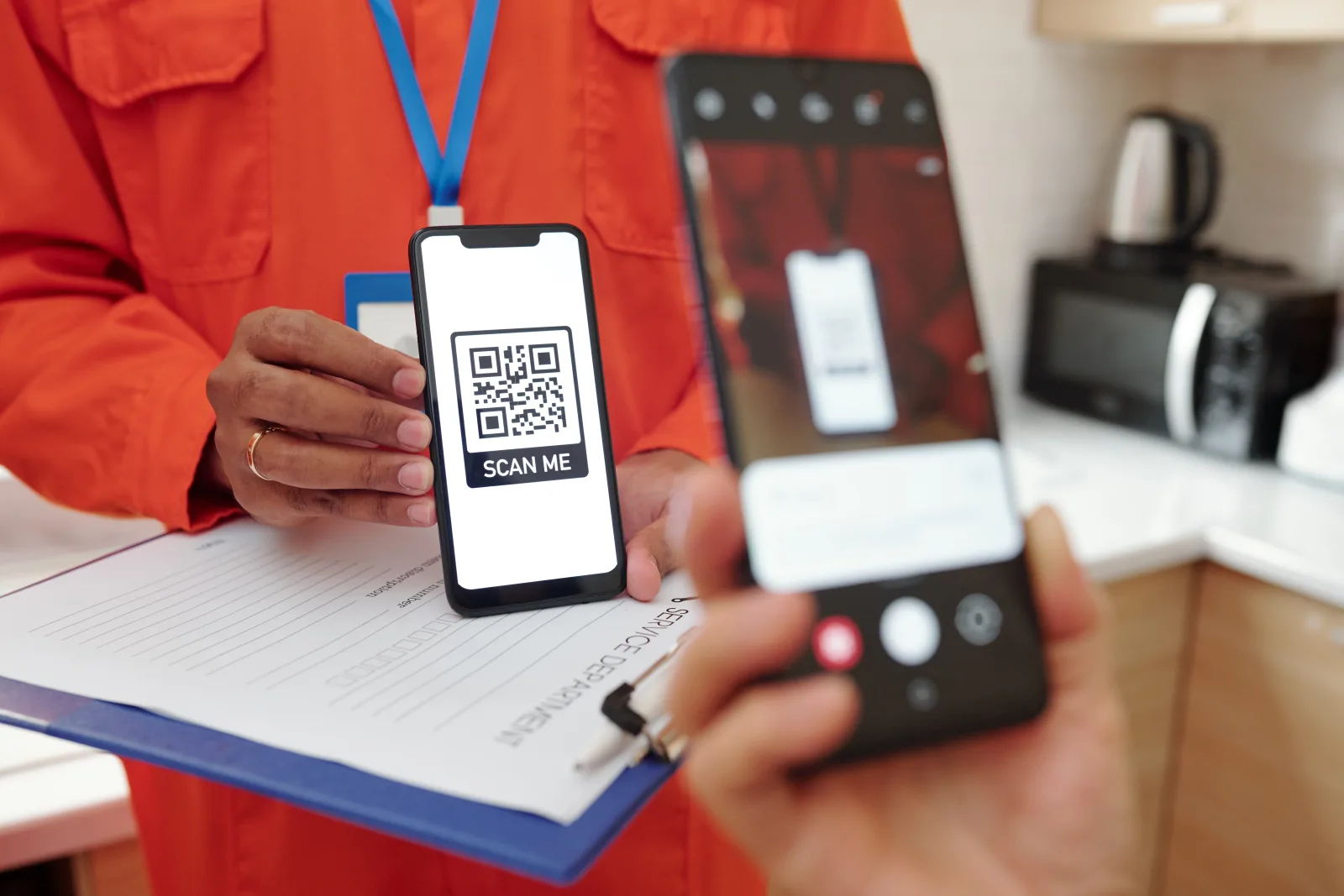
Kody QR są zazwyczaj wygodne, szybkie i całkowicie normalne w użyciu. Widzisz je codziennie na stolikach w restauracjach, opakowaniach produktów, plakatach, biletach, znakach parkingowych, ulotkach i wizytówkach. Ale kod QR jest tylko tak wiarygodny, jak miejsce, do którego prowadzi.
I właśnie tu pojawia się prawdziwe ryzyko. Fałszywy lub złośliwy kod QR może przekierować kogoś na stronę phishingową, fałszywy portal płatności, ekran logowania podszywający się pod prawdziwy serwis albo inne miejsce, które próbuje wyłudzić pieniądze, hasła lub dane osobowe. Sam kod QR może wyglądać niegroźnie. Zagrożenie zaczyna się po zeskanowaniu.
Szybka odpowiedź: kody QR są zwykle bezpieczne, gdy pochodzą z zaufanego źródła i prowadzą tam, gdzie się spodziewasz. Stają się ryzykowne, gdy kod został podmieniony, naruszony, wysłany w podejrzanej wiadomości albo służy do skierowania Cię na fałszywą stronę logowania, płatności lub konta.
Czy kody QR są ogólnie bezpieczne?
Tak, w większości codziennych sytuacji są. Kod QR na menu w restauracji, bilecie na wydarzenie, opakowaniu produktu czy wizytówce nie jest automatycznie niebezpieczny tylko dlatego, że jest kodem QR.
Lepsze pytanie nie brzmi „Czy ten kwadratowy obrazek jest bezpieczny?”, ale „Czy ufam miejscu, do którego prowadzi ten kod?” To właśnie jest kluczowa decyzja. Prawdziwy kod QR i złośliwy kod QR mogą wyglądać niemal identycznie przed skanowaniem.
| Zwykle niższe ryzyko | Zwykle wyższe ryzyko |
|---|---|
| Kod QR do menu na stoliku w znanej restauracji | Losowy kod QR w nieoczekiwanym e-mailu lub SMS-ie |
| Kod QR na wizytówce od osoby, którą właśnie poznasz | Naklejka naklejona na inny kod QR w miejscu publicznym |
| Kod QR na oryginalnym opakowaniu produktu znanej marki | Kod QR wymuszający pilną płatność, logowanie lub odzyskanie konta |
Prosta zasada: im bardziej nieoczekiwany wydaje się kod QR, tym ostrożniej należy podejść do jego otwarcia.
Jak zwykle działają fałszywe i złośliwe kody QR
Złośliwy kod QR zwykle nie „hackuje” Cię samym skanowaniem. Zamiast tego opiera się na socjotechnice. Próbuje sprawić, byś zaufał kodowi, otworzył link, a potem zrobił coś niebezpiecznego.
| Taktyka | Jak to wygląda | Czego chce oszust |
|---|---|---|
| Fałszywa strona logowania | Kod QR otwiera stronę, która wygląda jak witryna Twojego banku, miejsca pracy, firmy kurierskiej lub dostawcy usług | Twój login, hasło albo dane do odzyskania konta |
| Fałszywa strona płatności | Kod QR otwiera portal płatności za parking, crypto, prezenty albo „pilne rozwiązanie problemu z kontem” | Twoje pieniądze lub dane karty |
| Złośliwe oprogramowanie lub ryzykowne pobranie | Strona nakłania do instalacji aplikacji, pobrania pliku albo przejścia przez fałszywą procedurę „aktualizacji zabezpieczeń” | Dostęp do Twojego urządzenia lub danych |
| Podmieniony kod QR w miejscu publicznym | Fałszywa naklejka zostaje umieszczona na prawdziwym kodzie QR w przestrzeni publicznej | Przejęcie momentu, w którym użytkownik ufa skanowaniu |
| Oszustwo z kodem QR w wiadomości | Kod QR przychodzi w SMS-ie, e-mailu, wkładce do paczki lub czacie i wywiera presję, by działać szybko | Ominięcie Twojej zwykłej ostrożności |
Krótko mówiąc, złośliwy kod QR często działa dlatego, że sprawia wrażenie pilnego, znajomego albo wygodnego na tyle, że przestajesz wszystko dokładnie sprawdzać.
10 sygnałów ostrzegawczych, że kod QR może być złośliwy
Jeden sygnał ostrzegawczy nie zawsze oznacza oszustwo. Ale kilka znaków naraz powinno skłonić Cię do zatrzymania się i weryfikacji przed skanowaniem.
1. Pojawia się w nieoczekiwanej wiadomości
Zachowaj ostrożność wobec kodów QR w niespodziewanych SMS-ach, e-mailach lub notatkach dołączonych do paczek, które naciskają na szybkie działanie.
2. Wygląda na naruszony
Naklejka nałożona na inny kod, nierówne krawędzie albo niepasujący styl wydruku to poważne sygnały ostrzegawcze.
3. Wiadomość tworzy poczucie pilności
„Działaj teraz”, „Twoje konto jest zagrożone” albo „potwierdź natychmiast” to klasyczne wyzwalacze oszustw.
4. Podgląd adresu wygląda dziwnie
Literówki, podejrzane domeny, dodatkowe znaki albo nazwa marki, która jest „prawie” poprawna, to czerwone flagi.
5. Szybko prosi o dane logowania
Strona, która zaraz po skanowaniu prosi o hasło, powinna skłonić Cię do zwolnienia i sprawdzenia wszystkiego przed dalszym działaniem.
6. Prosi o płatność w dziwnym kontekście
Prośby o płatność za parking, crypto, karty podarunkowe albo „zabezpieczenie konta teraz” wymagają szczególnej ostrożności.
7. Żąda zbyt wielu informacji
Jeśli zwykłe skanowanie nagle prowadzi do prośby o pełne dane karty, hasła, jednorazowe kody lub dane tożsamości, zatrzymaj się.
8. Branding wydaje się nie taki
Nienaturalne sformułowania, słaby projekt, brak danych firmy albo niespójne logo mogą świadczyć o tym, że strona jest fałszywa.
9. Nakłania do instalacji czegoś
Nieoczekiwane instalacje aplikacji lub pobieranie plików należy traktować ostrożnie, zwłaszcza jeśli nie po to skanowano kod.
10. Kontekst nie ma sensu
Jeśli kod QR pojawia się w miejscu, w którym wydaje się przypadkowy, nie na miejscu albo niezwiązany z tym, co robisz, zaufaj swojej intuicji i najpierw zweryfikuj.
Jak bezpieczniej skanować kod QR
Bezpieczeństwo przy skanowaniu kodów QR sprowadza się najczęściej do tego, by poświęcić kilka sekund na sprawdzenie celu przed jego otwarciem.
- Wybieraj kody QR ze źródeł i miejsc, którym już ufasz
- Sprawdzaj publiczne kody QR pod kątem naklejek i oznak manipulacji
- Przed otwarciem sprawdzaj podgląd adresu docelowego
- Zachowuj szczególną ostrożność wobec kodów QR w nieoczekiwanych SMS-ach i e-mailach
- Gdy to możliwe, używaj skanera wbudowanego w telefon zamiast przypadkowej aplikacji QR od zewnętrznego dostawcy
- Jeśli kod QR ma pochodzić od firmy, zweryfikuj to przez znaną stronę internetową firmy lub jej numer telefonu
- Nie wpisuj haseł, jednorazowych kodów ani danych płatniczych, jeśli nie masz pewności, że strona jest autentyczna
- Aktualizuj telefon i aplikacje, aby zabezpieczenia były zawsze aktualne
Najlepszy nawyk: traktuj nieoczekiwany kod QR tak samo, jak potraktowałbyś nieoczekiwany link. Wygoda nie powinna wyłączać ostrożności.
Co zrobić, jeśli masz już za sobą skan podejrzanego kodu QR
Nie panikuj. Najważniejsze jest to, co wydarzyło się po skanowaniu.
| Jeśli wydarzyło się to | Zrób to teraz |
|---|---|
| Otworzyłeś stronę, ale nic nie wpisałeś | Zamknij stronę, nie kontynuuj i zweryfikuj sytuację przez oficjalne źródło, zanim spróbujesz ponownie |
| Wpisałeś hasło lub dane logowania | Natychmiast zmień hasło, zmień je wszędzie tam, gdzie zostało ponownie użyte, i włącz uwierzytelnianie wieloskładnikowe, jeśli jeszcze tego nie zrobiłeś |
| Wpisałeś dane bankowe lub karty | Natychmiast skontaktuj się z bankiem lub wystawcą karty i poinformuj, że dane płatnicze mogły zostać ujawnione oszustom |
| Zeskanowałeś go na służbowym telefonie lub laptopie | Jak najszybciej zgłoś to zespołowi IT lub bezpieczeństwa |
| Pobrałeś coś lub wykonałeś kroki instalacyjne | Uruchom kontrolę bezpieczeństwa urządzenia, usuń wszystko, co podejrzane, i poproś o pomoc techniczną, jeśli nie masz pewności |
Jeśli skan doprowadził do przejęcia konta, utraty pieniędzy lub naruszenia bezpieczeństwa urządzenia służbowego, szybka reakcja jest znacznie ważniejsza niż próba rozwiązania problemu po cichu i samodzielnie.
Jak firmy mogą sprawić, by legalne kody QR budziły większe zaufanie
Jeśli używasz kodów QR w swojej firmie, możesz zmniejszyć wahanie klientów, sprawiając, że kod będzie wyraźnie wyglądał na autentyczny.
- Umieszczaj kody QR tam, gdzie logicznie pasują do ścieżki klienta
- Dodawaj jasne CTA, takie jak „Zeskanuj, aby zobaczyć menu” lub „Zeskanuj, aby zostawić opinię”
- Używaj spójnego brandingu, aby klienci rozpoznawali źródło
- Regularnie sprawdzaj drukowane publiczne kody QR pod kątem manipulacji i naklejek
- Nie dezorientuj klientów zbyt wieloma różnymi kodami w jednym miejscu
- Zadbaj, aby strona docelowa była szybka, przyjazna dla urządzeń mobilnych i zgodna z obietnicą z materiału drukowanego
Godny zaufania kod QR to nie tylko taki, który da się zeskanować. Powinien też wydawać się oczekiwany, jasny i łatwy do zweryfikowania.
Typowe błędy, których warto unikać
- Skanowanie kodu QR w wiadomości, której się nie spodziewałeś
- Ignorowanie oznak, że publiczna naklejka z kodem QR została naklejona na coś innego
- Otwieranie podejrzanego adresu bez wcześniejszego sprawdzenia podglądu
- Wpisywanie haseł lub danych płatniczych na stronie tylko dlatego, że wygląda znajomo
- Zakładanie, że wszystkie kody QR w miejscach publicznych są automatycznie bezpieczne
- Korzystanie z przypadkowych aplikacji do skanowania QR od zewnętrznych dostawców, gdy telefon ma już taką funkcję wbudowaną
- Zbyt długie zwlekanie z reakcją po wpisaniu wrażliwych danych na podejrzanej stronie
Najczęstszy schemat oszustwa nie opiera się na technicznej złożoności. To połączenie presji czasu, zaufania i przyzwyczajenia. Dlatego tak ważna jest dwusekundowa pauza przed kliknięciem.
Najczęściej zadawane pytania
Czy skanowanie kodów QR jest bezpieczne?
Zwykle tak, jeśli pochodzą z zaufanego źródła, a miejsce docelowe zgadza się z tym, czego oczekujesz. Ryzyko dotyczy strony, pliku lub działania ukrytego za kodem.
Czy sam kod QR może zhakować mój telefon?
Większe ryzyko zwykle wiąże się z tym, co otwiera się po skanowaniu, na przykład ze stroną phishingową, fałszywym portalem płatności lub złośliwą zachętą do pobrania pliku.
Jaki jest największy sygnał ostrzegawczy fałszywego kodu QR?
Jednym z największych sygnałów ostrzegawczych jest nieoczekiwany kontekst, zwłaszcza gdy kod QR tworzy presję czasu, prosi o dane logowania lub płatności albo wygląda na naruszony.
Czy kody QR w restauracjach i sklepach są zwykle bezpieczne?
Często tak, ale nadal warto szukać oznak manipulacji i sprawdzić, czy miejsce docelowe ma sens w kontekście miejsca, w którym jesteś.
Czy powinienem skanować kody QR z e-maili lub SMS-ów?
Zachowaj dużo większą ostrożność. Nieoczekiwane kody QR w e-mailach i SMS-ach to częsty schemat oszustwa, ponieważ rzeczywiste miejsce docelowe pozostaje ukryte aż do momentu skanowania.
Co zrobić, jeśli po zeskanowaniu podejrzanego kodu QR wpisałem hasło?
Natychmiast zmień hasło, zmień je wszędzie tam, gdzie zostało ponownie użyte, i włącz uwierzytelnianie wieloskładnikowe, jeśli jest dostępne.
Utwórz kod QR, który łatwo się skanuje
Utwórz czytelny kod QR, przetestuj go na prawdziwych urządzeniach i udostępnij z pewnością.