
Something to share? Make it a QR code.
- Update without reprinting
- Design for your brand
- Measure scan activity
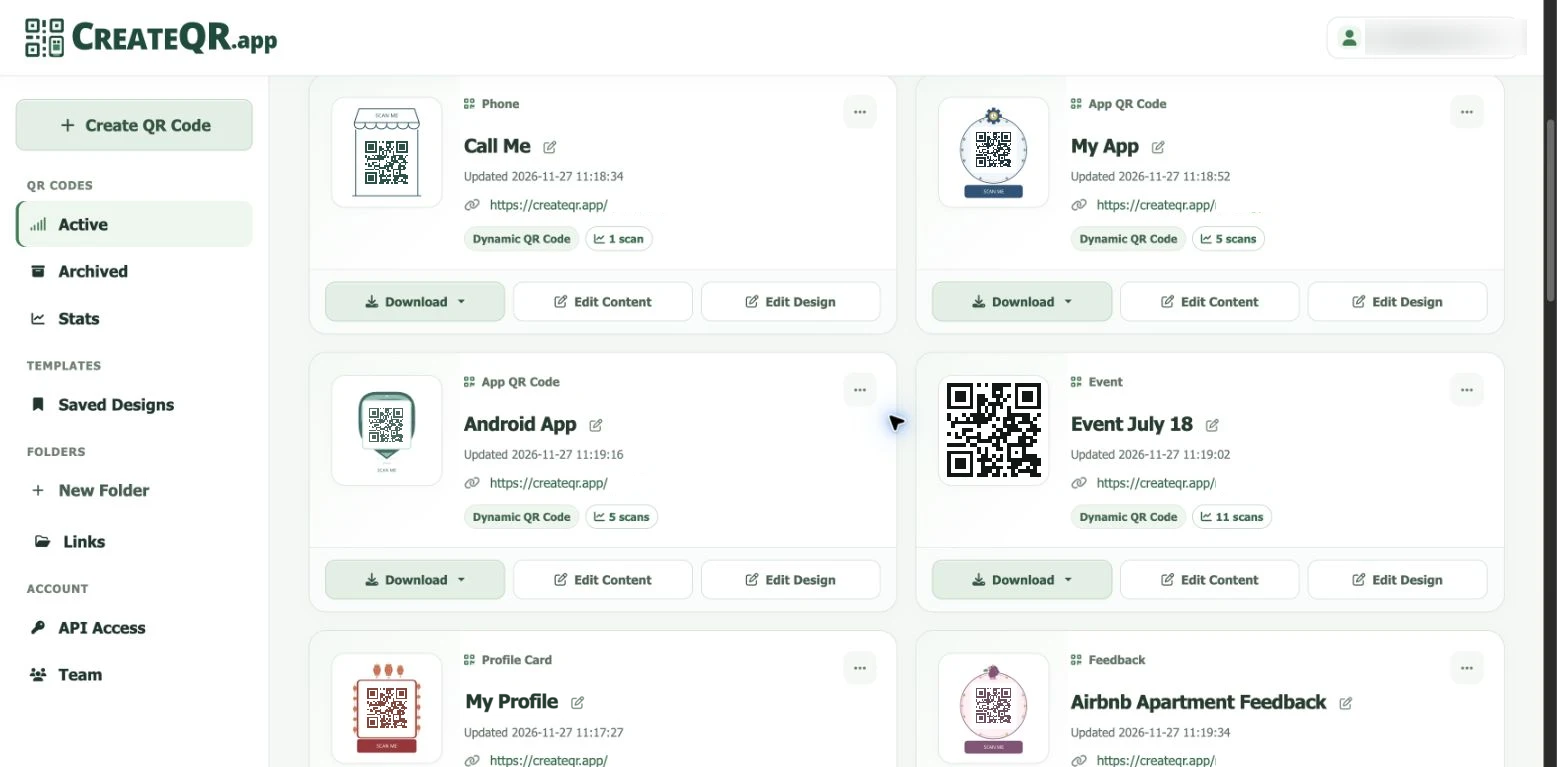

Create a QR code in three simple steps
Pick what you want to share
Start with a website, profile, file, menu, event, coupon, app, or another QR destination.
Shape the scan experience
Add the details people should see and style the QR code so it fits your brand.
Save it for print or digital use
Download a high-resolution file and use it on packaging, posters, screens, or campaigns.
What will you share?
Explore a few ideas. Choose the QR code that fits yours.
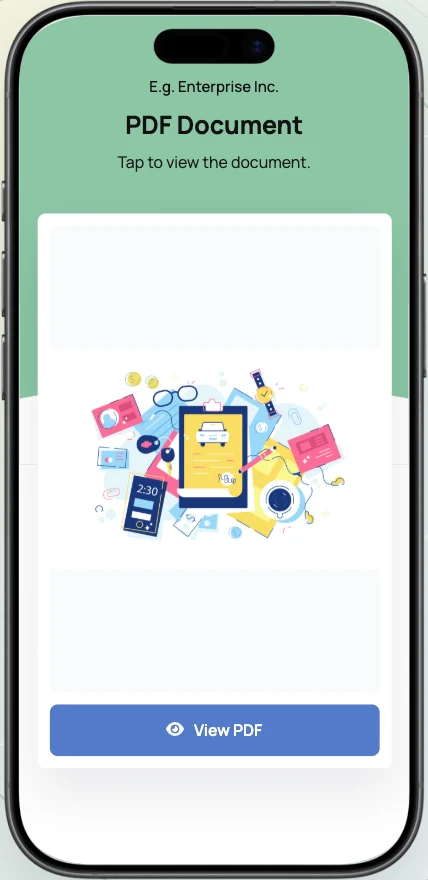
Your document, a scan away.
Upload a PDF and share brochures, guides or reports. Open the file directly or introduce it with a branded page.
From your print to your page.
Turn packaging, posters and business cards into a shortcut to your website, booking page or latest campaign.
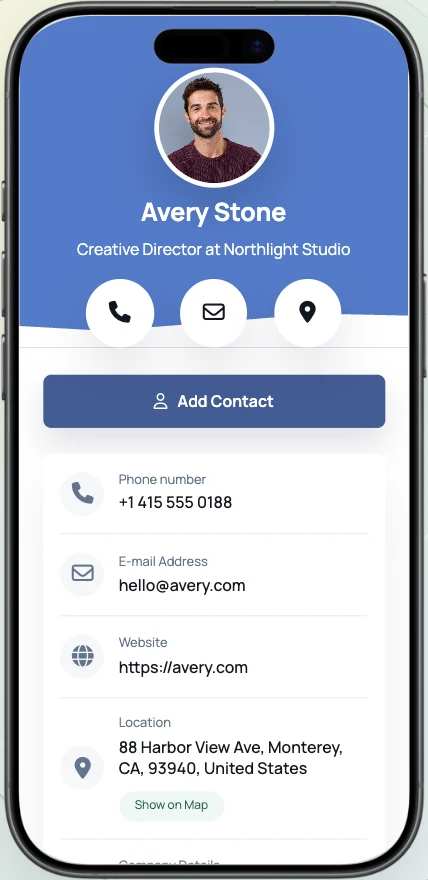
An introduction worth keeping.
Bring your photo, contact details and social links together in a digital profile people can open on their phone.
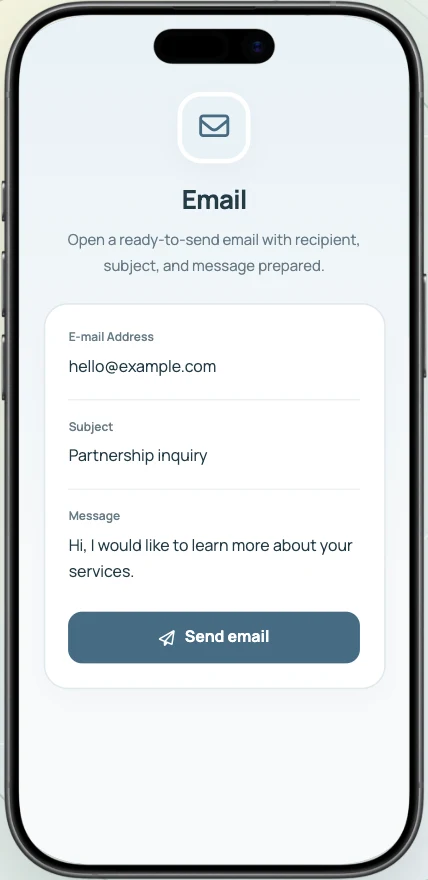
Make the first message easy.
Prepare the recipient, subject and message so people can open their email app and start the conversation.
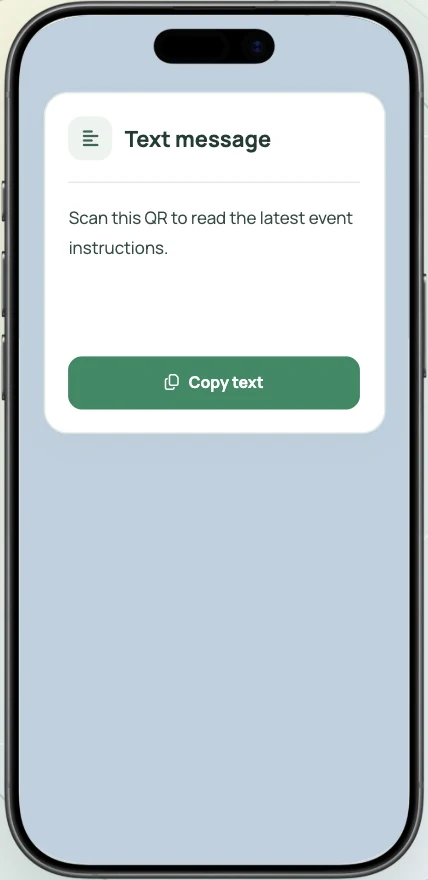
Words worth sharing.
Publish a short note, useful instructions or an announcement in a simple mobile view, ready to open with a scan.
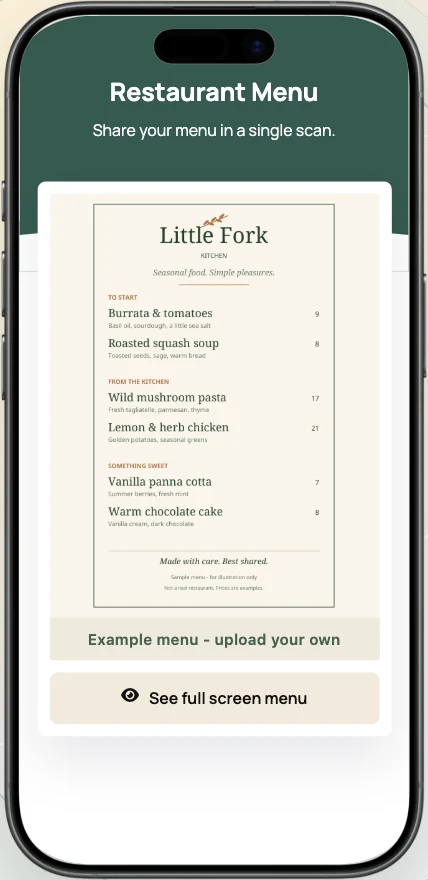
Your menu. Served your way.
Upload a PDF or image, link an existing menu, or build an interactive menu you can update without reprinting your QR.
- Dish photos, categories and portion prices
- Dietary and spice labels, plus allergen filters
- Multiple languages and one-click translation
- Opening hours, scheduled menus and dish availability
- Order, reservation and contact links
- Custom colors, fonts and restaurant photo
The translation assistant is available after creating an account and saving your QR.
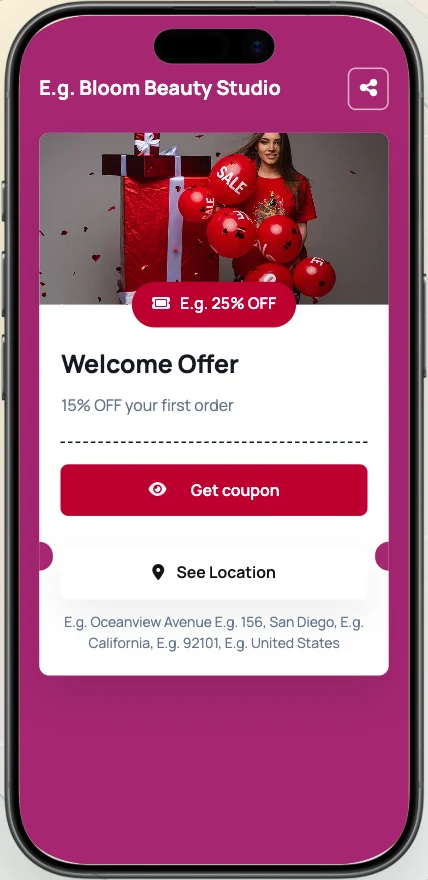
Give your next offer a spotlight.
Share a promotion with its details, validity dates and redemption instructions, all on a mobile-friendly page.
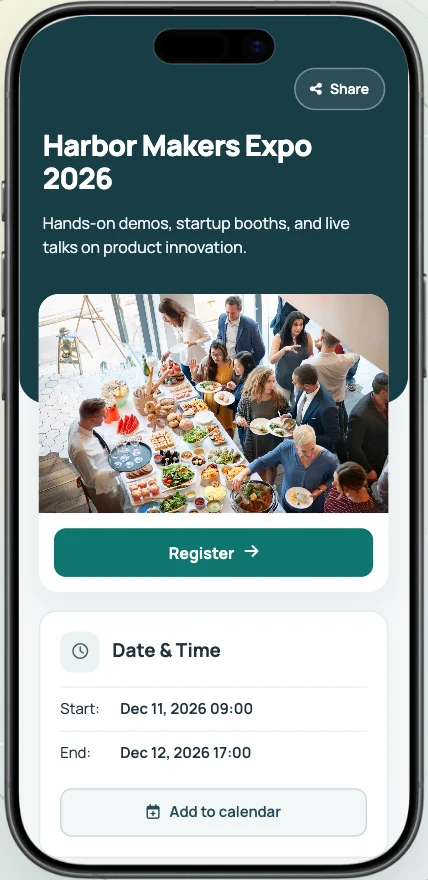
Bring people to your next event.
Put the date, venue, event details and registration link in one place, ready to share on invitations and posters.
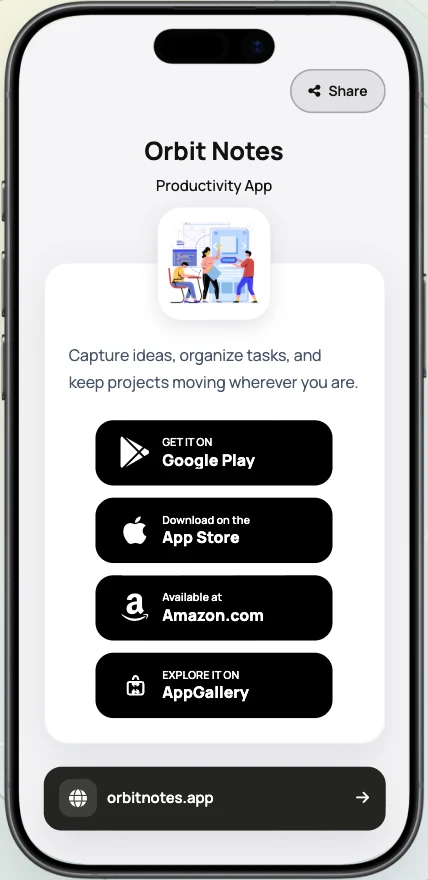
One scan. Find your app.
Bring your app-store links together on a branded page so visitors can choose where to download your app.
Make it easy to reach you.
Add a number to let customers open their phone’s call screen from a flyer, label or service card.
Start with the right message.
Prepare a phone number and message so people can open their texting app and get in touch with less typing.
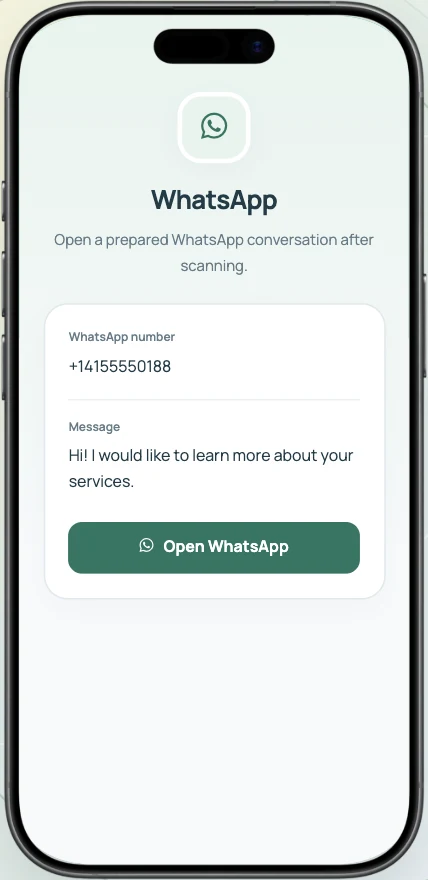
A conversation, one scan away.
Let customers open WhatsApp with your number and a ready-to-send message. Track QR scans from your dashboard.
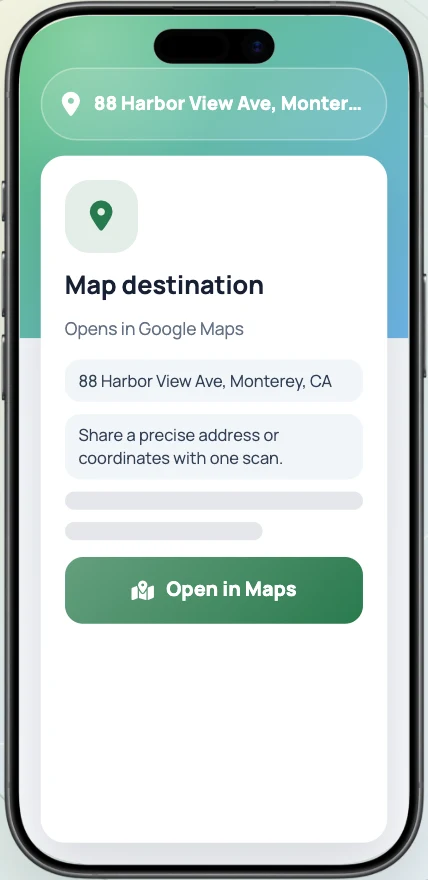
Make finding you effortless.
Share an address or map coordinates so visitors can open directions to your shop, venue or meeting point.
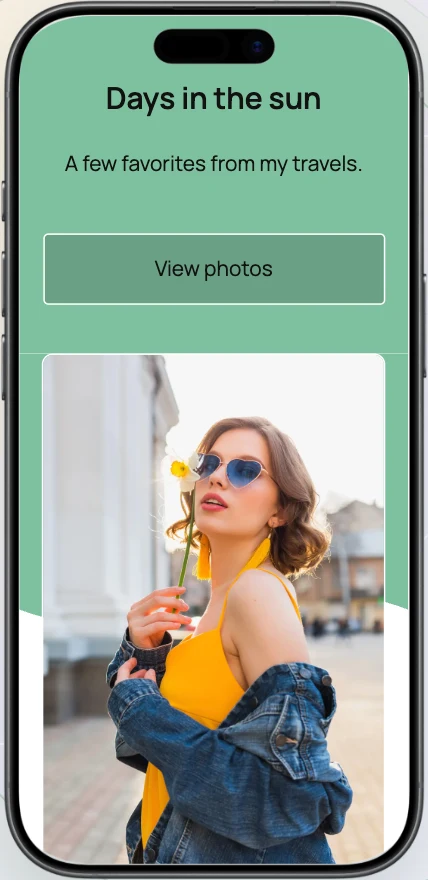
Let your collection tell the story.
Upload photos for a mobile gallery. Share product collections, portfolios or event highlights with a single scan.
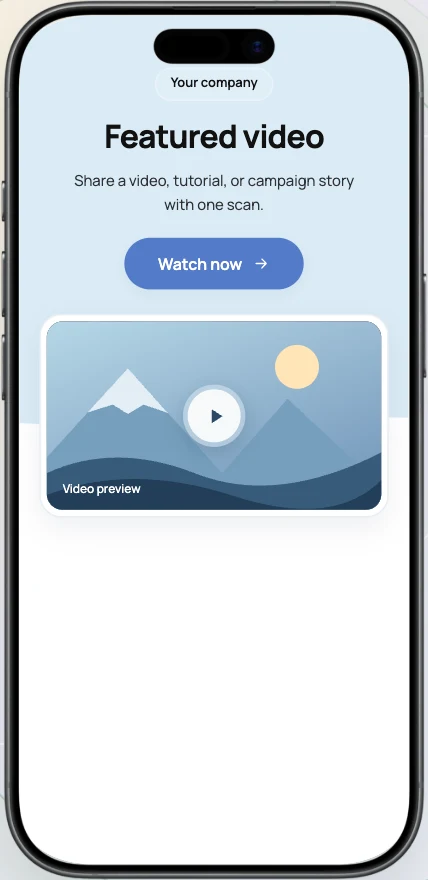
Give your story a play button.
Share tutorials, product demos or a behind-the-scenes look on a video page people can open from your printed materials.
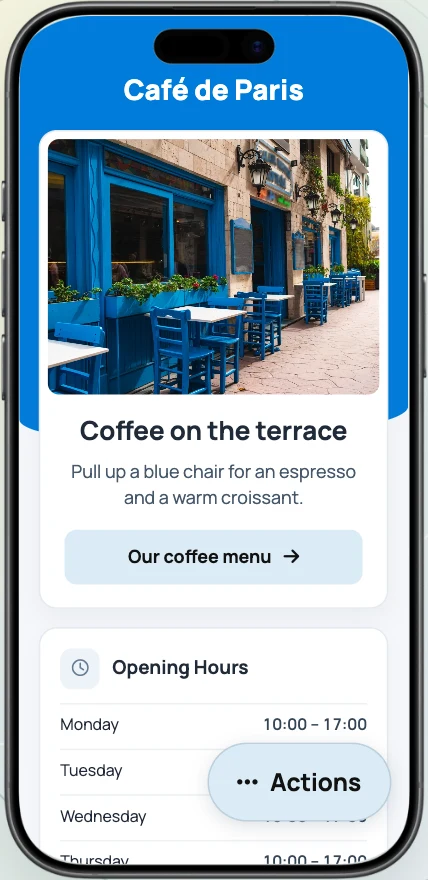
Your business, beautifully introduced.
Bring your services, opening hours, address and contact links together on a mobile page that feels like your brand.
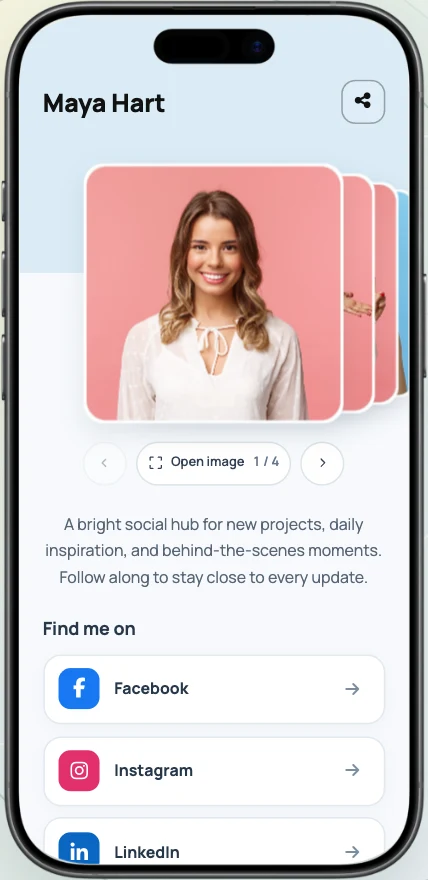
Keep every connection in reach.
Give visitors one place to discover your social profiles and choose where they want to follow you.
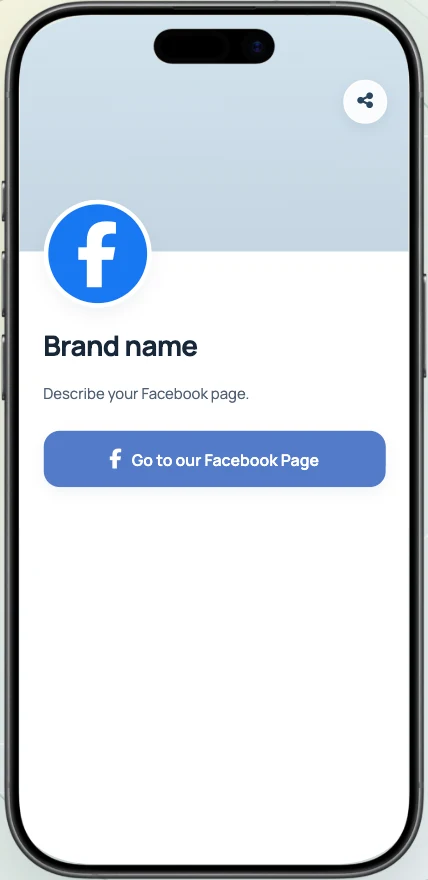
Bring your community closer.
Introduce your Facebook page and help people find it from your shop window, packaging or event materials.
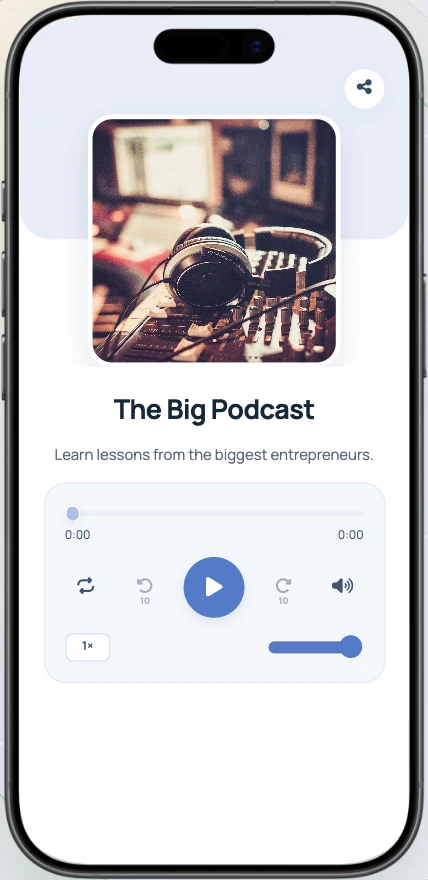
Let people listen in.
Share a recording, audio guide or music track on a mobile audio page, ready to open with a scan.
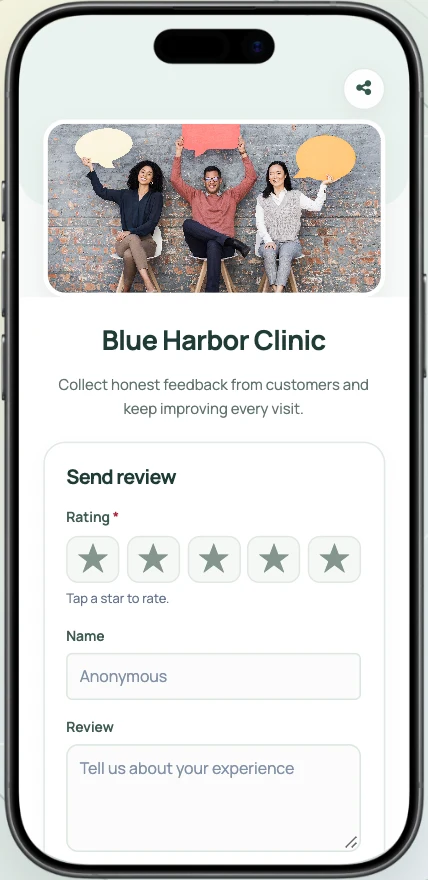
Turn a visit into a conversation.
Give customers a simple way to share feedback while their experience is fresh, from a receipt, counter or table.
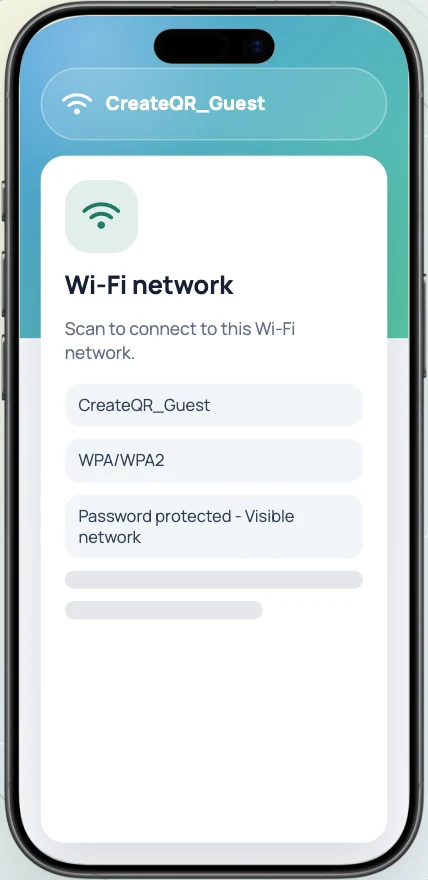
A warmer welcome. An easier connection.
Share your Wi-Fi network details with a scan so guests do not have to type a long network name or password.
Select a type to see an example. Your own content comes next.
Popular questions
What does a QR code generator do?
It turns a link or other content into a scannable image. Someone can scan that image with their phone to open what you shared, without typing a web address.
What can I share through a QR code?
Choose the type that suits your content: a website, PDF, menu, contact details, images, video, social profiles and more. Each type guides you through the information it needs.
Do I need design or technical skills?
No. Choose a QR type, add your content and use the preview to check the result. You can keep the default design or adjust it to suit your brand.