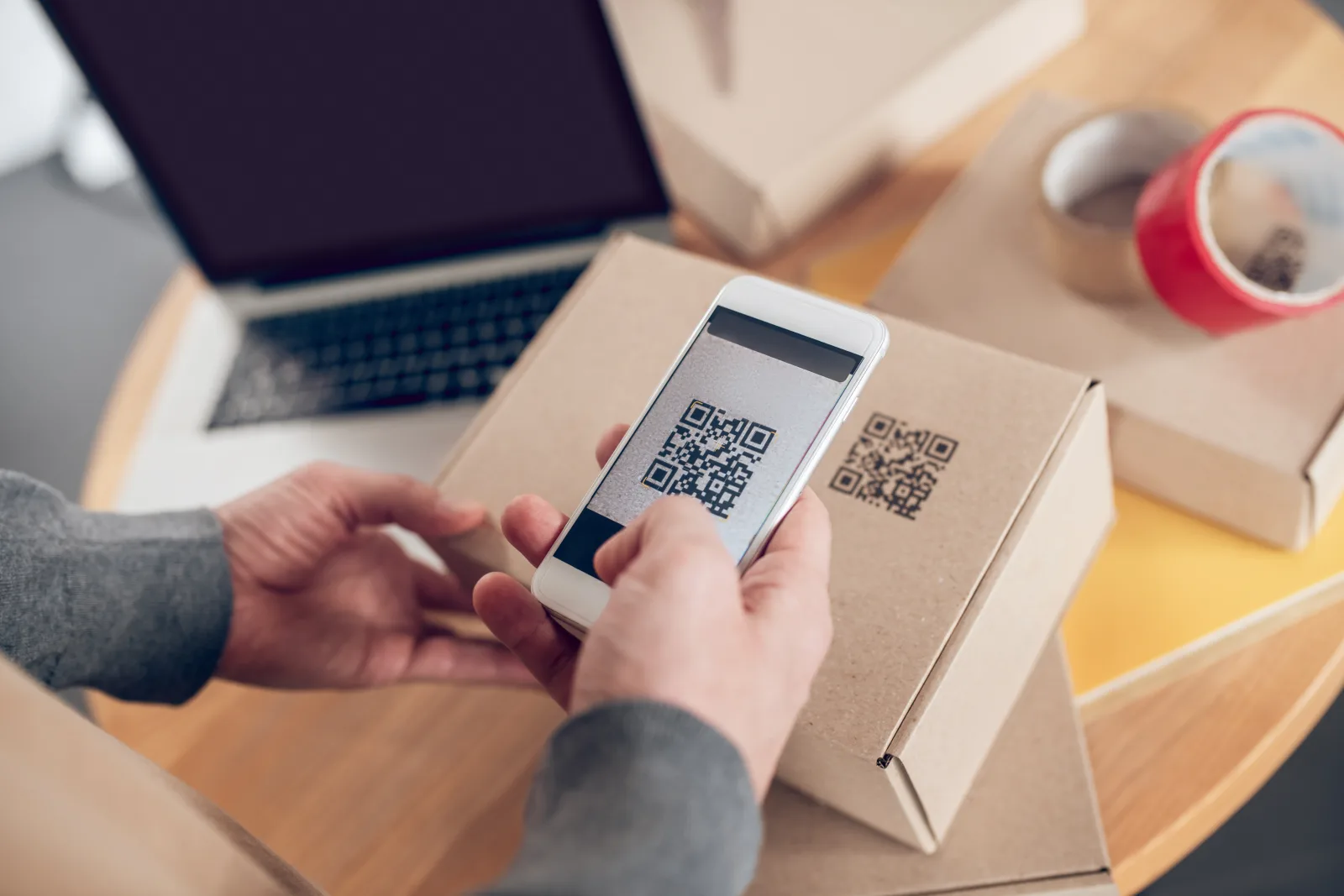
GS1 Digital Link can turn product packaging into more than a static label. Instead of using a QR code only as a simple marketing link, brands can connect a product’s official identity to digital content, product data, consumer experiences, traceability information, and future retail workflows.
In practical terms, this means a product package can carry a QR Code powered by GS1 that includes a GS1 identifier such as a GTIN and opens useful digital information when scanned by a consumer. The same structured identity can also support more advanced product-data and supply-chain use cases when implemented correctly.
Quick answer: To use GS1 Digital Link on product packaging, start with the product’s GS1 identifier, build a valid Digital Link URI, use a brand-controlled domain when possible, generate a QR Code powered by GS1, connect it to a useful consumer destination, test it on real packaging, and plan for retail, compliance, and long-term data maintenance before printing at scale.
What GS1 Digital Link means for packaging
GS1 Digital Link gives brands a standardized way to connect product identifiers to the web. Instead of printing a generic QR code that points to any random URL, the code can be structured around the product’s identity.
On packaging, that usually means using a QR Code powered by GS1. A consumer can scan the code with a phone and open a product page, while the underlying structure can still include GS1 identifiers and product-related data.
Simple way to think about it: a normal QR code can send shoppers to a page. A GS1 Digital Link QR code can send shoppers to a page while keeping the scan connected to a standardized product identity.
Why brands are using GS1 Digital Link on packaging
Product packaging has limited space. Brands often need to communicate ingredients, instructions, certifications, recycling details, safety information, promotions, product videos, reviews, and support information. A connected packaging QR code can move much of that information into a digital experience without overcrowding the label.
Better consumer information
Shoppers can scan for ingredients, allergens, instructions, product videos, sustainability details, or other product content.
Smarter product identity
The code can be structured around a GS1 identifier, helping the package connect to product data rather than only a generic webpage.
More flexible packaging
Digital content can be updated more easily than printed packaging, especially when the QR destination is managed correctly.
Future retail readiness
Retail is moving toward broader 2D barcode readiness, so brands are planning how packaging can support both checkout and digital experiences.
What information can a GS1 Digital Link QR code support?
A GS1 Digital Link QR code can support both structured product identity and web-connected content. The exact setup depends on the product, category, data strategy, and implementation requirements.
| Information type | Why it matters on packaging | Example destination |
|---|---|---|
| GTIN | Anchors the scan to the product identity | Product information page |
| Batch or lot | Useful for traceability and recall workflows | Batch-specific traceability page |
| Serial number | Supports item-level identity and authenticity scenarios | Warranty or authenticity check |
| Expiry date | Relevant for freshness, safety, markdown, and lifecycle use cases | Freshness, safety, or usage guidance |
| Consumer content | Extends the label with richer product information | Ingredients, allergens, videos, reviews, recycling info, instructions |
Important: The code is only as useful as the product data and destination behind it. A standards-based QR code still needs accurate, maintained content.
How to use GS1 Digital Link on product packaging
A good implementation starts before you generate the QR code. You need to plan product identity, domain strategy, destination content, data maintenance, print quality, and scanning context together.
1. Confirm the product identifier
Start with the product’s GS1 identifier, such as the GTIN. The code should be based on clean and correct product data.
2. Decide what the scan should do
Choose whether the main goal is consumer information, product authentication, traceability, support, sustainability, promotion, or retail readiness.
3. Choose the data you need to include
Decide whether the package only needs product-level identity or whether batch, lot, serial, expiry, or other attributes are needed too.
4. Build the GS1 Digital Link URI
Structure the URI correctly so the product identity is represented in a standards-based way rather than as a generic marketing URL.
5. Use a brand-controlled domain when possible
A brand domain makes the scan easier to trust and gives the brand more long-term control over the packaging experience.
6. Decide whether you need a resolver
A resolver can route the same product identity to different destinations depending on context, such as consumer content, product data, support, or regulatory information.
7. Generate the 2D barcode
For consumer-facing packaging, this is often a QR Code powered by GS1. For some industries or operational workflows, another 2D carrier may be more appropriate.
8. Test on real packaging
Test the code on the actual packaging material, at final size, with real lighting, real curvature, and real scanning devices.
Best workflow: do not generate the QR code first and figure out the data later. Start with product identity and destination strategy, then generate the symbol.
Example packaging scan journeys
GS1 Digital Link is powerful because the scan can support different journeys depending on the product and audience.
| Product category | Useful scan destination | Why it works |
|---|---|---|
| Food and beverage | Ingredients, allergens, recipes, freshness, recycling details | Extends limited label space with richer product information |
| Beauty and personal care | How-to videos, ingredient explanations, sustainability claims, reviews | Helps customers understand usage and brand values |
| Electronics and appliances | Setup guide, warranty registration, support page, manuals | Turns the package into a self-service support entry point |
| Pharma or healthcare-adjacent products | Safety information, usage instructions, authentication, patient guidance | Can support clearer access to important product information when implemented under the right standards |
| Apparel and consumer goods | Care instructions, authenticity, sustainability, product registration | Connects the physical item to ongoing ownership and lifecycle content |
Brand domain vs third-party domain
One of the most important choices is the domain used in the Digital Link URI. For consumer-facing packaging, a brand-controlled domain is usually better because it feels more trustworthy and gives the brand more control over the long-term destination.
| Domain choice | Advantages | Watch out for |
|---|---|---|
| Brand-controlled domain | More trust, more control, easier brand continuity | Needs proper technical setup and long-term maintenance |
| Third-party or generic domain | Can be fast to launch if infrastructure is already provided | May reduce consumer trust and create long-term dependency |
Rule of thumb: when the QR code is printed on your product packaging, the destination should feel like it belongs to your brand.
Static page vs resolver-based destination
Some brands start by sending every scan to a single product page. That may be enough for simple consumer information. More advanced implementations may use a resolver, which can route the same product identity to different resources depending on context.
| Setup | Best when | Trade-off |
|---|---|---|
| Single static destination | You only need one product page or simple consumer destination | Simpler, but less flexible for different audiences and contexts |
| Resolver-based destination | Different users or systems need different resources from the same product identity | More powerful, but needs better planning and governance |
For example, a consumer scan might open a product information page, while another context might need technical product data, regulatory content, or support resources. The right setup depends on your data strategy, not only your QR code design.
Need to create QR codes for packaging, product pages, or connected product experiences?
Best practices for packaging and print
GS1 Digital Link implementation is partly technical and partly physical. The code must be structured correctly, but it also has to survive real packaging conditions.
- Start with clean product master data and the correct GS1 identifier
- Use a brand-controlled domain whenever practical
- Make the consumer destination useful, mobile-friendly, and clearly branded
- Use a clear printed CTA such as “Scan for product info” or “Scan for ingredients and recycling”
- Test the code on the real package, not only in a digital mockup
- Test curved, glossy, textured, or flexible packaging carefully
- Check both smartphone scanning and operational scanner requirements when relevant
- Plan for coexistence with existing EAN/UPC or linear barcodes during transition periods
- Keep the linked product content maintained after packaging ships
- Document the approved barcode, destination, and packaging version internally
| Do this | Avoid this |
|---|---|
| Build the Digital Link around correct product identity | Treating the code like a normal campaign QR URL |
| Use a brand domain for consumer trust | Using a confusing or unrelated URL on product packaging |
| Test the printed code in real packaging conditions | Approving only from a flat digital proof |
| Plan for retail and scanner readiness | Removing existing barcode workflows too early |
| Maintain the destination content after launch | Letting linked product pages become outdated |
For related setup guidance, read What Is a GS1 QR Code? A Simple Guide to GS1 Digital Link, GS1 QR Code vs Data Matrix: Which 2D Barcode Should Brands Use?, and How to Test a QR Code Before You Print 1,000 Copies.
Common mistakes to avoid
- Using a generic QR code and calling it GS1 Digital Link without the correct URI structure
- Starting with design before confirming the product identifier and data requirements
- Using a non-brand domain when a brand-controlled domain would be better
- Sending every scan to a weak or generic homepage
- Printing the code too small for packaging, curvature, or surface conditions
- Testing only on a phone when retail or operational scanning is also part of the goal
- Removing existing linear barcodes too early during retail transition planning
- Letting product pages, batch information, or consumer content go stale after launch
- Assuming one QR code solves product data governance by itself
The biggest mistake is treating GS1 Digital Link as only a QR design feature. Its real value comes from the connection between product identity, data, destination, and packaging strategy.
FAQ
What is GS1 Digital Link on packaging?
It is a standards-based way to connect a product’s GS1 identifier to a web-ready URI that can be printed in a 2D barcode, often a QR Code powered by GS1.
Is GS1 Digital Link the same as a normal QR code?
No. A normal QR code can point to any URL. A GS1 Digital Link QR code follows a standards-based structure tied to product identity.
Should brands use their own domain for GS1 Digital Link?
In most consumer-facing packaging use cases, yes. A brand-controlled domain is easier to trust and gives the brand more long-term control.
Can GS1 Digital Link include batch or expiry data?
Yes, depending on the implementation. GS1 Digital Link can support product identity plus additional data such as batch, lot, serial, or expiry when needed.
Do I still need an EAN or UPC barcode?
In many retail environments, yes. During the transition to broader 2D readiness, products may need both the existing linear barcode and the new 2D barcode.
What should the QR code open for consumers?
It should open useful product information, such as ingredients, allergens, instructions, certifications, sustainability details, product videos, support, or recycling information.
Can I update the destination after packaging is printed?
Yes, if the domain, resolver, and destination strategy are set up to support updates. That is one reason long-term destination control matters so much.
Create a QR code for packaging
Create QR codes for packaging, product pages, and connected customer experiences, then test them before printing.