CreateQR Entwicklerhandbuch

Automatisiere dynamische QR-Code-Erstellung mit der CreateQR API

Nutze JSON-Endpunkte, um QR-Codes aus deinen eigenen Systemen zu erstellen, aufzulisten und zu löschen. Erzeuge dynamische QR-Codes für Kampagnen und verwaltete Ziele sowie statische QR-Codes für WLAN, sofern unterstützt.

Basispfad: /api/v1 Auth: Authorization: Bearer <key> (empfohlen)

QR-Codes erstellen

Erstelle einen dynamischen QR-Code für URLs und verwaltete Ziele oder einen statischen QR-Code für WLAN-Payloads.

POST https://createqr.app/api/v1/create

Senden Sie nur JSON. Für die Schlüsselauthentifizierung ist ein Header Best Practice. Schlüssel-Felder im Body sind aus Kompatibilitätsgründen mit bestehenden Integrationen vorhanden.

Schnellstart (cURL)

Dieses dynamische URL-Beispiel ist der schnellste Hello-World-Einstieg.

curl -sS -X POST 'https://createqr.app/api/v1/create' \
  -H 'Content-Type: application/json' \
  -H 'Authorization: Bearer ck_live_XXXXXXXXXXXXXXXXXXXXXXXX' \
  -d '{"data":"https://createqr.app","qrtype":"dynamic"}'

Authentifizierung & Kompatibilität

  • Empfohlen: Authorization: Bearer <key>
  • Auch akzeptiert: X-API-Key
  • JSON-Fallback: apikey oder api_key
  • Content-Type muss application/json sein
  • Nicht-POST-Methoden geben 405 method_not_allowed zurück

Hauptparameter

Parameter Typ Standard Beschreibung
apikey String Erforderlich Geheimer API-Schlüssel. Empfohlen im Authorization-Header (Bearer). JSON-Body apikey/api_key wird ebenfalls akzeptiert.
data String Erforderlich Zu codierender Inhalt. Dynamische QR-Codes erfordern eine gültige URL. Statische QR-Codes akzeptieren nur WLAN-Payload-Strings.
qrtype String dynamic QR-Modus: dynamic für URLs und verwaltete Ziele oder static nur für WLAN-Payloads.
title String Optional QR-Titel, der im Dashboard angezeigt wird (auf 120 Zeichen gekürzt).
folderid Number Optional Positive ganzzahlige Ordner-ID, die Ihrem Konto gehört.

Farb- & Formparameter

Parameter Typ Standard Beschreibung
transparent String/Bool off on/off, true/false, 1/0, yes/no werden akzeptiert.
backcolor String #FFFFFF Hintergrund-Hexfarbe im Format #RRGGBB.
frontcolor String #000000 Hexfarbe der Hauptpunkte im Format #RRGGBB.
gradient String/Bool off Zweifarbigen Punktverlauf aktivieren.
radial String/Bool off Radialen Verlauf aktivieren (funktioniert, wenn gradient aktiviert ist).
gradient_color String #15A97C Zweite Verlaufsfarbe in #RRGGBB.
marker_out_color String #000000 Farbe des Rahmens um die Eckpunkte in #RRGGBB format.
marker_in_color String #000000 Farbe der Eckpunkte in #RRGGBB format.
pattern String default Stilvorgabe für die Körperpunkte.
default circle star diamond sparkle danger cross plus x heart shake blob special-circle-orizz special-circle-vert special-circle special-diamond ribbon oriental ellipse
marker String default Stil des Rahmens um die Eckpunkte.
corner_1 corner_2 corner_3 corner_4 corner_5 corner_6 corner_7 corner_8
marker_in String default Typ der Eckpunkte.
corner_in_1 corner_in_2 corner_in_3 corner_in_4 corner_in_5 corner_in_6 corner_in_7 corner_in_8
optionlogo String none none, empfohlener lokaler SVG-Wasserzeichenpfad, veralteter lokaler PNG-Pfad oder base64-Bilddaten.
none /images/watermarks/v2/01-link.svg /images/watermarks/v2/02-location.svg /images/watermarks/v2/03-email.svg /images/watermarks/v2/04-whatsapp.svg /images/watermarks/v2/05-wifi.svg /images/watermarks/v2/06-vcard.svg /images/watermarks/v2/07-menu.svg /images/watermarks/v2/08-app.svg /images/watermarks/v2/09-video.svg /images/watermarks/v2/10-feedback.svg /images/watermarks/v2/11-event.svg /images/watermarks/v2/12-coupon.svg /images/watermarks/v2/13-music.svg /images/watermarks/v2/14-social.svg /images/watermarks/v2/15-paypal.svg /images/watermarks/v2/16-bitcoin.svg /images/watermarks/v2/17-scan.svg data:image/*;base64,...
no_logo_bg String/Bool on Entfernt die Hintergrundfläche des Logos.

Rahmenparameter

Parameter Typ Standard Beschreibung
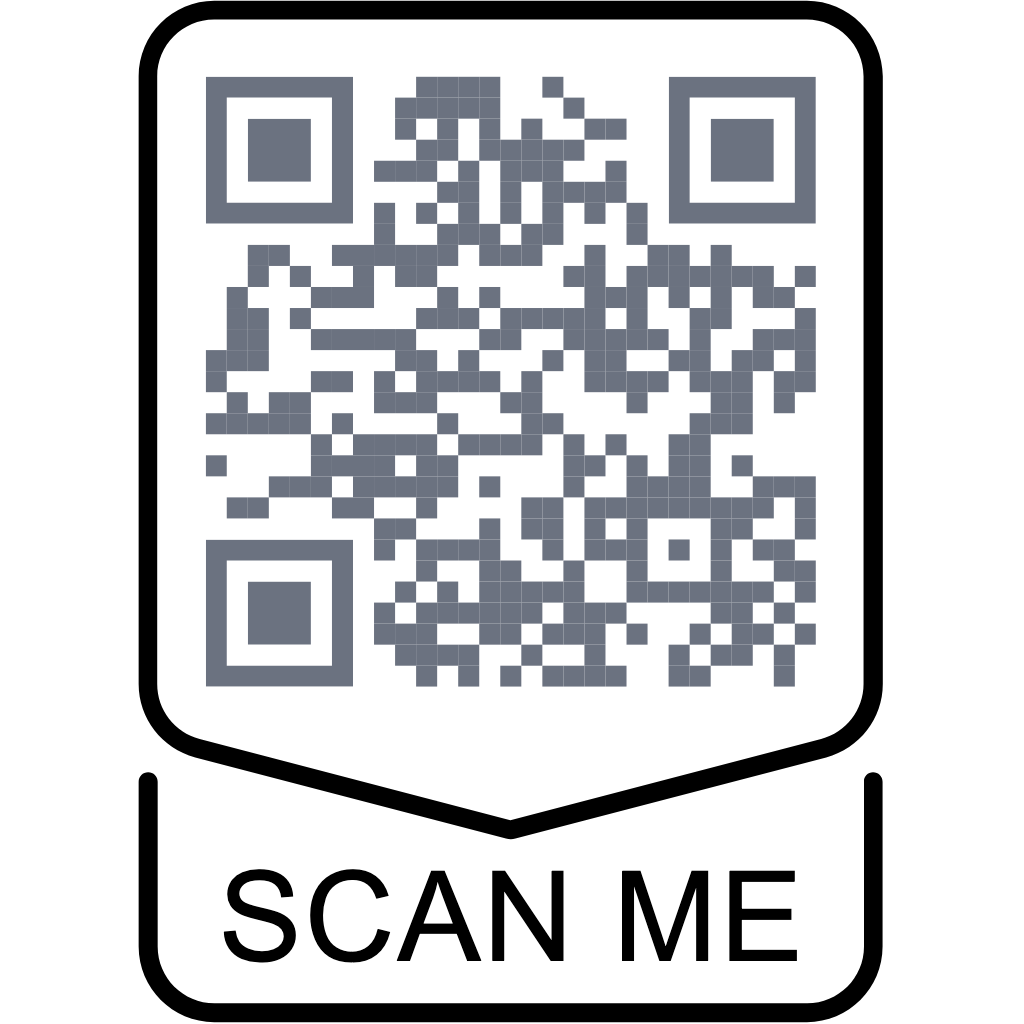
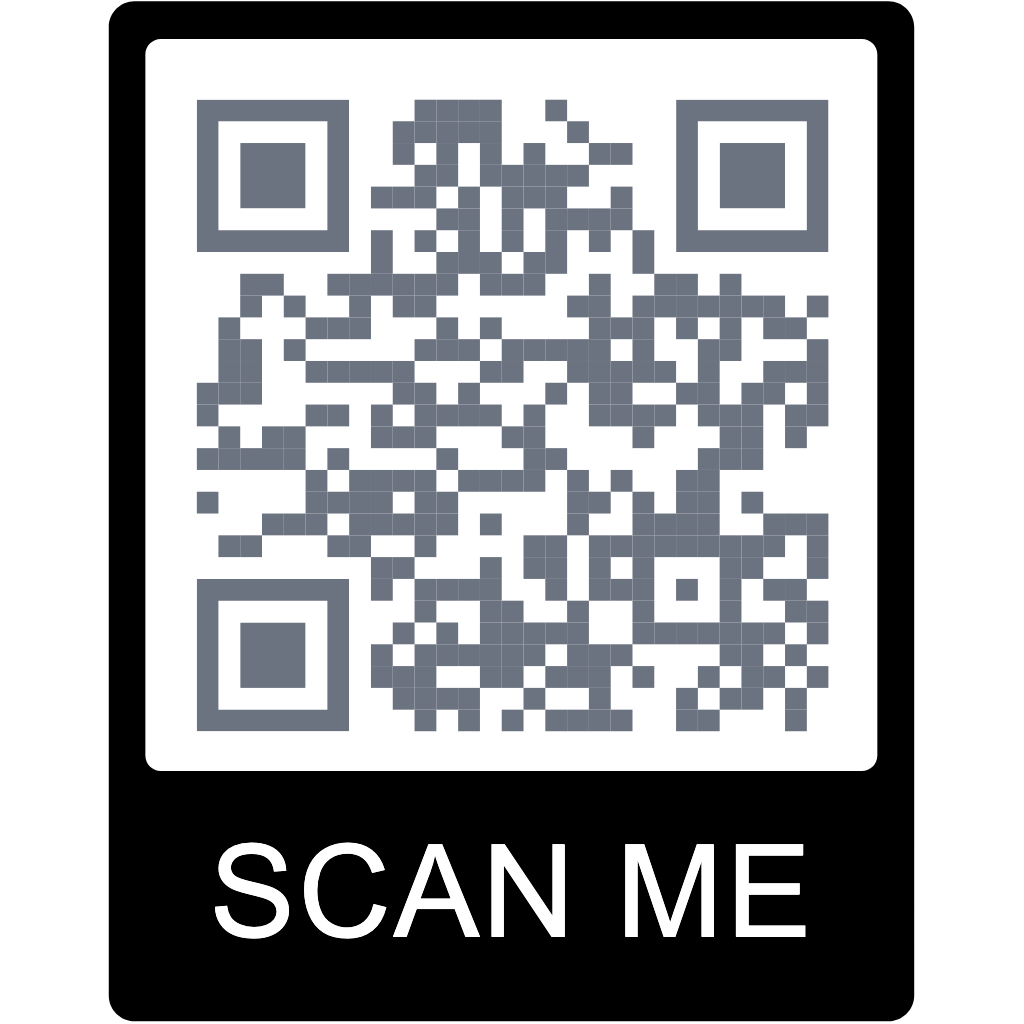
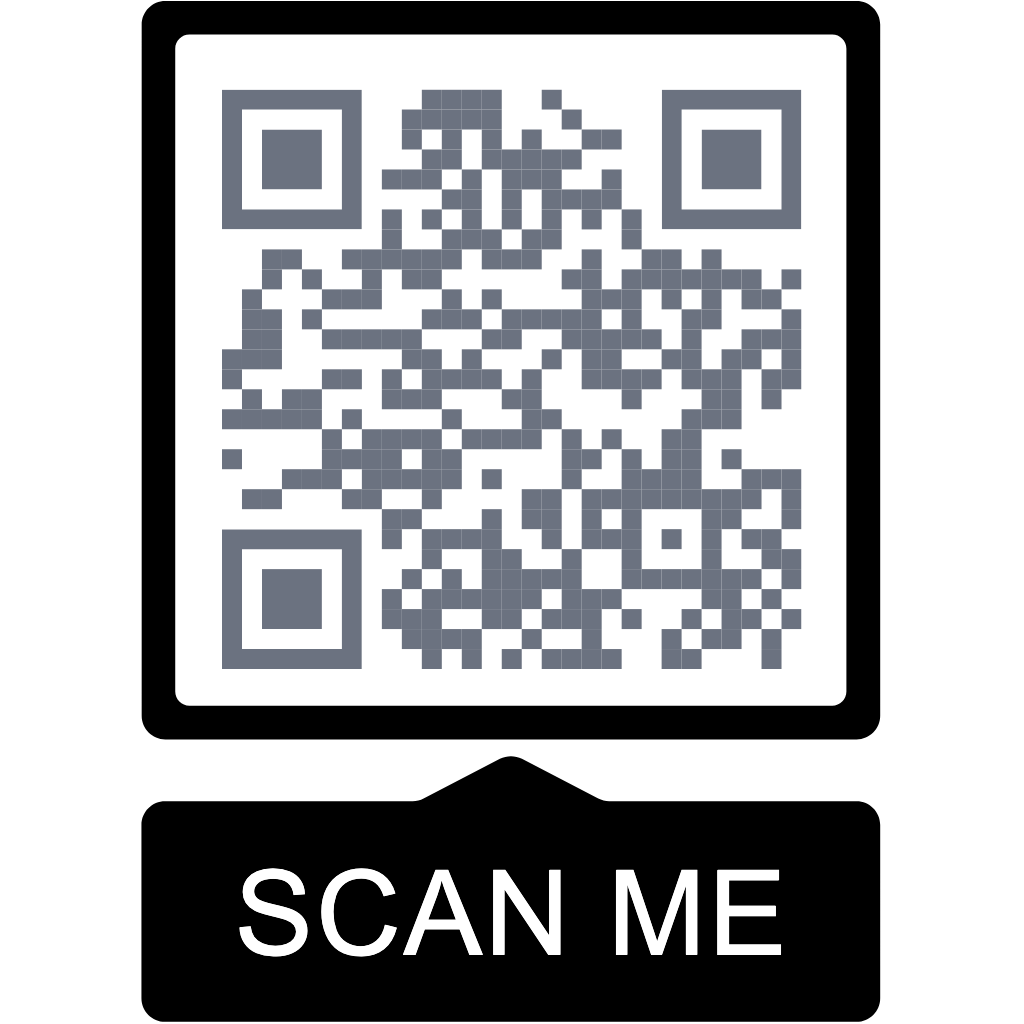
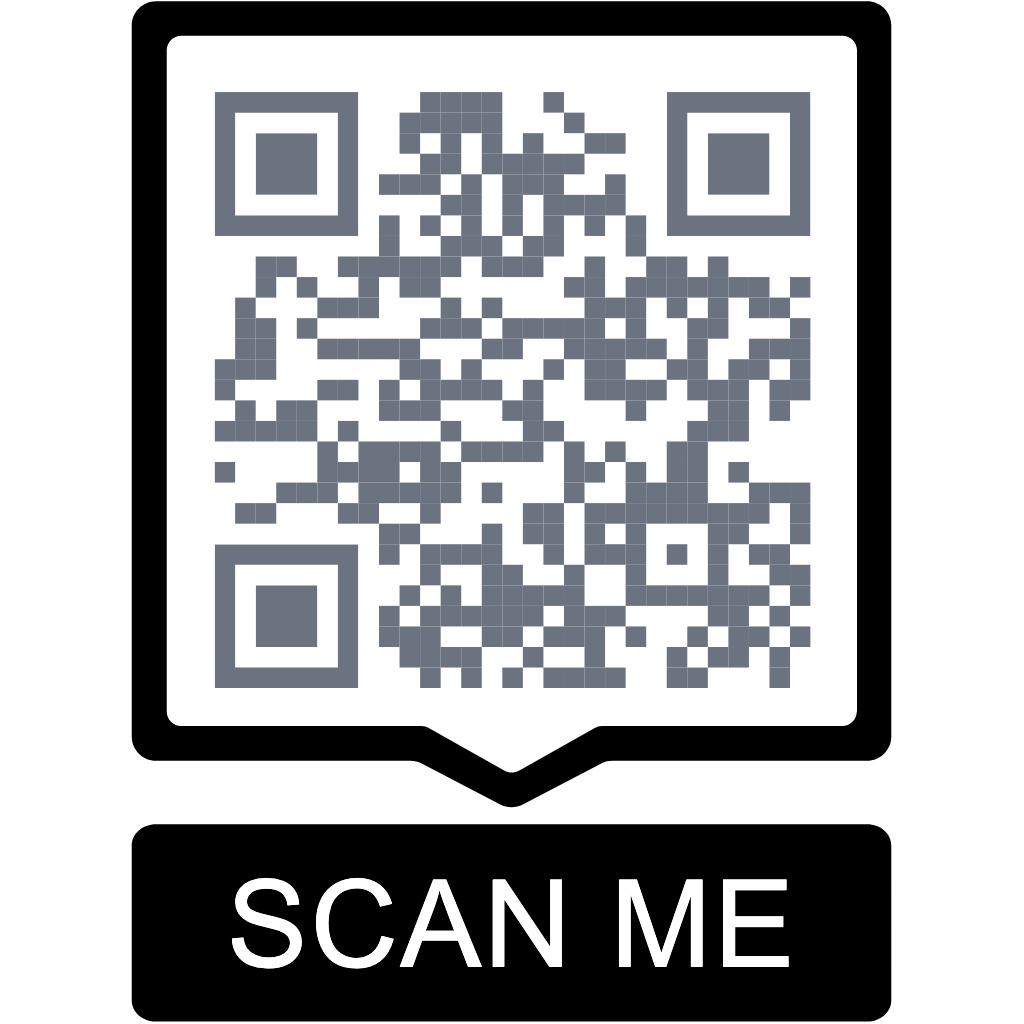
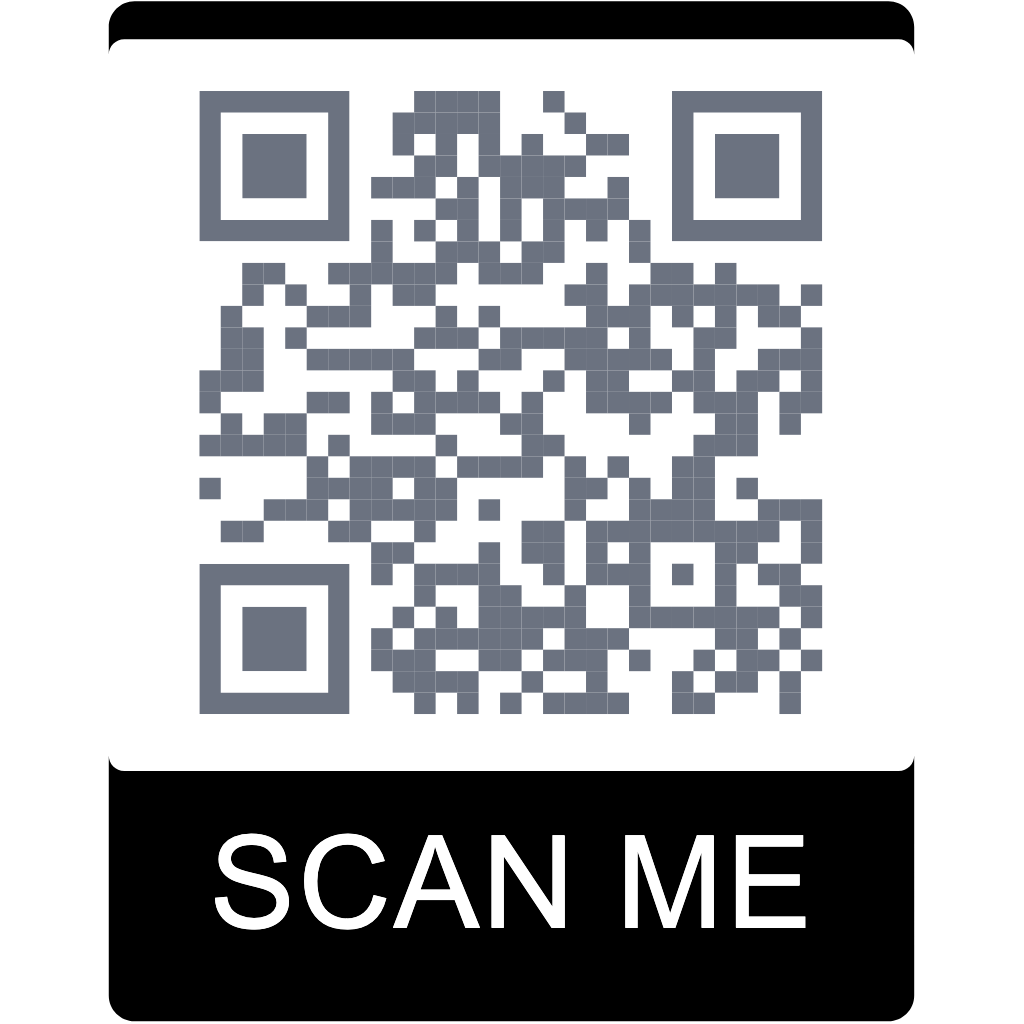
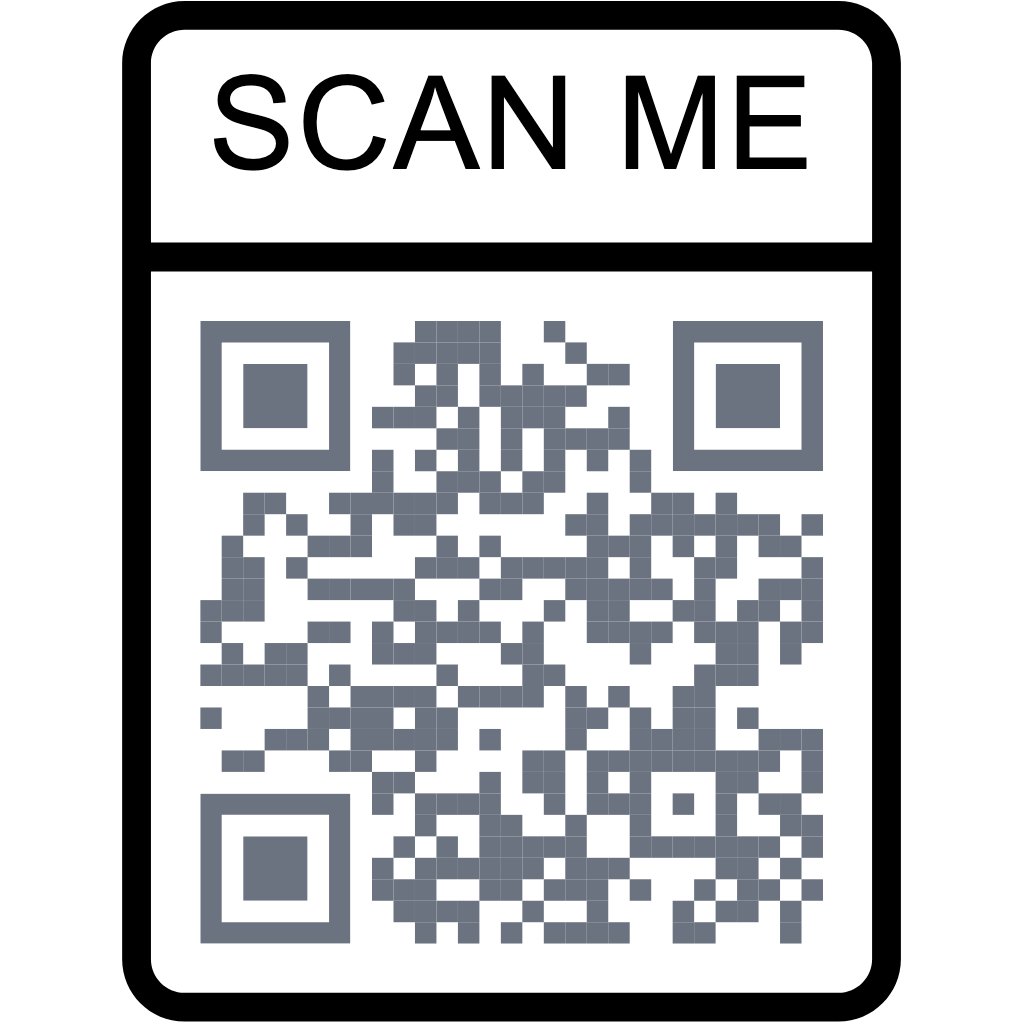
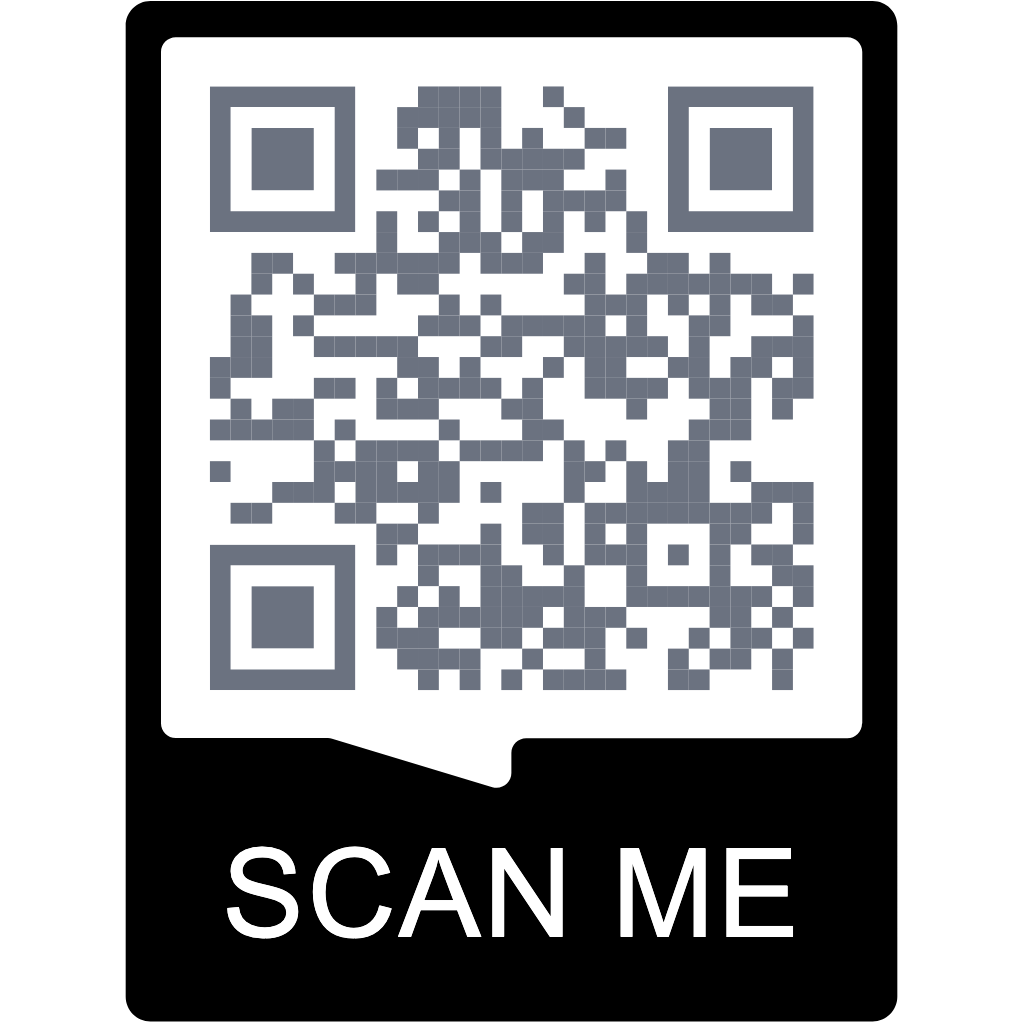
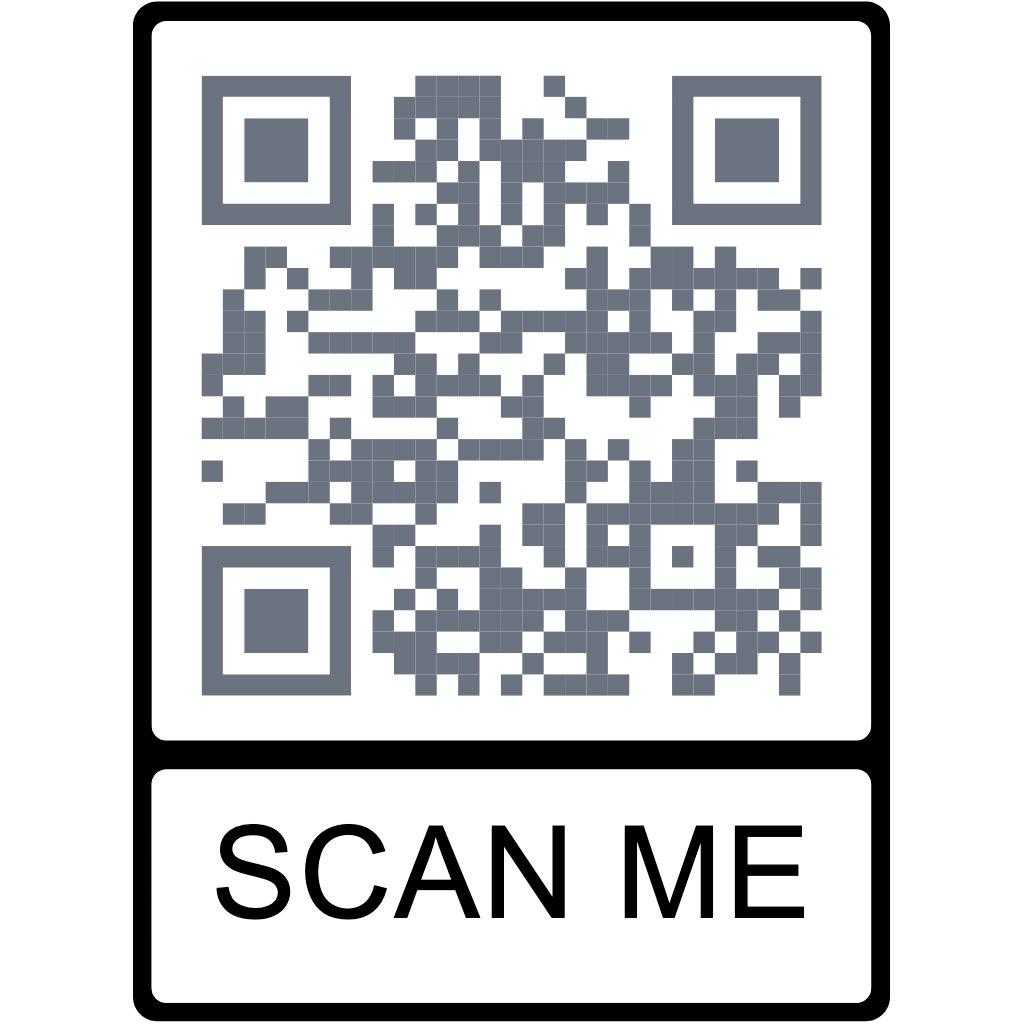
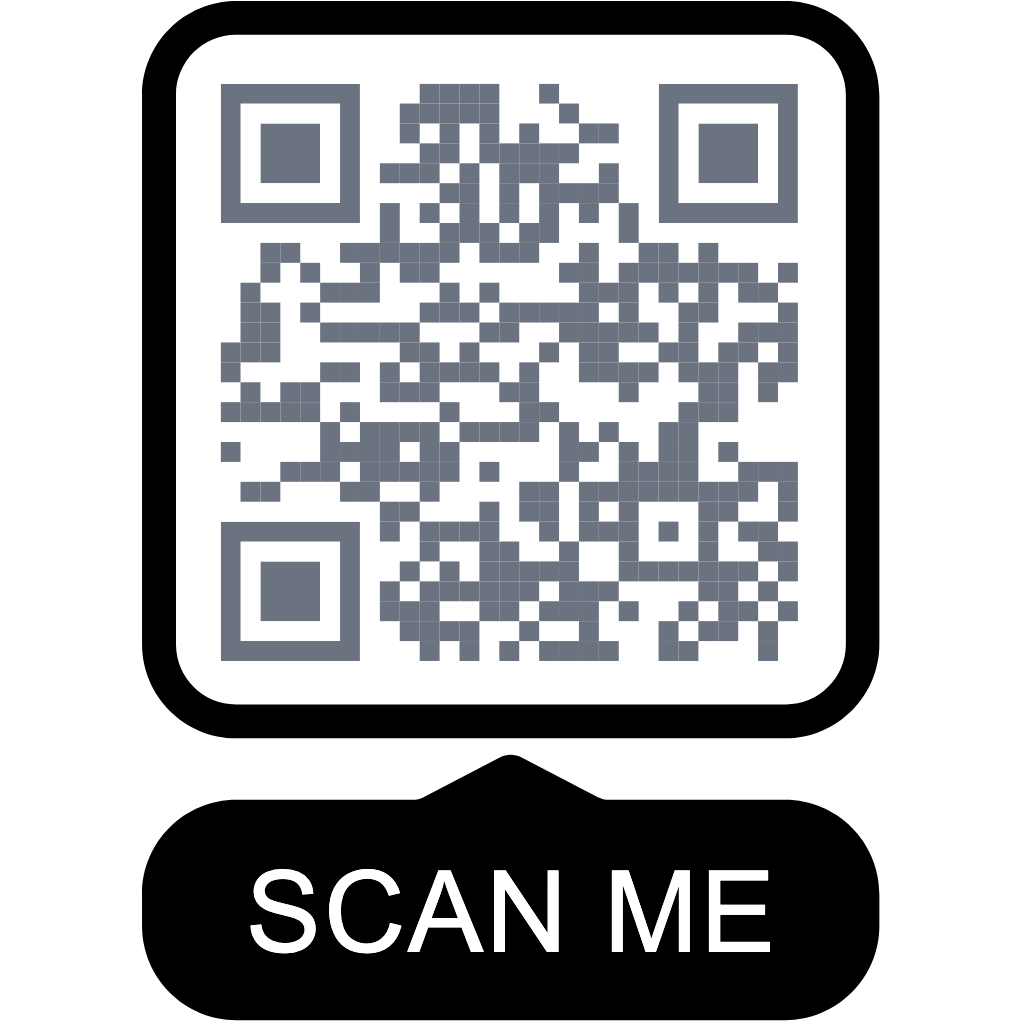
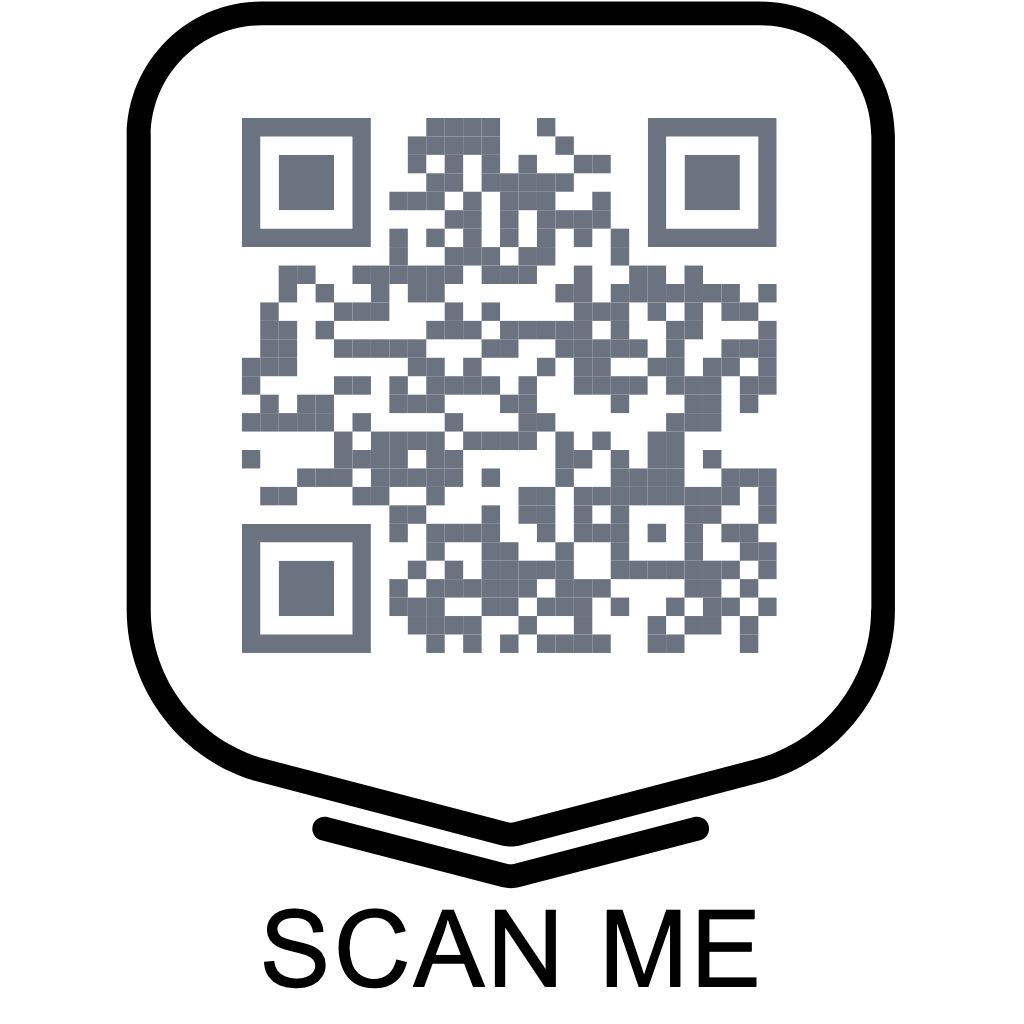
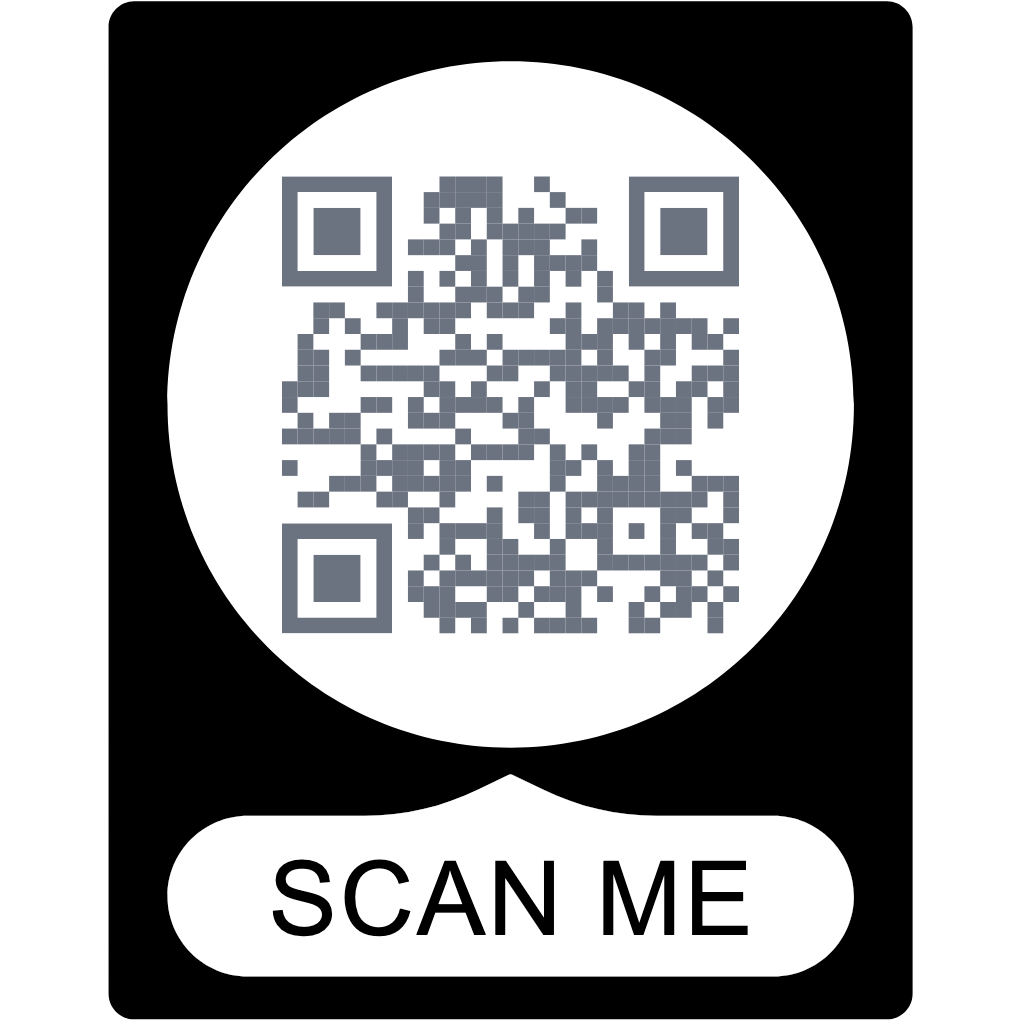
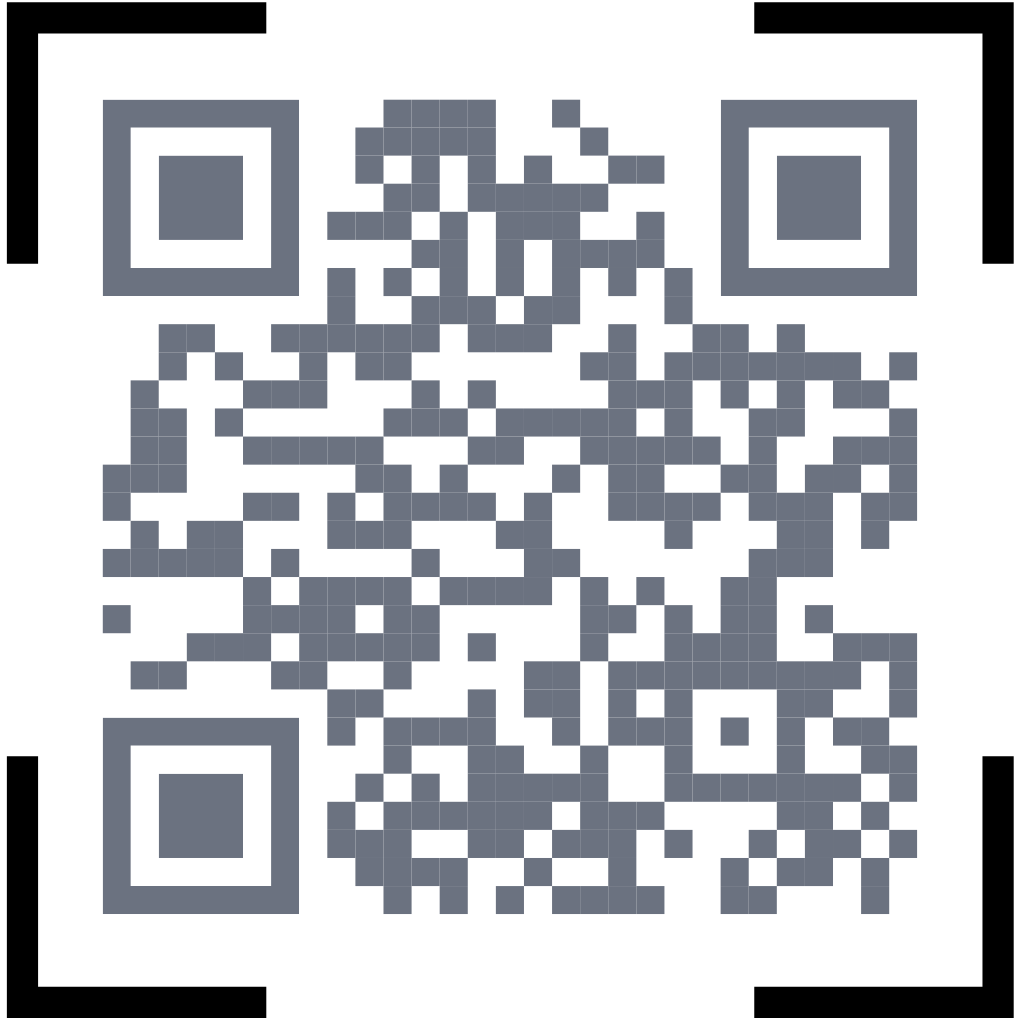
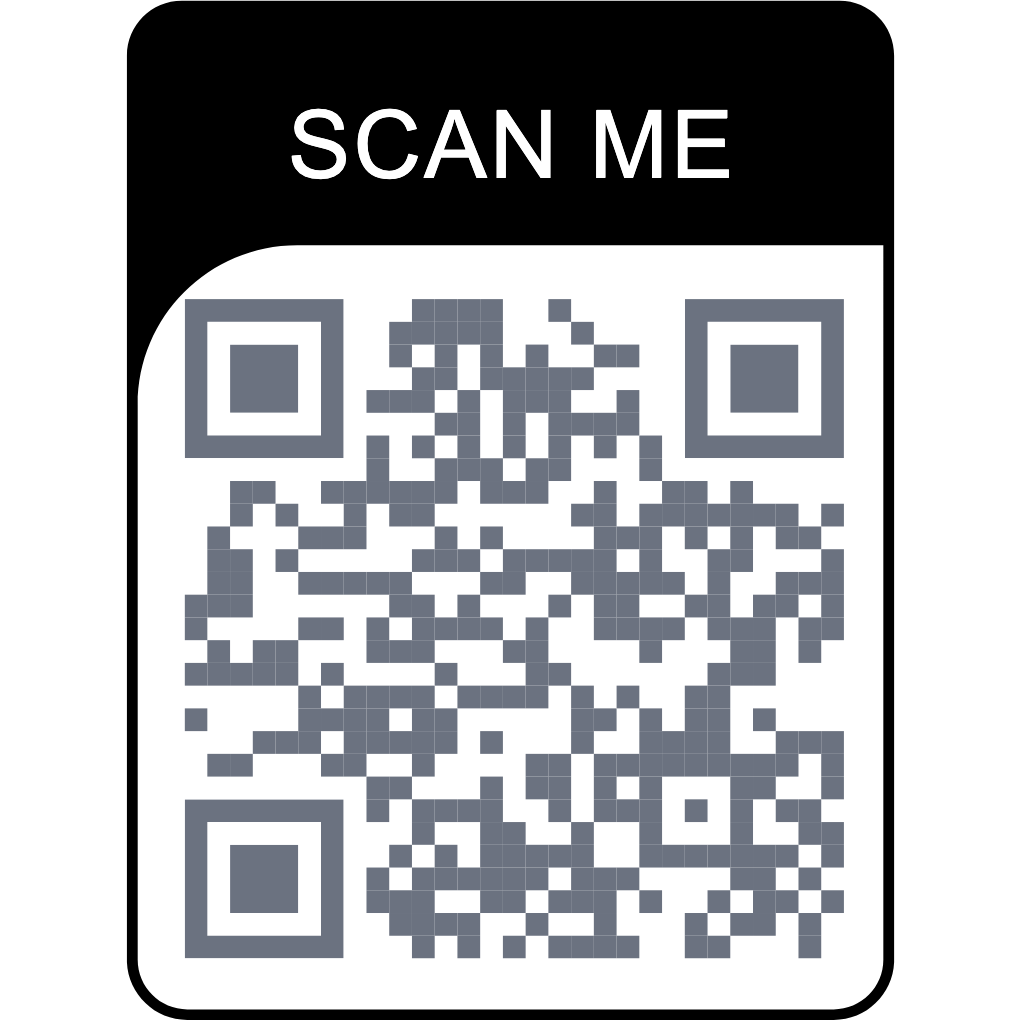
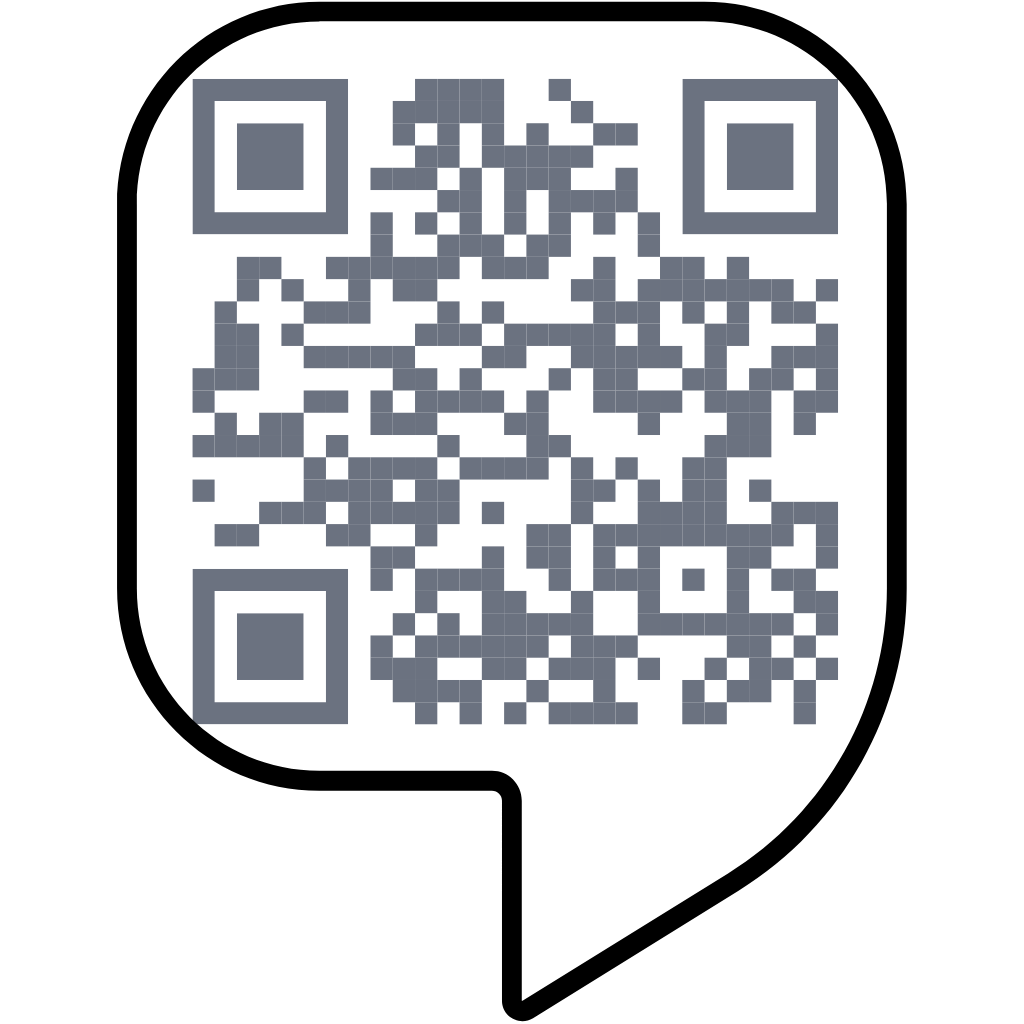
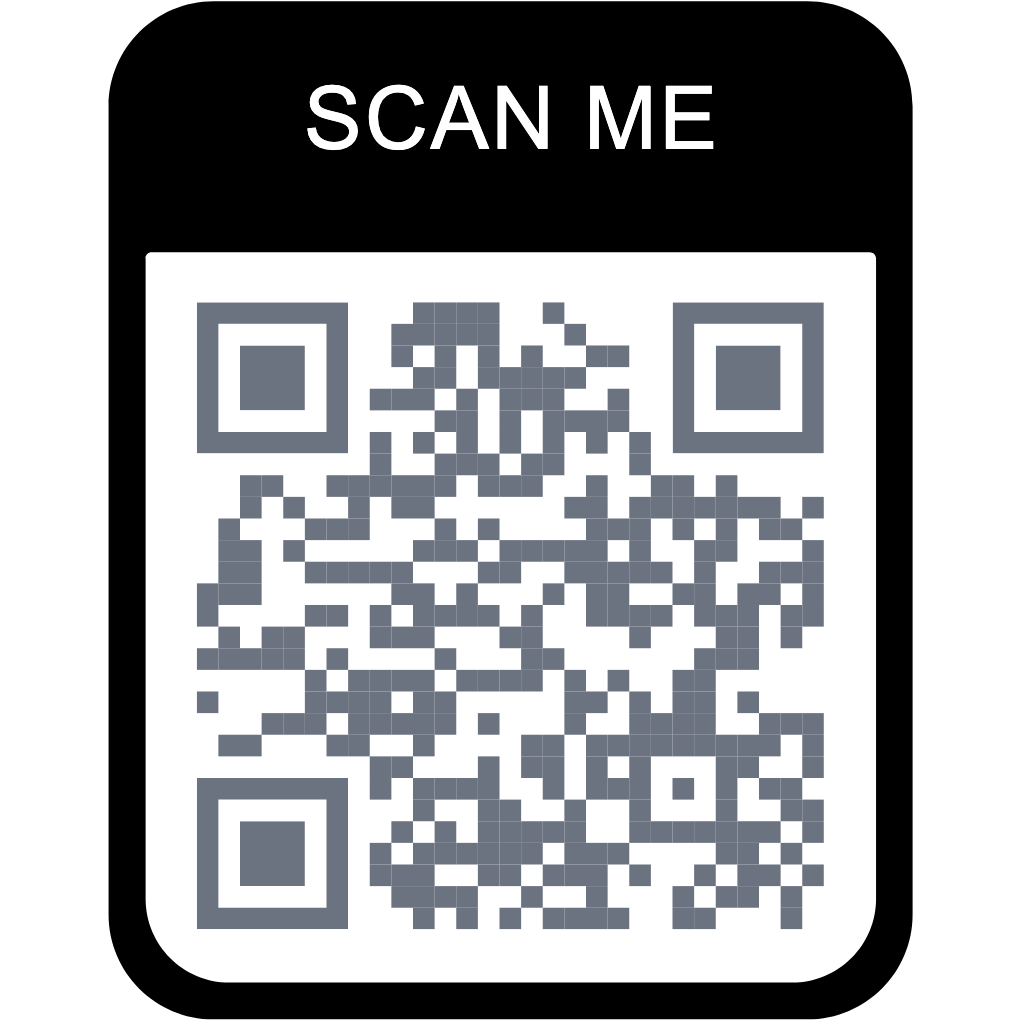
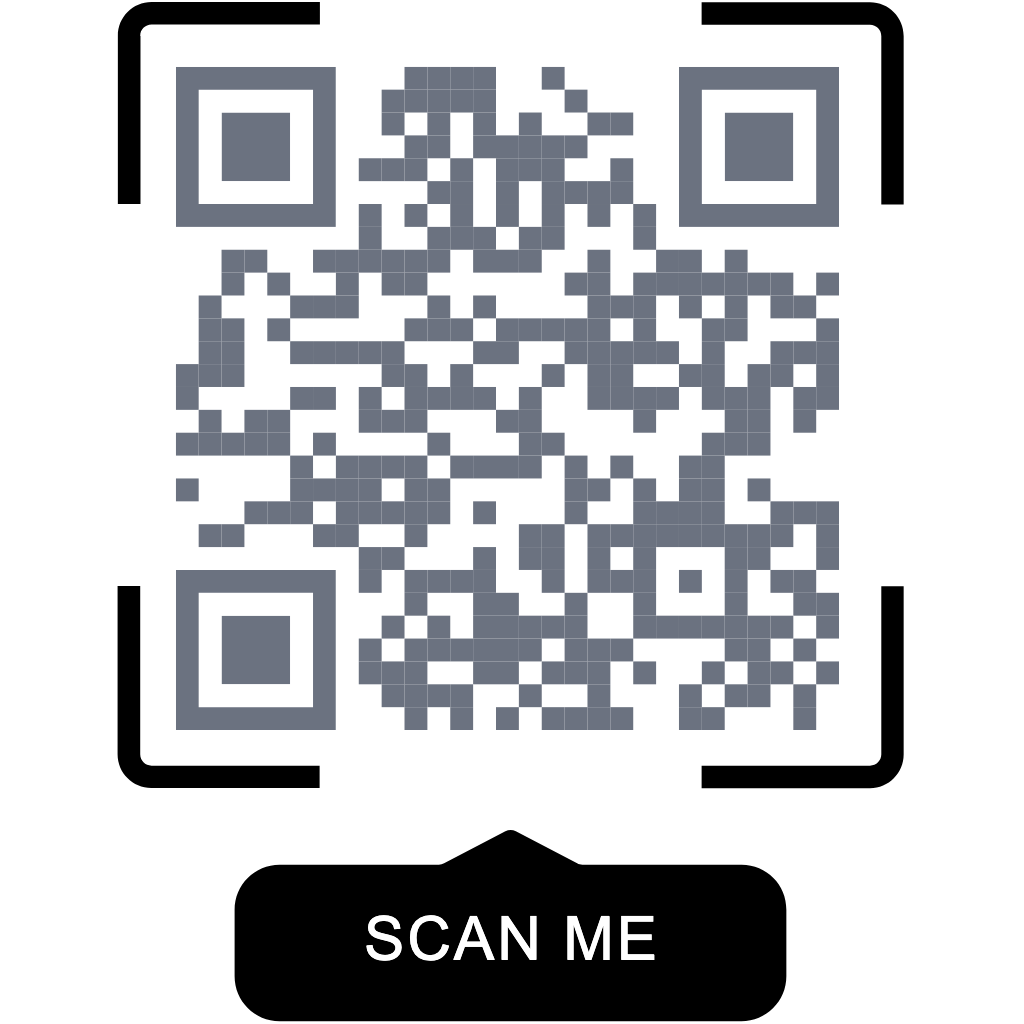
outer_frame String none Stilvorgabe für den Rahmen.
none svg_frame_01 svg_frame_02 svg_frame_03 svg_frame_04 svg_frame_05 svg_frame_06 svg_frame_07 svg_frame_08 svg_frame_09 svg_frame_10 svg_frame_11 svg_frame_12 svg_frame_13 svg_frame_14 svg_frame_15 svg_frame_16 svg_frame_19 svg_frame_22 svg_frame_23 svg_frame_26 svg_frame_27 svg_frame_28 svg_frame_29 svg_frame_30 svg_frame_31 svg_frame_33 svg_frame_34 svg_frame_35 svg_frame_36 svg_frame_38 svg_frame_42 caption_only_v1 classic_thin_outline_v1 classic_rounded_outline_v1 classic_bottom_bar_v1 classic_top_bar_v1 classic_corner_brackets_v1 classic_speech_bubble_v1 colorful_blue_panel_v1 colorful_teal_accents_v1 colorful_coral_accents_v1 colorful_botanical_v1 colorful_celebration_v1 colorful_cafe_v1 illustrated_circle_v1 illustrated_brackets_bottom_v1 illustrated_speech_label_v1 illustrated_brackets_top_v1 illustrated_banner_filled_v1 illustrated_banner_outline_v1 illustrated_cloche_v1 illustrated_beer_v1 illustrated_chef_v1 illustrated_shop_v1 illustrated_drink_v1 illustrated_coffee_v1 illustrated_receipt_v1 illustrated_arrow_v1 illustrated_gift_v1 illustrated_cinema_v1 colorful_womens_day_mimosa_v1 colorful_womens_day_venus_blossom_v1 colorful_womens_day_ribbon_v1 colorful_womens_day_floral_portrait_v1 colorful_womens_day_tulip_garden_v1 colorful_halloween_pumpkin_v1 colorful_halloween_friendly_ghost_v1 colorful_halloween_witch_hat_v1 colorful_halloween_bat_moon_v1 colorful_halloween_haunted_house_v1 colorful_tequila_day_agave_v1 colorful_tequila_day_margarita_v1 colorful_tequila_day_bottle_v1 colorful_tequila_day_lime_sun_v1 colorful_tequila_day_desert_cactus_v1 colorful_new_year_fireworks_v1 colorful_new_year_champagne_v1 colorful_new_year_midnight_clock_v1 colorful_new_year_party_hat_v1 colorful_new_year_disco_ball_v1 colorful_valentines_heart_wings_v1 colorful_valentines_love_letter_v1 colorful_valentines_swan_pair_v1 colorful_valentines_heart_lock_v1 colorful_valentines_rose_v1 colorful_easter_painted_egg_v1 colorful_easter_spring_bunny_v1 colorful_easter_egg_basket_v1 colorful_easter_hatching_chick_v1 colorful_easter_spring_wreath_v1 colorful_april_fools_jester_v1 colorful_april_fools_jack_in_box_v1 colorful_april_fools_moustache_glasses_v1 colorful_april_fools_comedy_mask_v1 colorful_april_fools_pop_up_flower_v1 colorful_eid_crescent_lantern_v1 colorful_eid_dates_v1 colorful_eid_star_medallion_v1 colorful_eid_mosque_v1 colorful_eid_festival_garland_v1 colorful_labor_day_hard_hat_v1 colorful_labor_day_crossed_tools_v1 colorful_labor_day_handshake_v1 colorful_labor_day_gear_v1 colorful_labor_day_raised_fist_v1 colorful_islamic_mihrab_v1 colorful_islamic_open_book_v1 colorful_islamic_prayer_beads_v1 colorful_islamic_pierced_lantern_v1 colorful_islamic_minarets_v1 colorful_songkran_water_bowl_v1 colorful_songkran_elephant_v1 colorful_songkran_jasmine_garland_v1 colorful_songkran_water_splash_v1 colorful_songkran_temple_roof_v1 colorful_fathers_day_tie_v1 colorful_fathers_day_bow_tie_v1 colorful_fathers_day_fishing_v1 colorful_fathers_day_grill_v1 colorful_fathers_day_trophy_v1 colorful_pancasila_golden_star_v1 colorful_pancasila_unity_chain_v1 colorful_pancasila_banyan_v1 colorful_pancasila_bull_v1 colorful_pancasila_rice_cotton_v1 colorful_indonesia_independence_red_white_ribbons_v1 colorful_indonesia_independence_monas_v1 colorful_indonesia_independence_bunting_v1 colorful_indonesia_independence_rosette_v1 colorful_indonesia_independence_bamboo_v1 colorful_hung_kings_bronze_drum_v1 colorful_hung_kings_lotus_v1 colorful_hung_kings_temple_gate_v1 colorful_hung_kings_sacred_mountains_v1 colorful_hung_kings_rice_offerings_v1 colorful_harvest_golden_wheat_v1 colorful_harvest_cornucopia_v1 colorful_harvest_orchard_basket_v1 colorful_harvest_sweetcorn_v1 colorful_harvest_field_sunrise_v1 colorful_thanksgiving_turkey_v1 colorful_thanksgiving_orchard_pie_v1 colorful_thanksgiving_oak_acorns_v1 colorful_thanksgiving_autumn_wreath_v1 colorful_thanksgiving_candle_table_v1 colorful_carnival_feather_mask_v1 colorful_carnival_jester_v1 colorful_carnival_festival_fan_v1 colorful_carnival_parade_drum_v1 colorful_carnival_confetti_v1 colorful_holi_powder_burst_v1 colorful_holi_gulal_bowls_v1 colorful_holi_rangoli_v1 colorful_holi_water_colours_v1 colorful_holi_petal_rain_v1 colorful_columbus_day_tall_ship_v1 colorful_columbus_day_compass_rose_v1 colorful_columbus_day_sea_chart_v1 colorful_columbus_day_sextant_v1 colorful_columbus_day_three_sails_v1 colorful_christmas_fir_tree_v1 colorful_christmas_baubles_v1 colorful_christmas_holly_wreath_v1 colorful_christmas_gingerbread_v1 colorful_christmas_snowy_cottage_v1 colorful_chinese_new_year_lanterns_v1 colorful_chinese_new_year_dragon_v1 colorful_chinese_new_year_lion_dance_v1 colorful_chinese_new_year_plum_blossoms_v1 colorful_chinese_new_year_gold_ingots_v1 colorful_vietnamese_new_year_apricot_blossoms_v1 colorful_vietnamese_new_year_banh_chung_v1 colorful_vietnamese_new_year_spring_bouquet_v1 colorful_vietnamese_new_year_lucky_envelopes_v1 colorful_vietnamese_new_year_kumquat_v1 colorful_food_drink_plate_v1 colorful_food_drink_cloche_v1 colorful_food_drink_takeaway_coffee_v1 colorful_food_drink_mug_v1 colorful_food_drink_menu_v1 colorful_travel_suitcase_v1 colorful_travel_backpack_v1 colorful_travel_luggage_v1 colorful_travel_balloon_v1 colorful_travel_location_v1 colorful_shopping_bag_v1 colorful_shopping_cart_v1 colorful_shopping_gift_v1 colorful_shopping_storefront_v1 colorful_shopping_delivery_truck_v1 colorful_technology_cloud_v1 colorful_technology_atom_v1 colorful_technology_phone_hand_v1 colorful_technology_monitor_v1 colorful_technology_chat_v1 colorful_wellness_medicine_v1 colorful_wellness_medical_bag_v1 colorful_wellness_care_hands_v1 colorful_wellness_wellness_leaves_v1 colorful_wellness_health_pulse_v1 colorful_celebration_teddy_bear_v1 colorful_celebration_bunting_v1 colorful_celebration_balloons_v1 colorful_celebration_ribbon_v1 colorful_celebration_cake_v1 colorful_creative_stationery_v1 colorful_creative_artist_palette_v1 colorful_creative_camera_v1 colorful_creative_music_v1 colorful_creative_book_v1
framelabel String SCAN ME Textbeschriftung des Rahmens (auf 80 Zeichen gekürzt).
label_font String Arial, Helvetica, sans-serif Schriftarten-Stack für die Rahmenbeschriftung.
custom_frame_color String/Bool off Benutzerdefinierte Rahmenfarbe aktivieren.
framecolor String #000000 Rahmen-Hexfarbe im Format #RRGGBB.

Beispiele für Erstellungsanfragen

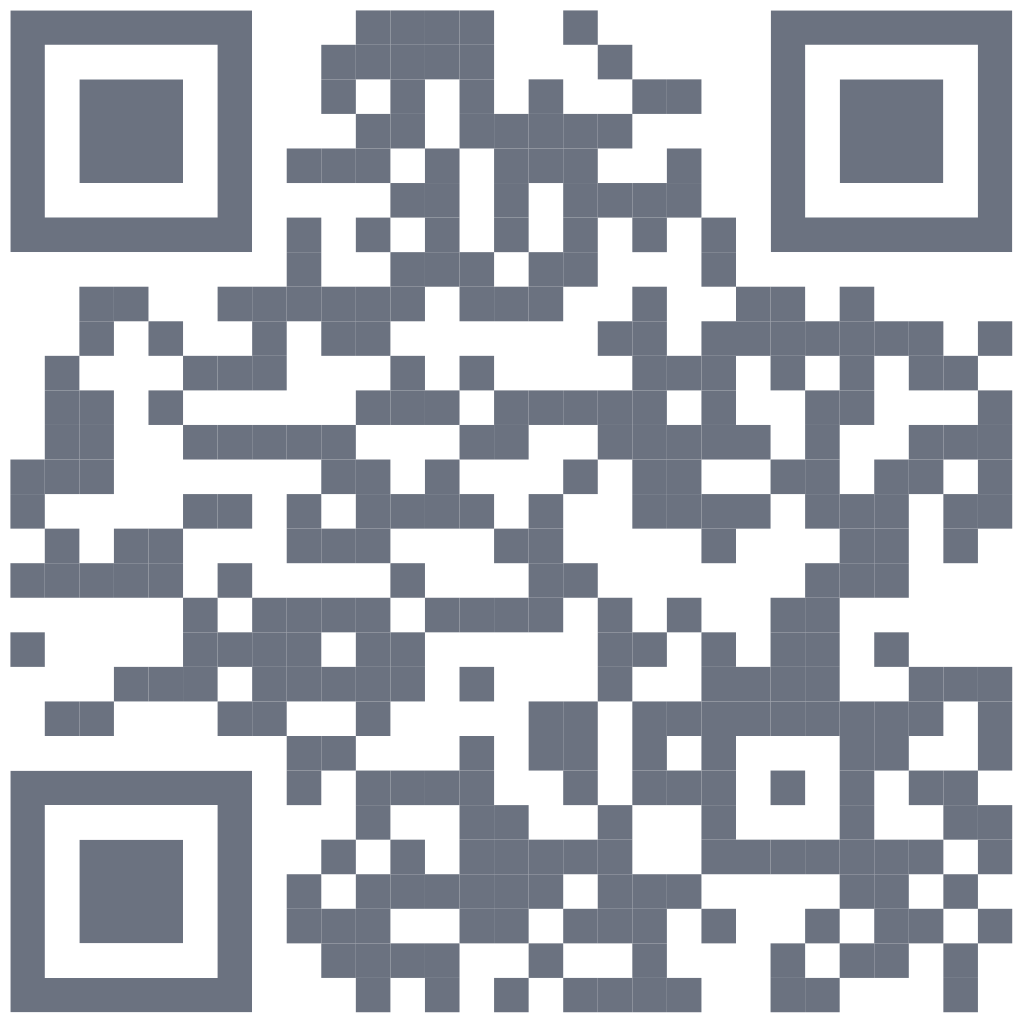
Beispiel: Schlichter QR

No-frills, fast scan

Request Method:
POST
Request URL:
https://createqr.app/api/v1/create
Request Parameters:

All parameters need to be sent as a JSON object in the request body.

{
    "apikey": "ck_live_XXXXXXXXXXXXXXXXXXXXXXXX",
    "data": "https://createqr.app",
    "qrtype": "dynamic",
    "title": "Launch Landing QR",
    "transparent": "off",
    "backcolor": "#FFFFFF",
    "frontcolor": "#000000",
    "marker_out_color": "#000000",
    "marker_in_color": "#000000",
    "pattern": "default",
    "marker": "corner_1",
    "marker_in": "corner_in_1",
    "optionlogo": "none"
}
Request Outcome
Vorschau der Beispielausgabe

Beispiel: Statischer WLAN-QR

Built for distance

Request Method:
POST
Request URL:
https://createqr.app/api/v1/create
Request Parameters:

All parameters need to be sent as a JSON object in the request body.

{
    "apikey": "ck_live_XXXXXXXXXXXXXXXXXXXXXXXX",
    "data": "WIFI:T:WPA;S:CreateQR Guest;P:guest-2026;H:false;;",
    "qrtype": "static",
    "title": "Guest Wi-Fi QR",
    "transparent": "off",
    "backcolor": "#0B1220",
    "frontcolor": "#FFFFFF",
    "marker_out_color": "#F4C84A",
    "marker_in_color": "#F4C84A",
    "pattern": "circle",
    "marker": "corner_3",
    "marker_in": "corner_in_3",
    "optionlogo": "none"
}
Request Outcome
Vorschau der Beispielausgabe

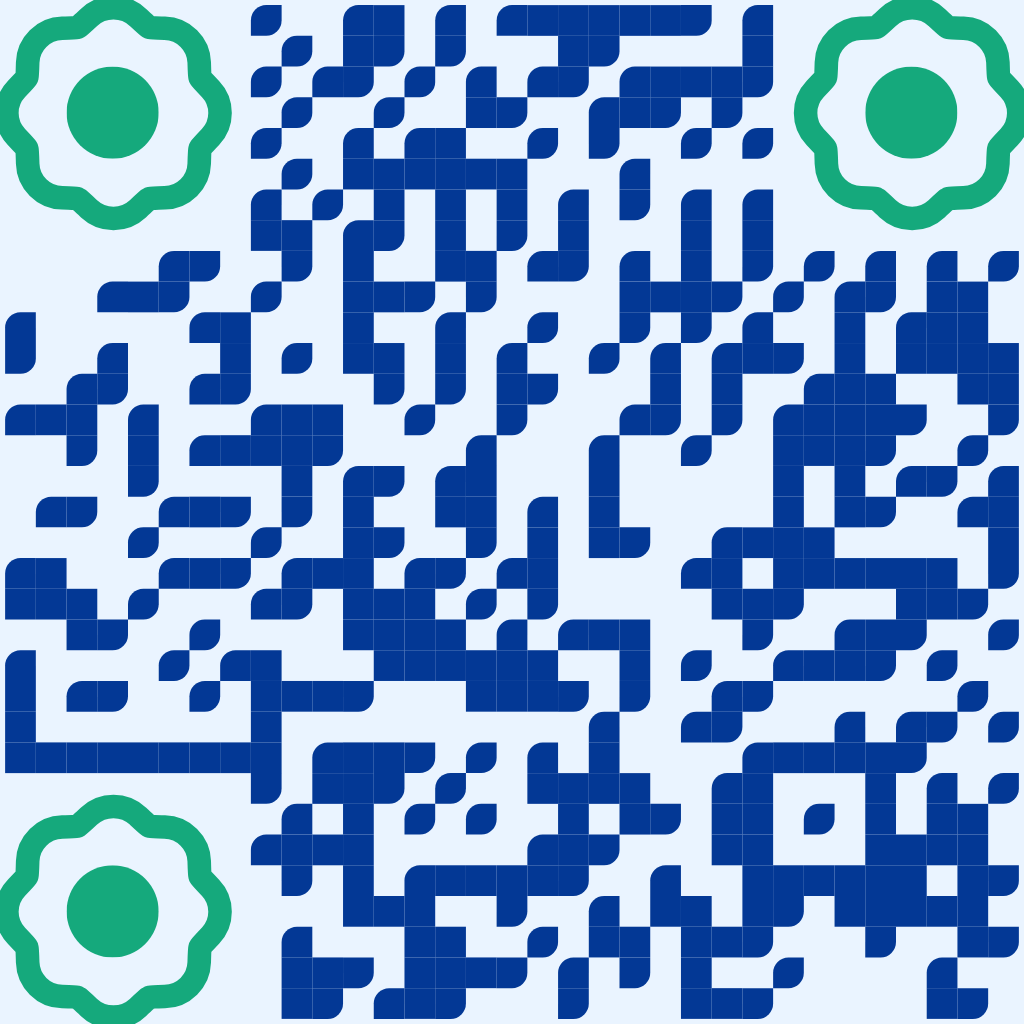
Brand Color

Theme-aligned campaign

Request Method:
POST
Request URL:
https://createqr.app/api/v1/create
Request Parameters:

All parameters need to be sent as a JSON object in the request body.

{
    "apikey": "ck_live_XXXXXXXXXXXXXXXXXXXXXXXX",
    "data": "https://createqr.app/pricing",
    "qrtype": "dynamic",
    "title": "Pricing QR",
    "transparent": "off",
    "backcolor": "#EAF4FF",
    "frontcolor": "#033895",
    "marker_out_color": "#15A97C",
    "marker_in_color": "#15A97C",
    "pattern": "special-circle-orizz",
    "marker": "corner_4",
    "marker_in": "corner_in_4",
    "optionlogo": "none"
}
Request Outcome
Vorschau der Beispielausgabe

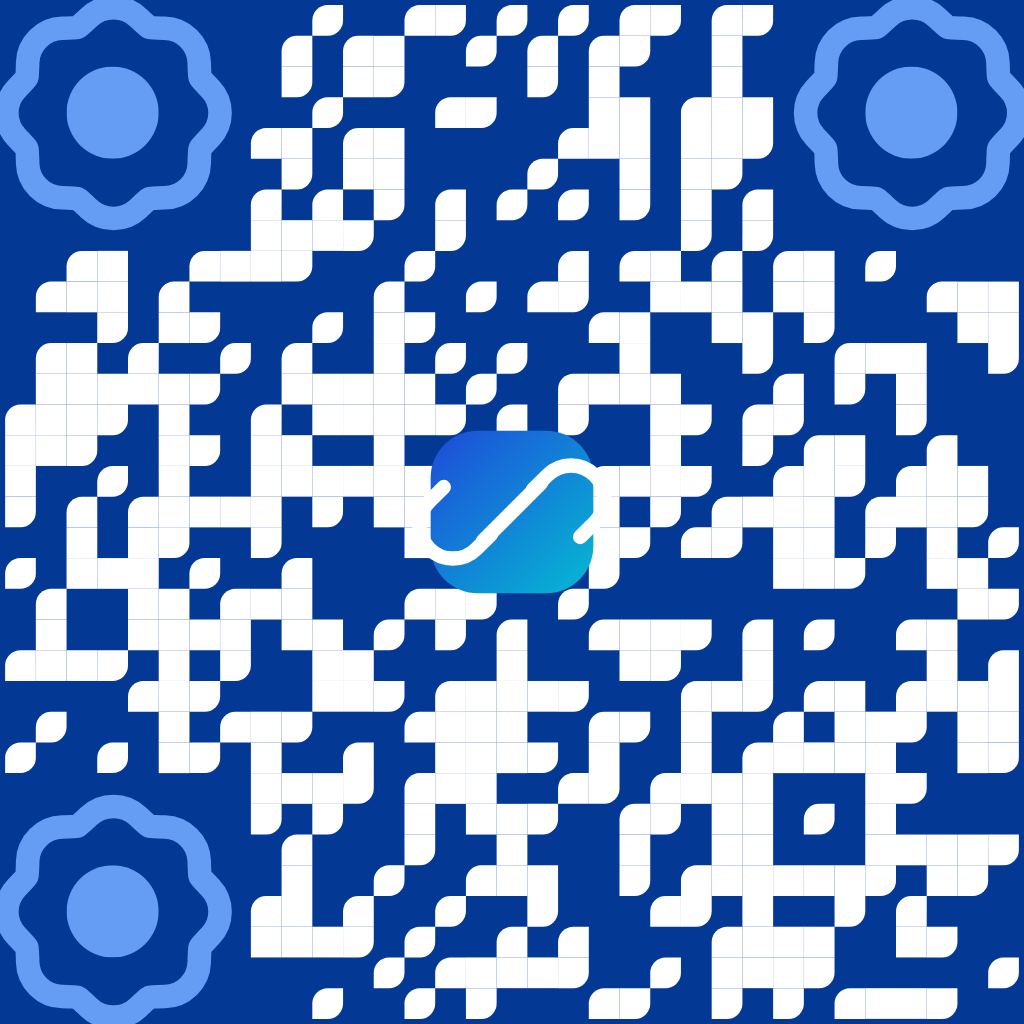
Beispiel: Farbe + Logo

Preset watermark icon

Request Method:
POST
Request URL:
https://createqr.app/api/v1/create
Request Parameters:

All parameters need to be sent as a JSON object in the request body.

{
    "apikey": "ck_live_XXXXXXXXXXXXXXXXXXXXXXXX",
    "data": "https://createqr.app/features",
    "qrtype": "dynamic",
    "title": "Feature Tour QR",
    "transparent": "off",
    "backcolor": "#033895",
    "frontcolor": "#FFFFFF",
    "marker_out_color": "#669DF4",
    "marker_in_color": "#669DF4",
    "pattern": "ribbon",
    "marker": "corner_5",
    "marker_in": "corner_in_5",
    "optionlogo": "/images/watermarks/v2/01-link.svg"
}
Request Outcome

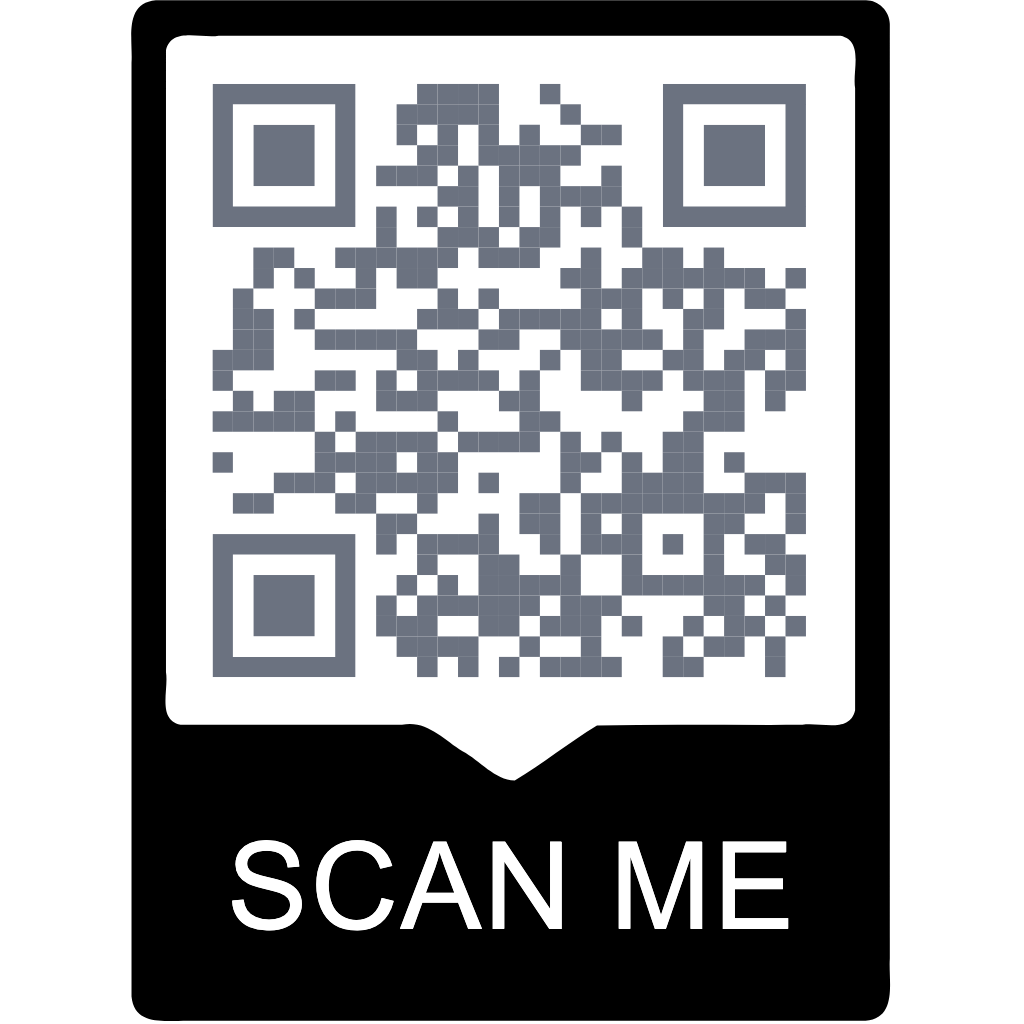
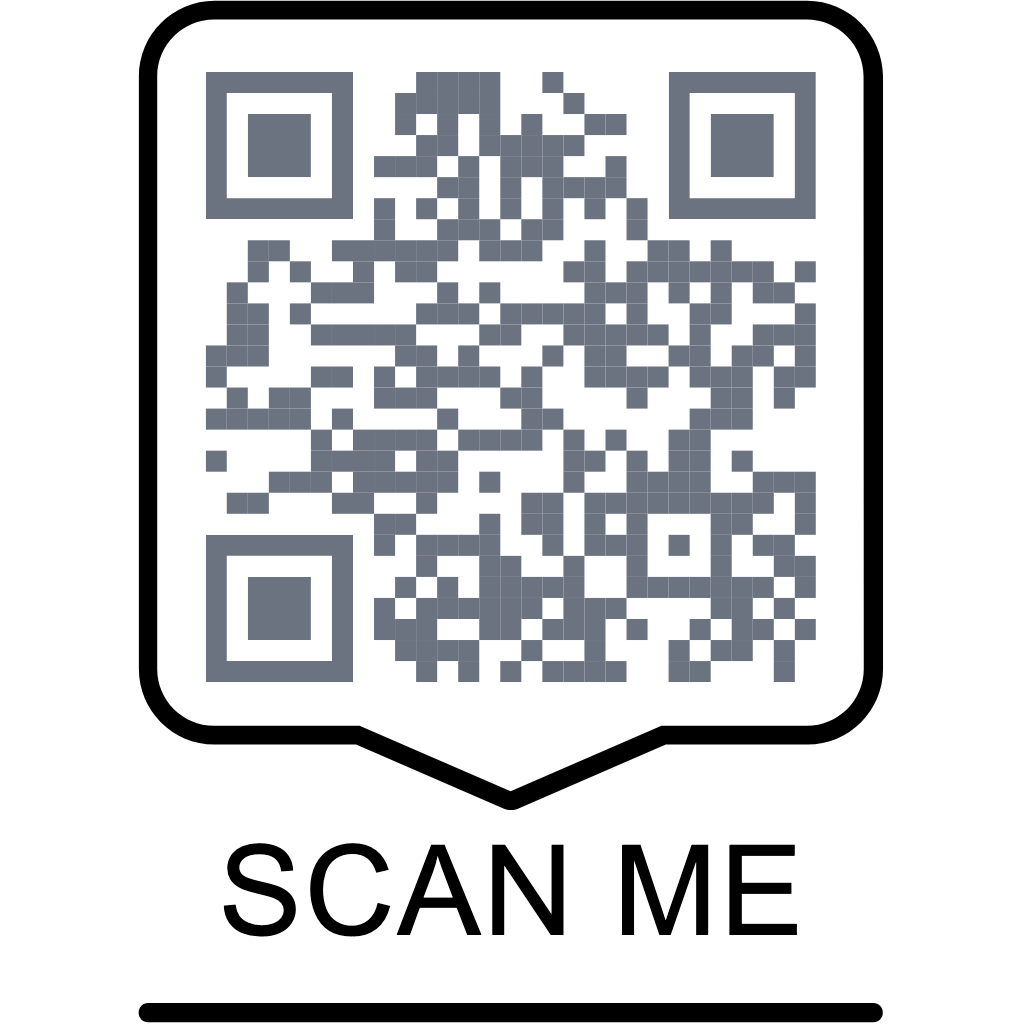
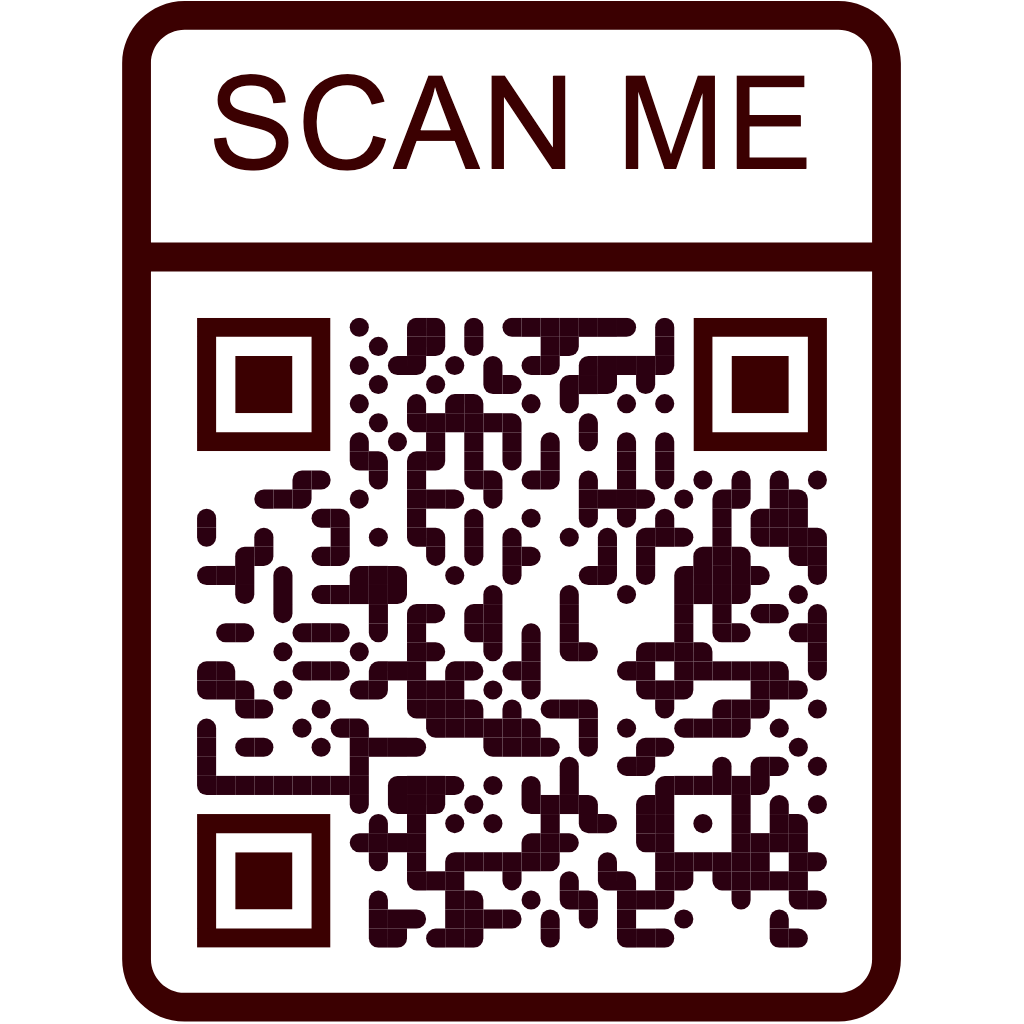
Beispiel: Gerahmter Kampagnen-QR

Poster-ready "SCAN ME"

Request Method:
POST
Request URL:
https://createqr.app/api/v1/create
Request Parameters:

All parameters need to be sent as a JSON object in the request body.

{
    "apikey": "ck_live_XXXXXXXXXXXXXXXXXXXXXXXX",
    "data": "https://createqr.app/pricing",
    "qrtype": "dynamic",
    "title": "Pricing Poster QR",
    "transparent": "off",
    "frontcolor": "#2B0011",
    "marker_out_color": "#3B0001",
    "marker_in_color": "#3B0001",
    "pattern": "ellipse",
    "marker": "corner_8",
    "marker_in": "corner_in_7",
    "optionlogo": "none",
    "outer_frame": "balloon-top",
    "framelabel": "SCAN ME",
    "label_font": "Arial, Helvetica, sans-serif",
    "custom_frame_color": "on",
    "framecolor": "#3B0001"
}
Request Outcome
Vorschau der Beispielausgabe

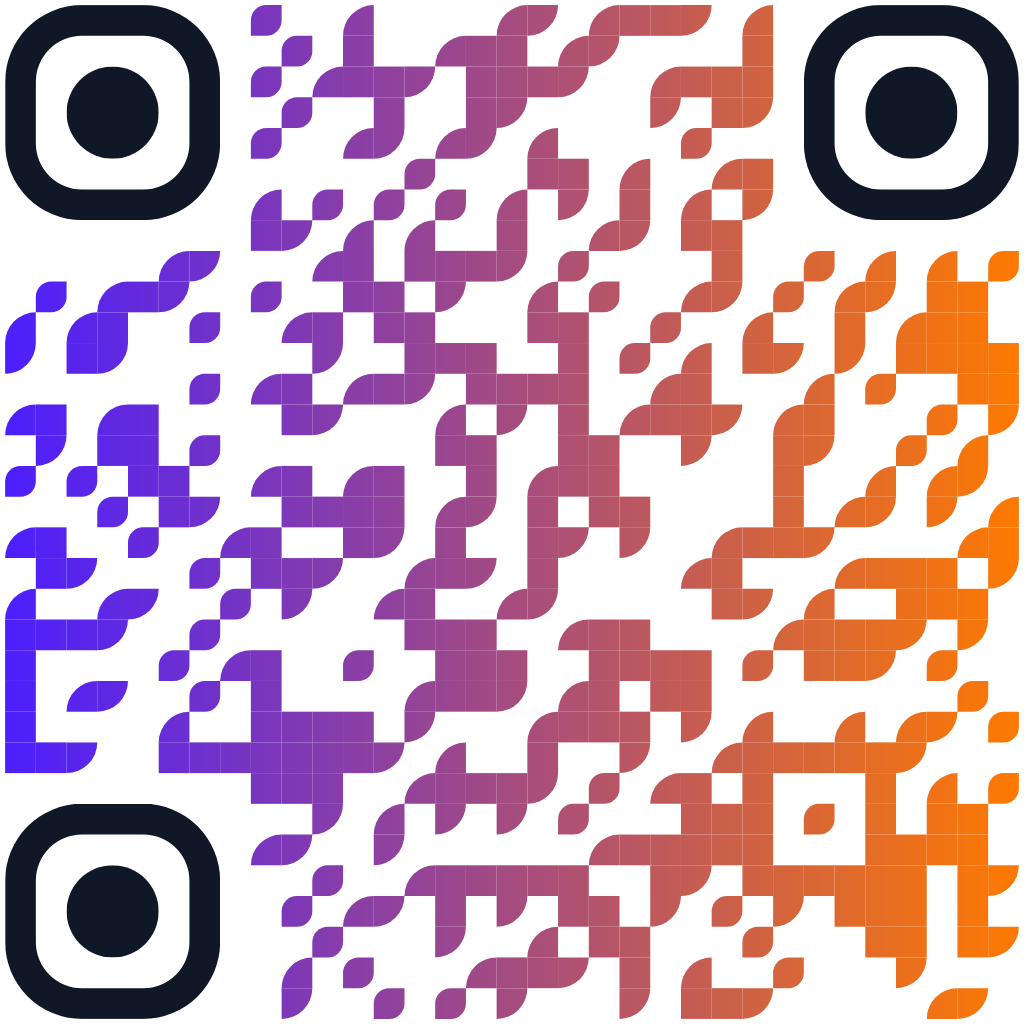
Gradient Mood

Extra style for socials

Request Method:
POST
Request URL:
https://createqr.app/api/v1/create
Request Parameters:

All parameters need to be sent as a JSON object in the request body.

{
    "apikey": "ck_live_XXXXXXXXXXXXXXXXXXXXXXXX",
    "data": "https://createqr.app/why-us",
    "qrtype": "dynamic",
    "title": "Brand Story QR",
    "transparent": "off",
    "backcolor": "#FFFFFF",
    "frontcolor": "#4B1EFF",
    "gradient": "on",
    "radial": "off",
    "gradient_color": "#FF7A00",
    "marker_out_color": "#101828",
    "marker_in_color": "#101828",
    "pattern": "special-diamond",
    "marker": "corner_6",
    "marker_in": "corner_in_8",
    "optionlogo": "none"
}
Request Outcome
Vorschau der Beispielausgabe

Erfolgreiche Antwortstruktur

{
    "success": true,
    "data": {
        "qrid": "1284",
        "svg": "<svg ...>...</svg>",
        "type": "dynamic",
        "title": "Launch Landing QR",
        "dashboard_url": "https://createqr.app/app/qrs/1284",
        "download_url": "https://createqr.app/app/qrs/1284/download/svg"
    },
    "request_id": "0f8fad5b-d9cb-469f-a165-70867728950e"
}

QR-Codes löschen

Löschen Sie einen QR-Code per ID (nur Eigentümer).

POST https://createqr.app/api/v1/delete

Anfrage-Body

{
    "apikey": "ck_live_XXXXXXXXXXXXXXXXXXXXXXXX",
    "qrid": "1284"
}

Antwort

{
    "success": true,
    "data": {
        "deleted": true,
        "qrid": "1284"
    },
    "request_id": "0f8fad5b-d9cb-469f-a165-70867728950e"
}

QR-Codes auflisten

Listen Sie Ihre QR-Codes in Seiten mit je 100 Einträgen auf, neueste zuerst.

POST https://createqr.app/api/v1/list

Verwenden Sie die Paginierung ab 1. Pro Seite werden bis zu 100 Einträge zurückgegeben.

Request-Body

{
    "apikey": "ck_live_XXXXXXXXXXXXXXXXXXXXXXXX",
    "pagination": "1"
}

Antwort

{
    "success": true,
    "data": {
        "pagination": "1",
        "page_size": 100,
        "total": 2,
        "items": [
            {
                "qrid": "1284",
                "title": "Campaign QR",
                "type": "dynamic",
                "created_at": "2026-02-17 09:12:30",
                "short_url": "https://createqr.app/r/a1b2c3",
                "dashboard_url": "https://createqr.app/app/qrs/1284"
            },
            {
                "qrid": "1269",
                "title": "Guest Wi-Fi QR",
                "type": "static",
                "created_at": "2026-02-17 08:02:08",
                "dashboard_url": "https://createqr.app/app/qrs/1269"
            }
        ]
    },
    "request_id": "0f8fad5b-d9cb-469f-a165-70867728950e"
}

Fehlerantworten, Limits und Wiederholungen

Jede Antwort enthält request_id. Bewahren Sie sie auf, wenn Sie den Support kontaktieren, damit wir schnell debuggen können.

Typische Fehlerstruktur

{
    "success": false,
    "error": {
        "code": "validation_error",
        "message": "Static QR is only available for WiFi payloads."
    },
    "request_id": "5f5fbd38-f82f-49ad-bf11-f7f04ca9747a"
}

Wiederholungsstrategie

  • 429 rate_limited: mit exponentiellem Backoff plus Jitter erneut versuchen.
  • Retry-After beachten, wenn vorhanden.
  • 429 monthly_quota_exceeded: auf das Zurücksetzen des Kontingents warten oder einen Schlüssel mit verbleibendem Kontingent verwenden.
  • 5xx: mit begrenzter Anzahl an Versuchen erneut versuchen, dann Ihr Team benachrichtigen.
Fehlercode HTTP Wann es auftritt Was zu tun ist
invalid_api_key 401 Fehlender oder ungültiger API-Schlüssel Geben Sie einen gültigen Schlüssel über Bearer, X-API-Key oder das JSON-Body-Feld an.
invalid_content_type 415 Der Body ist nicht application/json Senden Sie Content-Type: application/json.
request_too_large 413 Die Payload überschreitet das konfigurierte Limit Reduzieren Sie die Body-Größe, insbesondere bei base64-Logos.
plan_upgrade_required 403 Der Tarif ist für die API nicht zulässig Wechseln Sie in Billing zu Business.
validation_error 422 Ungültige Felder wie URL, statischer Payload, Farbe oder folderid Nutzen Sie dynamic für URLs und verwaltete Ziele; nutzen Sie static nur für WLAN-Payloads.
rate_limited 429 Limit pro Minute erreicht Mit exponentiellem Backoff erneut versuchen und Retry-After beachten.
monthly_quota_exceeded 429 Monatliches Kontingent ausgeschöpft Auf das Zurücksetzen warten oder Kontingent- und Schlüsseleinstellungen anpassen.
qr_not_found 404 Das Löschziel fehlt oder gehört Ihnen nicht Prüfen Sie den Besitz von qrid und versuchen Sie es erneut.
internal_error 500 Unerwartetes serverseitiges Problem Mit Backoff erneut versuchen und request_id für den Support aufbewahren.

FAQ

Kurze Antworten auf die Fragen, die wir bei Integrationen am häufigsten sehen.

Wie viele API-Anfragen kann ich ausführen?

Die API ist nur für Business verfügbar. Das monatliche Kontingent ergibt sich aus deinem aktiven Tarif und den Schlüssel-Overrides. Das standardmäßige Business-Kontingent ist hoch, und Admins können es pro Schlüssel fein abstimmen.

Kann ich API-Schlüssel im JSON-Body senden?

Ja. Header-basierte Authentifizierung wird empfohlen, aber die Kompatibilitätsfelder apikey oder api_key im Body werden ebenfalls akzeptiert.

Kann ich über die API statische QR-Codes erstellen?

Ja, aber der statische Modus ist auf WLAN-Payload-Strings beschränkt. Nutzen Sie den dynamischen Modus für URLs, PDFs, Menüs, Apps, Social Pages und andere verwaltete Ziele.

Werden per API erstellte QRs in meinem Dashboard angezeigt?

Ja. Jede erfolgreiche Erstellung wird in deinem Konto gespeichert und kann wie jeder andere QR verwaltet werden.

Was passiert, wenn ich Limits erreiche?

Du erhältst JSON-Fehler. Bei 429-Antworten beachte Retry-After und verwende exponentielles Backoff mit Jitter.

Kann ich einen QR aus einem anderen Konto löschen?

Nein. Löschen und Auflisten sind auf den Eigentümer des authentifizierten API-Schlüssels beschränkt.

Sicherheits-Best-Practices

  • API-Schlüssel niemals ungeschützt in Browser-JavaScript, mobilen Bundles oder öffentlichen Repositories offenlegen.
  • Verwenden Sie IP-Allowlists für API-Schlüssel, um die Nutzung auf vertrauenswürdige Server zu beschränken.
  • Protokollieren Sie request_id zusammen mit Ihren eigenen Trace-IDs, um Vorfälle schneller zu analysieren.
  • Rotieren Sie Schlüssel regelmäßig und sofort nach dem Bekanntwerden von Zugangsdatenlecks.
API-Schlüsselverwaltung öffnen